

Apolo Launcher v2.0.7 Premium APK – Best Download
Apolo Launcher is a lightweight Android home-screen replacement that restyles icons, colours, folders and widgets, hides private apps and surfaces weather, chat and call notifications on one customisable screen.
Screenshots
Take a closer look at Apolo Launcher.
Apolo Launcher: A Customisable Android Home Screen
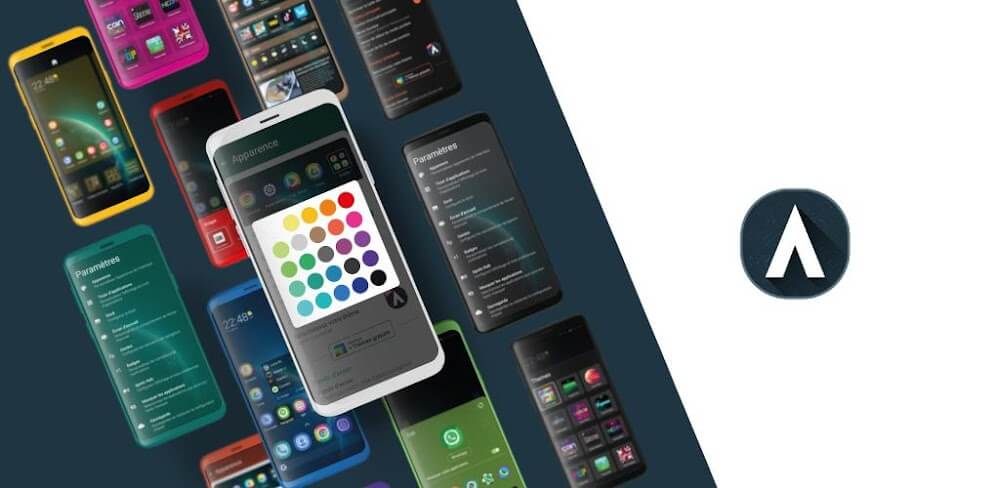
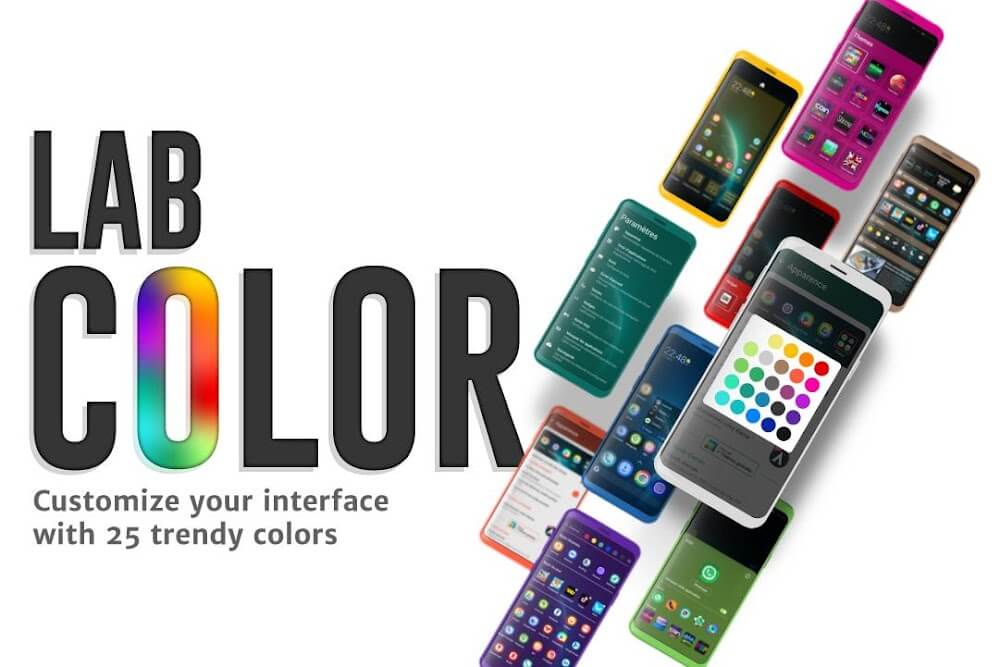
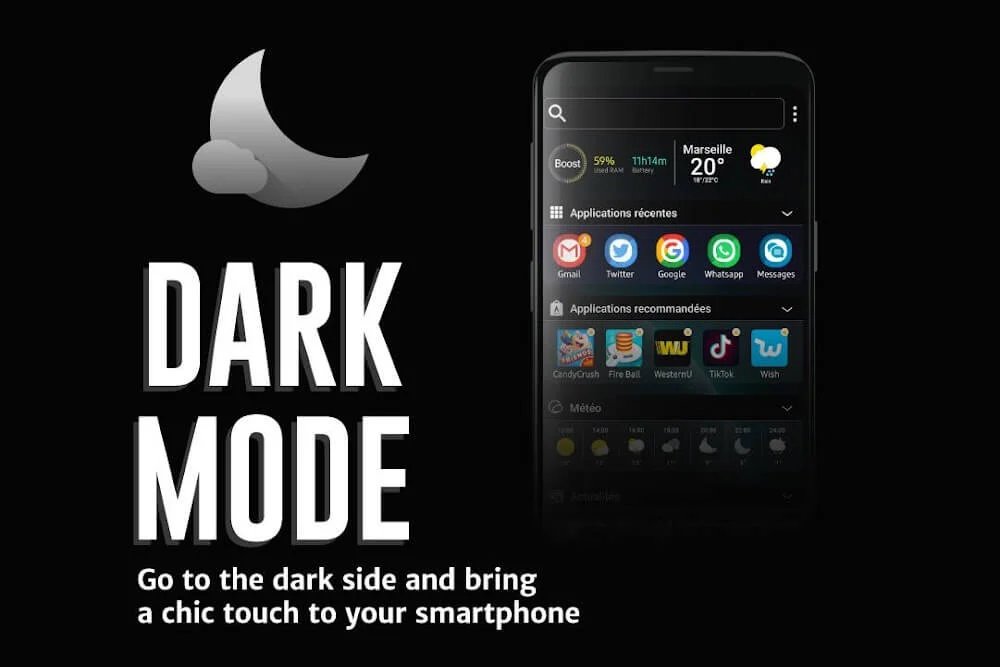
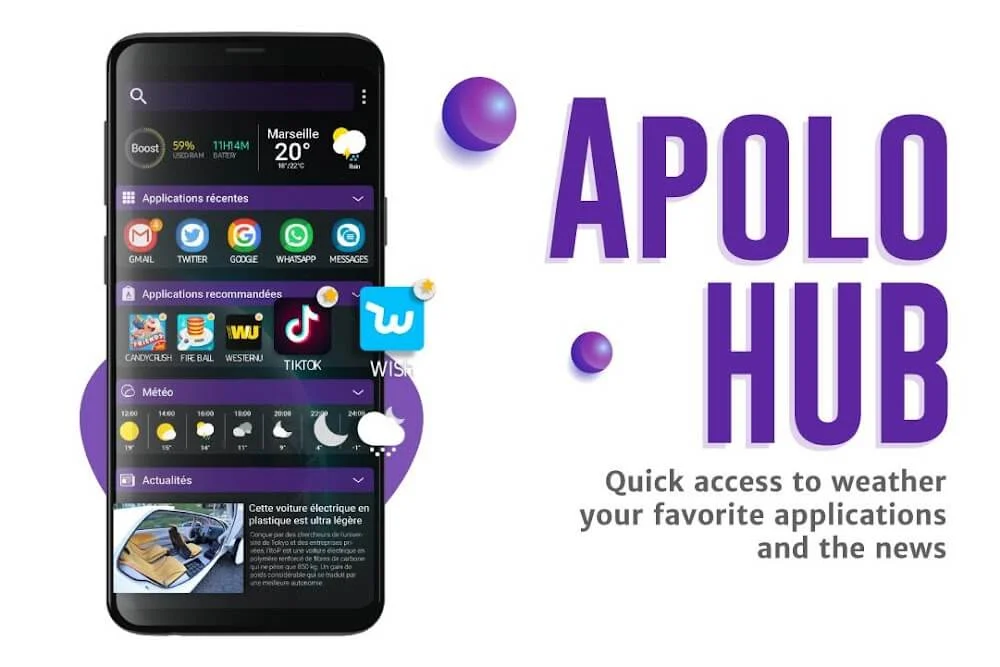
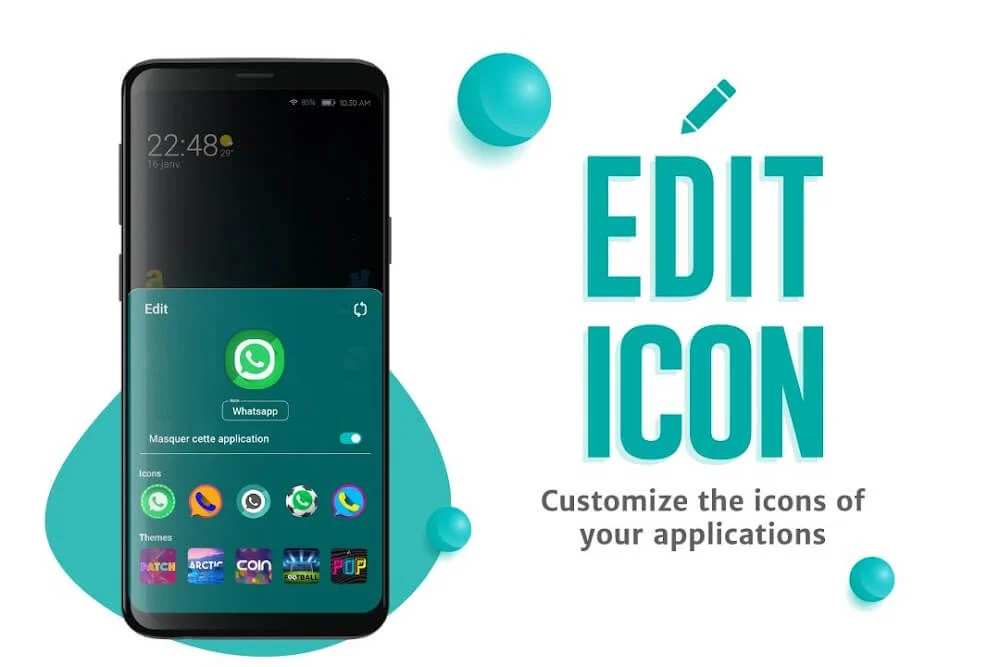
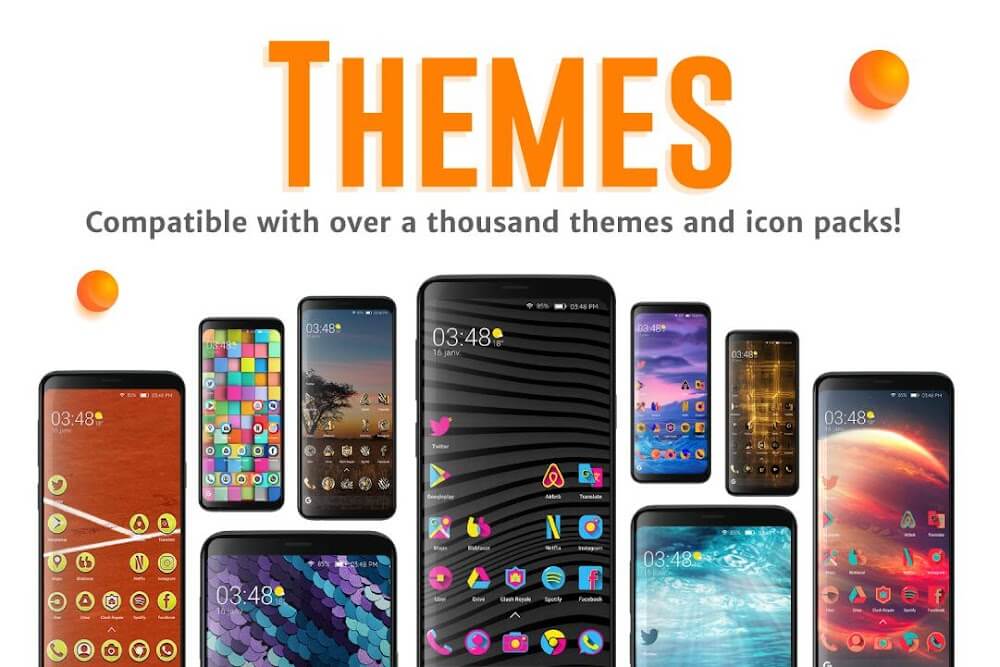
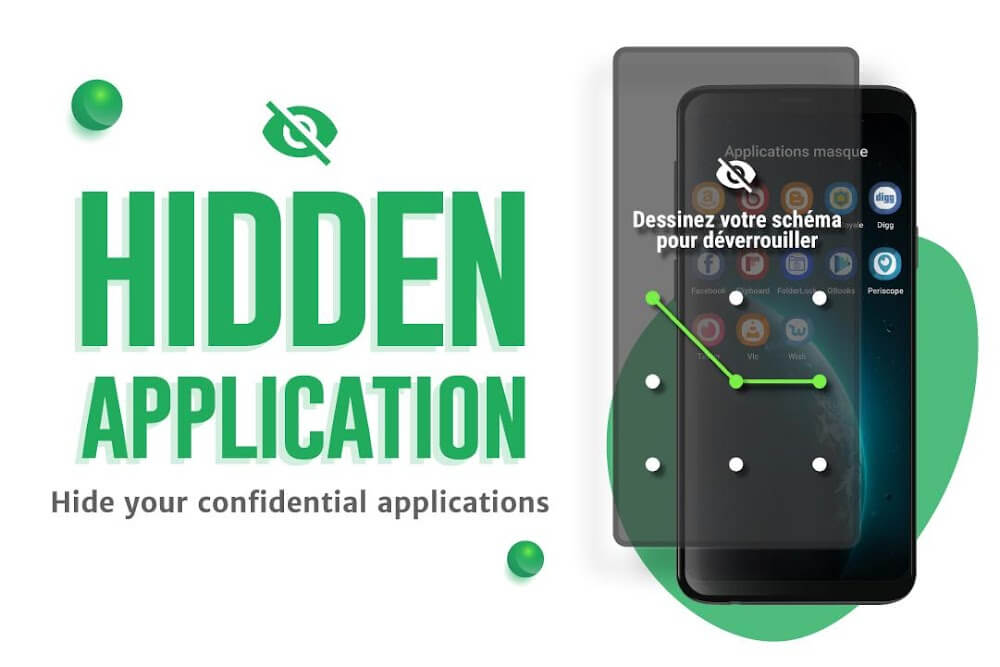
Apolo Launcher replaces the stock home screen with a layout you control. Icons, folders and widgets can be resized and recoloured, a 25-shade palette sets the accent colour across the theme, and a library of wallpapers and looks changes the whole feel without installing anything else. Apps you would rather keep quiet can be hidden from the app drawer, which is useful on a shared or work phone. A notification strip shows weather, messages and incoming calls, and holding it opens the full preview. It is a visual tool, not a horror game like Amnesia: The Dark Descent, so the payoff is a tidier, more personal daily screen.
Key Features
- ✓Icon Size and Colour Control
- ✓25-Shade Colour Palette
- ✓Hidden and Locked Apps
- ✓Theme and Wallpaper Library
- ✓Long-Press Notification Preview
- ✓Home Screen Widget Styling
- ✓Booster and Cleanup Shortcuts
Frequently Asked Questions
Is Apolo Launcher free to use?
The official release downloads free and most of the everyday customisation works without paying, with a premium tier covering extra options. Premium-unlocked packages circulating on APK sites are published by third parties rather than by Mad Seven, so they are not officially supported.
Can I hide apps from the home screen?
Yes. Selected apps can be hidden from the app drawer, so they stay installed but out of sight, which is handy when someone borrows the phone at work or in a shared household.
How do I make Apolo Launcher my default?
Install it, then open Android's default apps settings and choose it as the home app, or accept the prompt Android shows when you press the home button. Switching back to your previous launcher follows the same route at any time.
Do notifications appear on the home screen?
The launcher places a notification strip on the home screen for weather, chat messages and incoming calls. Pressing and holding that strip opens a fuller preview, so you can check a message without opening the app itself.
Can I change icon size and colours?
Yes. Icon size, colour and arrangement are adjustable, and the 25-shade palette changes accent colours across folders, widgets and theme elements, which is the quickest way to make two phones running the same launcher look nothing alike.
What happens to my layout if I uninstall it?
Shortcuts, folders and wallpapers set inside the launcher belong to the launcher, so removing it discards that arrangement and returns you to the stock home screen. Installed apps and your Google account stay untouched throughout.





Comments (0)
Share your experience with Apolo Launcher.