
YouTube ReVanced v21.38.130 Mod APK – Best Download
YouTube ReVanced APK is a patched YouTube client for Android that blocks video and banner ads, unlocks background playback, and adds SponsorBlock, Return YouTube Dislike, and extra playback controls.
Screenshots
Take a closer look at YouTube ReVanced APK.
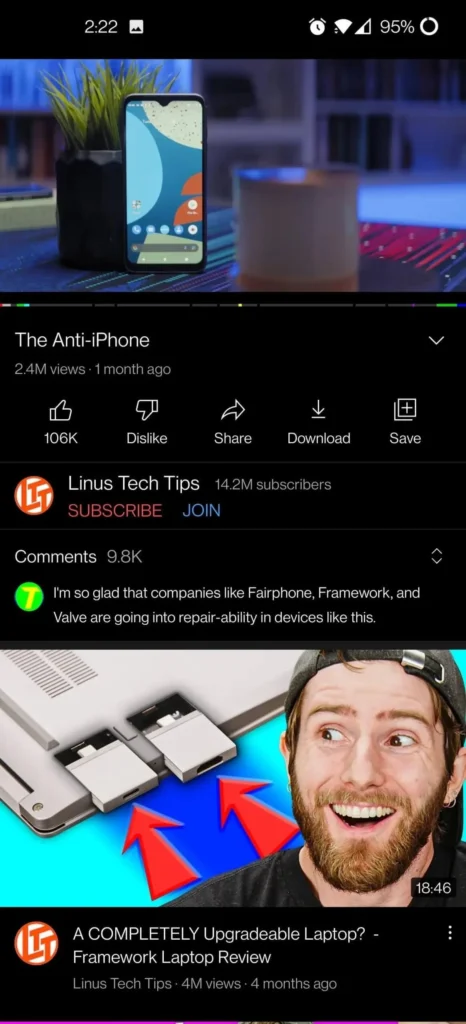
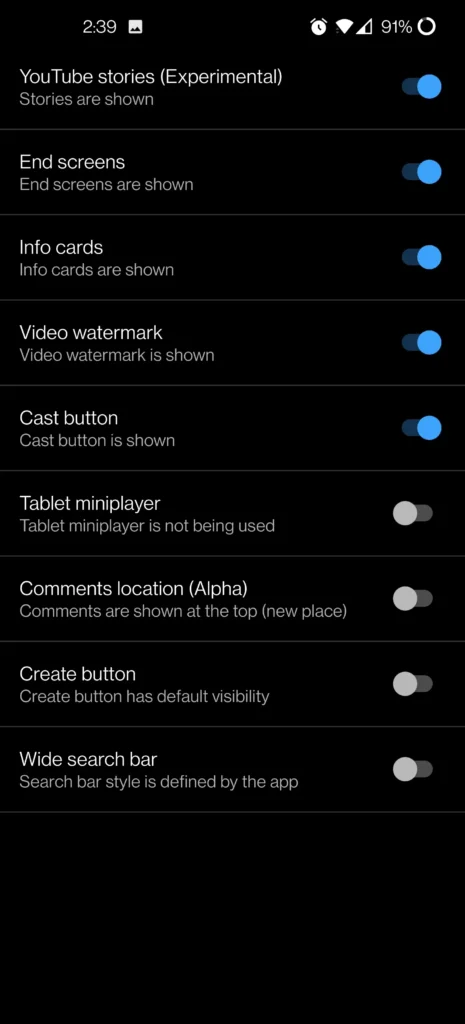
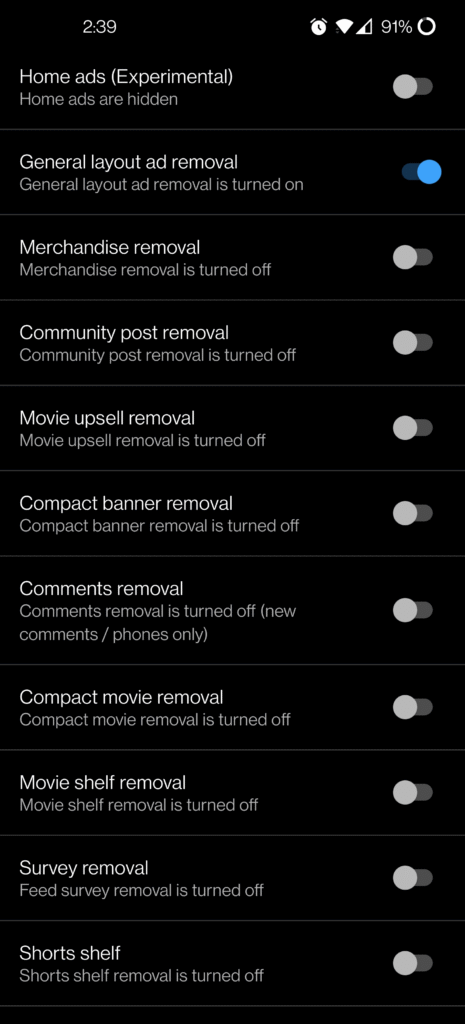
Ad-Free YouTube with Background Play and Sponsor Skipping
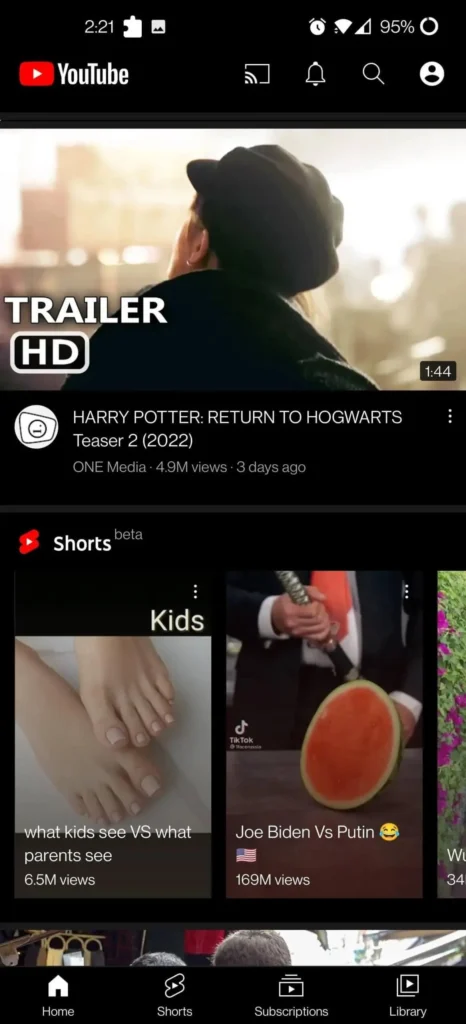
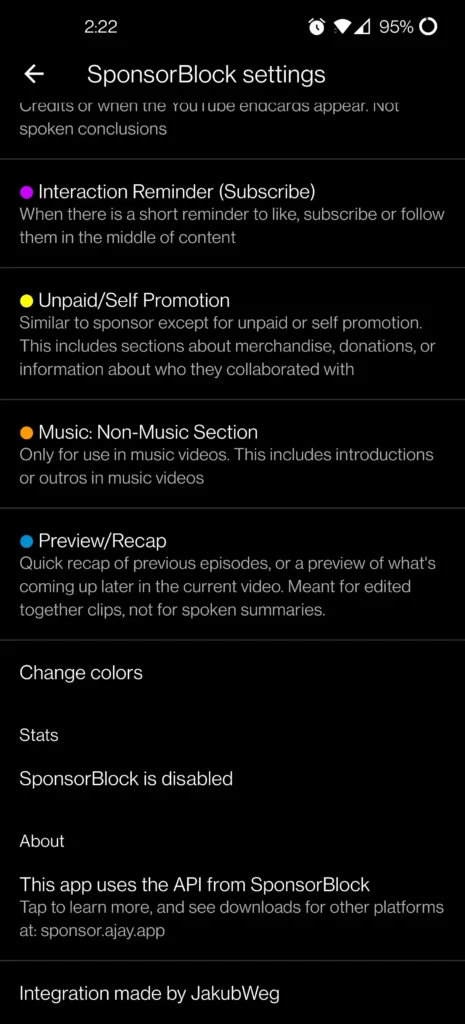
The YouTube ReVanced APK is a community-built patch set that turns the standard YouTube client into an ad-free, feature-rich player on Android. It blocks video, banner, and sponsored segments, keeps audio running when the screen locks, and restores the dislike counter millions of viewers missed. Patches are applied to an official YouTube APK through ReVanced Manager, so the interface stays familiar while adding playback speed presets, swipe brightness and volume controls, and a configurable quality lock. MicroG replaces Google services for sign-in, letting you keep subscriptions and playlists. Readers who also stream live channels often pair it with EasyPlay TV. The result is a lighter, faster viewing setup that respects your bandwidth and attention.
Key Features
- ✓Ad-Free Video Playback
- ✓Background Audio Playback
- ✓SponsorBlock Segment Skipping
- ✓Return YouTube Dislike
- ✓Swipe Brightness and Volume
- ✓Custom Playback Speed Control
- ✓MicroG Account Sign-In
Frequently Asked Questions
What is YouTube ReVanced APK?
It is a patched build of the official YouTube Android client. Open-source ReVanced patches strip out video and banner ads, unlock background playback, add SponsorBlock and Return YouTube Dislike, and expose extra playback controls, while keeping the layout people already know from the standard app.
Is YouTube ReVanced APK safe to install on Android?
The patches are open source and hosted on GitHub, so the modifications can be reviewed by anyone. The package itself is not distributed through Google Play, which means you should download it only from a source you trust, check the published file hash when one is available, and scan the APK before installing.
Do I need MicroG to sign in with ReVanced YouTube?
Yes, on non-rooted phones. MicroG (GmsCore) stands in for Google Play Services so that account sign-in, subscriptions, and playlists keep working normally. Install MicroG first, then the patched YouTube APK, and leave both apps on the device so authentication does not break.
What Android version does YouTube ReVanced APK need?
Current builds generally require Android 8.0 or higher. Older releases on Android 6 or 7 are usually unsupported, and a few patches may behave differently depending on your device and the exact YouTube version you choose to patch.
Can ReVanced YouTube play audio with the screen off?
Yes. Background playback is one of the core patches, so audio keeps running when you switch apps, lock the screen, or use picture-in-picture. That makes it practical for podcasts, music mixes, and long interviews while you work on something else.
How do I update when a newer version is released?
Install the newer YouTube ReVanced APK over the existing one from the same source to preserve your data, or re-patch a newer supported YouTube version inside ReVanced Manager. Removing MicroG is not required. Because supported YouTube versions change often, read the release notes before you update.




Comments (0)
Share your experience with YouTube ReVanced APK.