
Photoshop Express v18.4.40 Mod APK – Best Download
Photoshop Express is Adobe's free Android photo editor for one-tap fixes, AI retouching, filters, collages and text overlays, letting you clean up, restyle and share images straight from your phone.


Screenshots
Take a closer look at Photoshop Express.
Adobe's One-Tap Android Photo Editor and Collage Maker
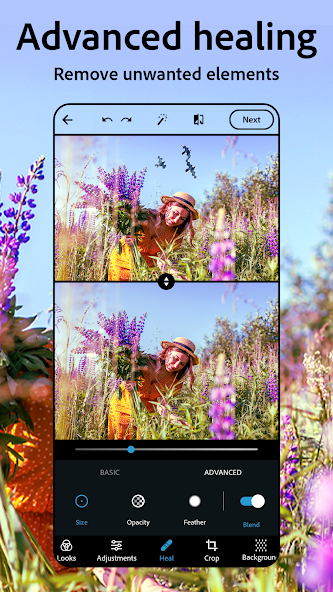
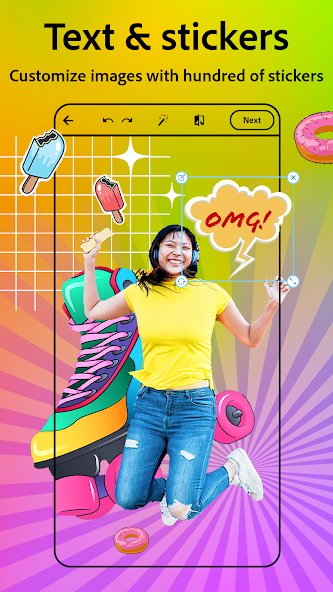
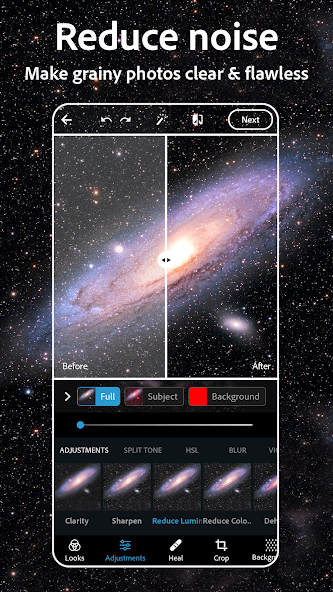
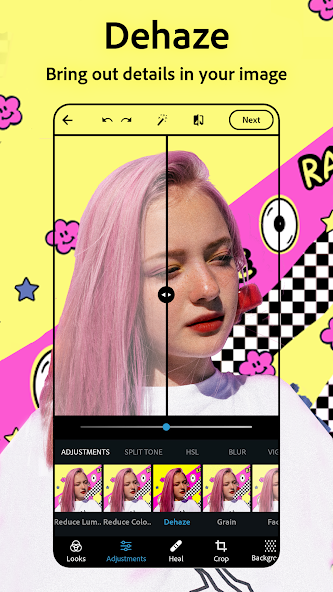
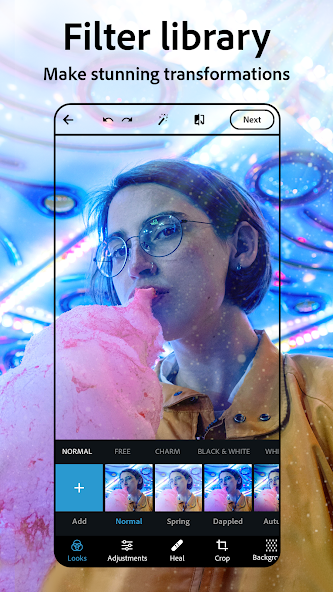
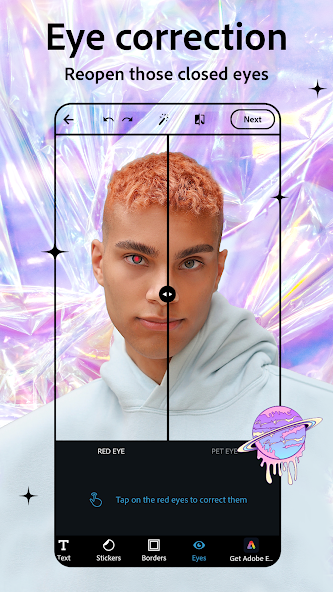
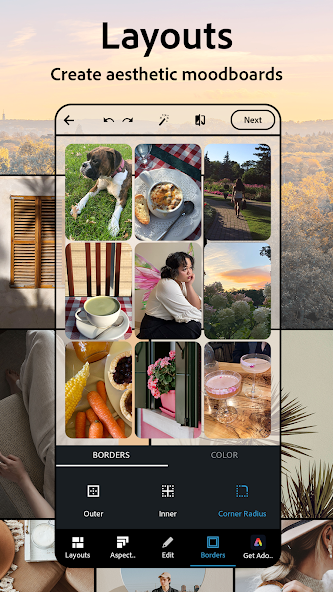
Adobe's mobile photo editor handles everyday image work in a few taps. Photoshop Express covers crop, straighten, perspective correction and one-tap auto enhance, then layers on sliders for exposure, colour temperature, clarity and noise reduction. Its AI tools remove objects, swap backgrounds and retouch skin, while the airbrush and heal controls clear blemishes and red eye. A built-in collage maker arranges photos into ready grids, and text, stickers and custom watermarks finish social-ready posts. RAW, TIFF and PNG files import directly, and exports share straight to Instagram, TikTok or Pinterest. If you need deeper colour grading rather than quick edits, Lightroom Photo & Video Editor is the natural next step from the same developer.
Key Features
- ✓One-Tap Auto Enhance
- ✓AI Object Removal
- ✓Airbrush Face Retouch
- ✓Filters, Presets and Looks
- ✓Photo Collage Maker
- ✓Text, Stickers and Watermarks
- ✓RAW, TIFF and PNG Import
Frequently Asked Questions
What is Photoshop Express used for?
Photoshop Express is Adobe's mobile editor for fast, everyday image work: crop and straighten a shot, apply one-tap auto enhance, then fine-tune exposure, colour and clarity with sliders. AI tools remove unwanted objects, replace backgrounds and retouch portraits, while blemish removal, red eye correction and airbrush controls clean up selfies. You can also build collages from grid templates and add text, stickers or watermarks before exporting to Instagram, TikTok, Pinterest, Snapchat or Facebook. RAW, TIFF and PNG files are supported on import.
Is Photoshop Express free to download?
Yes, Photoshop Express is free to install from Google Play, and the core editing toolkit works without paying. The listing shows in-app purchases, and Adobe's Premium tier unlocks extra features plus more precise manual controls. User reviews frequently note that several advanced tools sit behind that subscription, so expect upsell prompts alongside the free editing experience.
What Android version does Photoshop Express require?
Adobe's official system requirements list Android 8.0 and later, while current build listings for version 18.4.40 state Android 9.0 or higher. A phone on Android 9 or newer gives the safest experience. Adobe also notes that an internet connection plus a free Adobe account are needed for activation, validation and online services.
Does the app work without an internet connection?
Partly. Adobe states that an internet connection and registration are required to activate and use the product, and subscription checks plus online services such as the AI tools need connectivity. Basic local adjustments like cropping, filters and preset application generally keep working on-device once you are signed in, so keep Wi-Fi or mobile data handy for anything that talks to Adobe's servers.
Can it edit RAW and TIFF photos?
Yes. The Google Play listing for Photoshop Express confirms upload support for multiple source formats, including RAW, TIFF and PNG, alongside standard JPEG images. That makes it a practical first stop for photographers who want to make a quick mobile adjustment before moving a file into a desktop workflow.
Does the editor include a collage maker?
Yes. A built-in collage maker combines several pictures into pre-made grids with adjustable borders, spacing and background colours, so you can assemble trip recaps, before-and-after sets or meme layouts without opening a separate design app. Fonts, stickers and custom watermarks are available for labelling the finished collage before you share it.
You might also like
6





Comments (1)
Share your experience with Photoshop Express.
One Comment