

Lightroom Photo & Video Editor v11.6.01 APK – Best Download
Lightroom Photo & Video Editor is Adobe's Android photo and video editor with AI presets, RAW capture, masking, and cloud sync, offered here as a mod build with premium tools unlocked.

Screenshots
Take a closer look at Lightroom Photo & Video Editor.

Lightroom Photo & Video Editor on Android
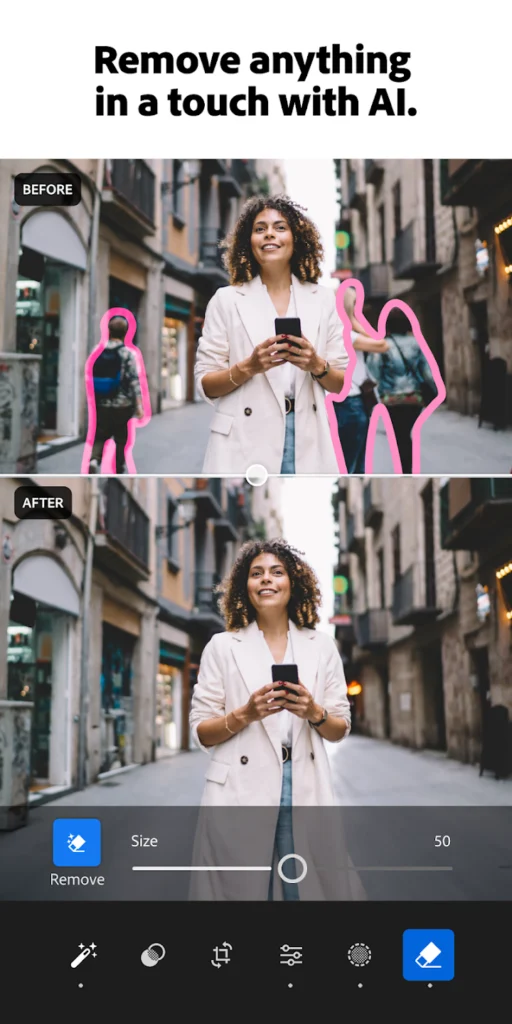
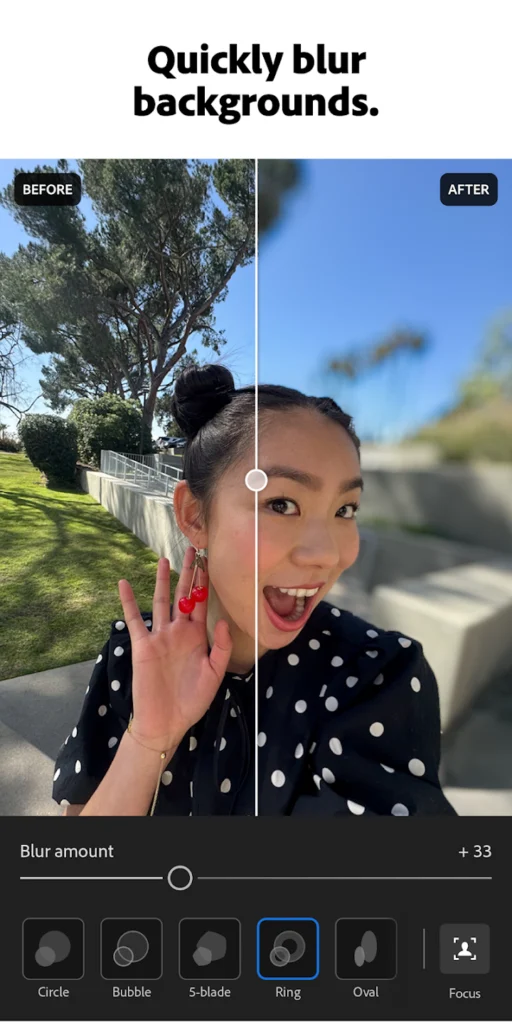
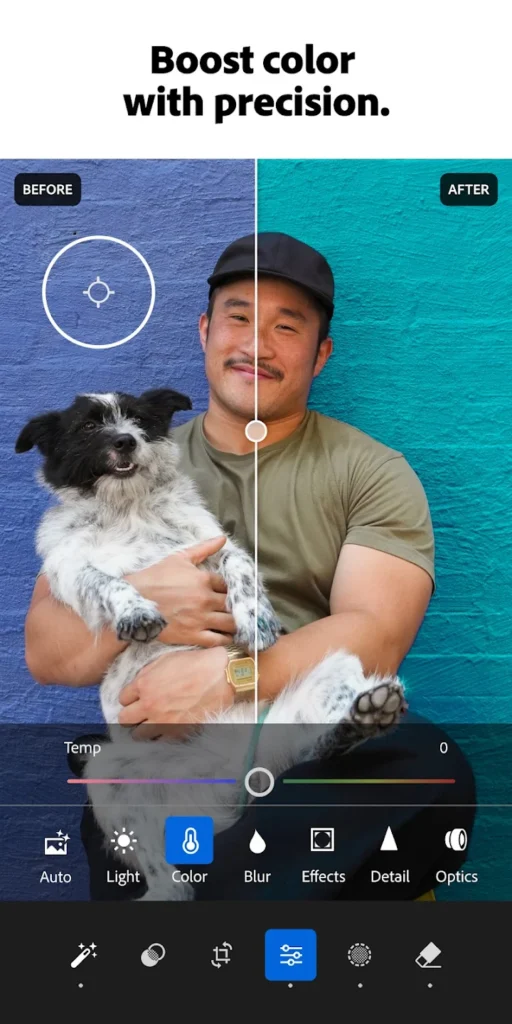
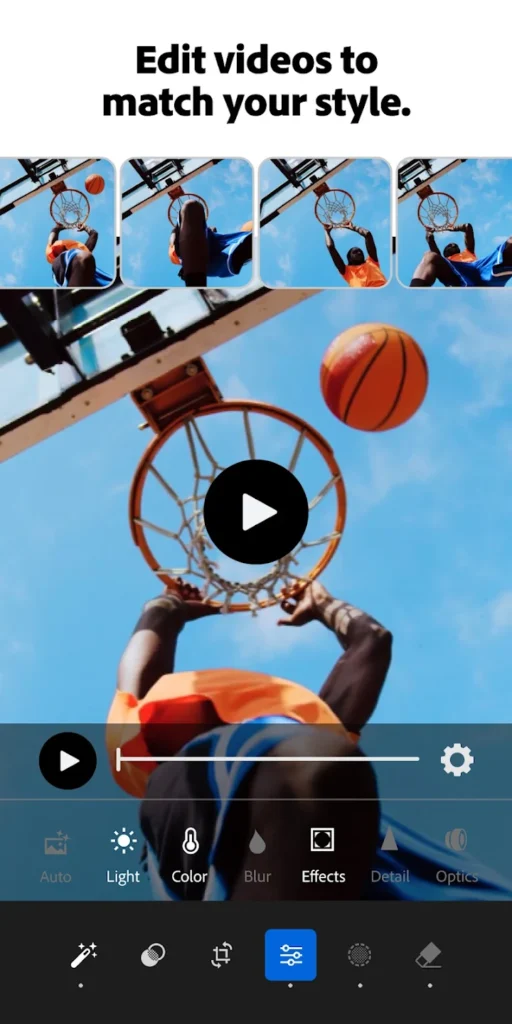
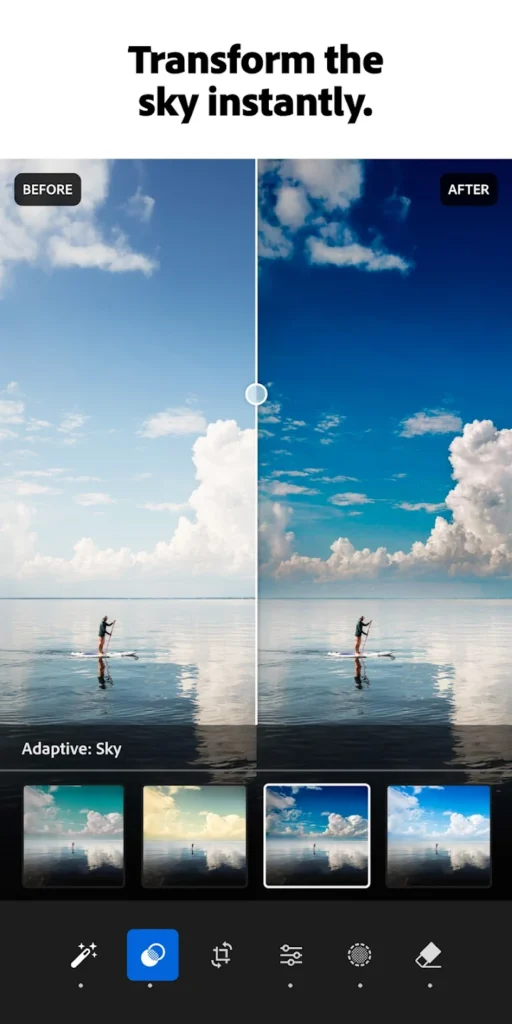
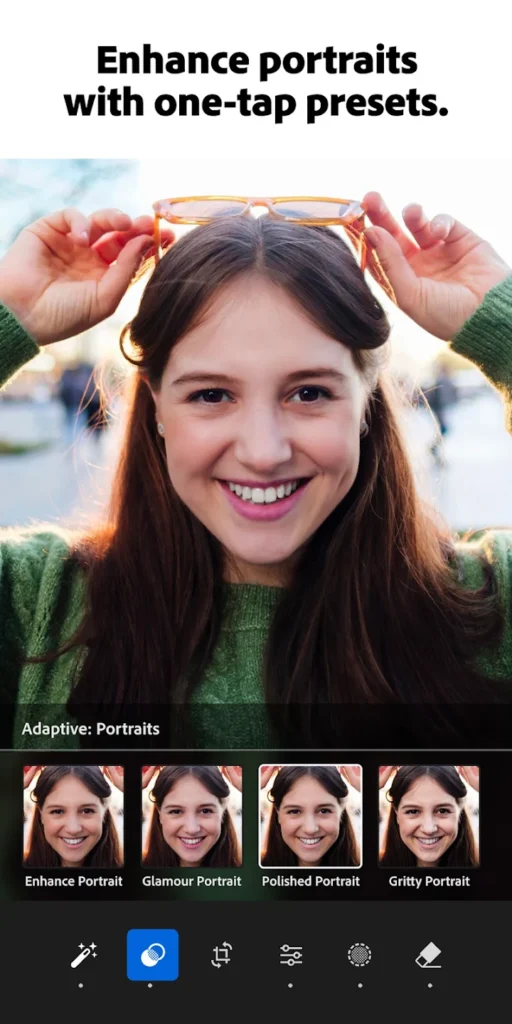
Lightroom Photo & Video Editor is Adobe's mobile editing suite for Android, bringing desktop-grade RAW and JPEG processing to phones and tablets. It covers one-tap Quick Actions, Adaptive Presets, AI masking, Generative Remove, background blur, and manual sliders for light, color, and detail, then applies similar adjustments to short video clips. A built-in manual camera shoots DNG RAW with control over ISO, shutter speed, and focus, so edits start from the richest possible file. Projects sync through an Adobe account, and local edits continue working offline on a single device. Photographers who also handle documents usually keep Adobe Acrobat Reader installed alongside it.
Key Features
- ✓One-tap AI presets
- ✓Precise light and color sliders
- ✓Generative Remove object eraser
- ✓AI masking for selective edits
- ✓RAW and manual camera capture
- ✓Video editing with presets
- ✓Cloud sync across devices
Frequently Asked Questions
Is Lightroom Photo & Video Editor free on Android?
The official release is free to install with in-app purchases, so basic editing, Quick Actions, and preset browsing work at no cost, while premium tools such as Generative Remove, Lens Blur, and extra cloud storage need a paid Adobe plan. The build described on this page is distributed as an APK and its notes list premium features unlocked, analytics and ads disabled, and debug data removed, which is why it does not arrive through Google Play.
What Android version does Lightroom Photo & Video Editor require?
Adobe's official system requirements list Android 8.x (Oreo) and later for the mobile app, with a quad-core ARMv8 or x86_64 processor, 4 GB of RAM, and 32 GB of internal storage as minimums. Devices running ARMv7 or x86 chips lost support after version 8.3.1, so installing the current build on that older hardware is not recommended.
Does Lightroom Photo & Video Editor edit video as well as photos?
Yes. Clips open in the same workspace as photos, where you can trim, rotate, and grade them using presets, exposure, color, contrast, and vibrance controls, plus effects such as sharpening, vignette, and grain. The video side is lighter than the photo toolset and is aimed at short social clips rather than long-form projects.
Can I shoot and edit RAW photos in the app?
The built-in camera captures DNG RAW on supported devices, and manual controls let you set ISO, shutter speed, focus, and white balance before pressing the shutter. RAW files keep far more latitude for exposure, white balance, and color recovery than JPEGs, which is why the camera pairs directly with the Develop sliders and preset system.
Does Lightroom Photo & Video Editor work offline?
Local editing continues without a connection once your files are on the device, so sliders, presets, cropping, and healing tools stay usable offline. Cloud sync, server-side AI features, and shared preset downloads need internet access, and any queued changes upload automatically when the phone reconnects.
How much storage does the Lightroom Photo & Video Editor APK need?
The current download is about 117 MB, and the installed app plus its cache takes more once you start editing. RAW files and video projects consume considerably more, so budget room for originals, previews, and exports, or free space regularly by clearing cached previews and archiving finished work to the cloud.
You might also like
6





Comments (1)
Share your experience with Lightroom Photo & Video Editor.
One Comment