

Opera Browser v102.4.5206.90738 Mod APK – Best Download
Opera Browser is a Chromium-based Android web browser with a free built-in VPN, ad blocker, AI assistant, and data-saving mode for faster, more private everyday browsing.


Screenshots
Take a closer look at Opera Browser.
Opera Browser for Android: Privacy and Speed
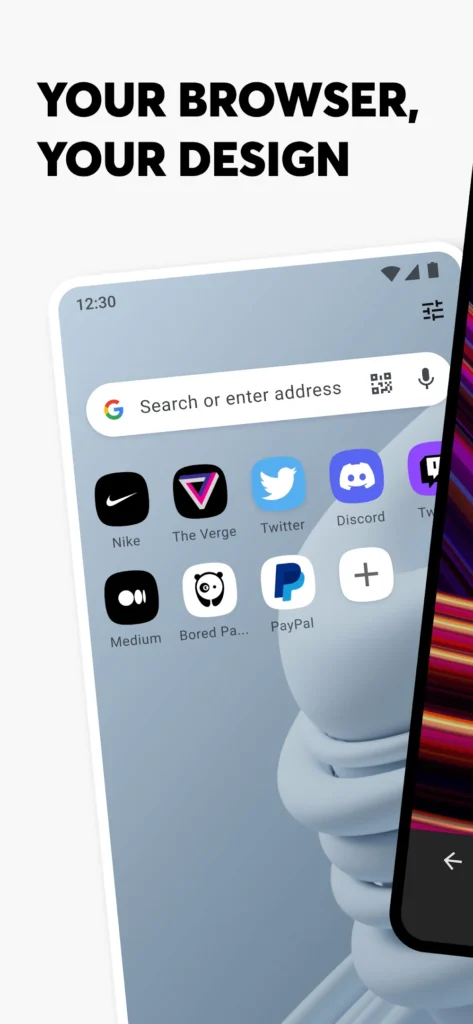
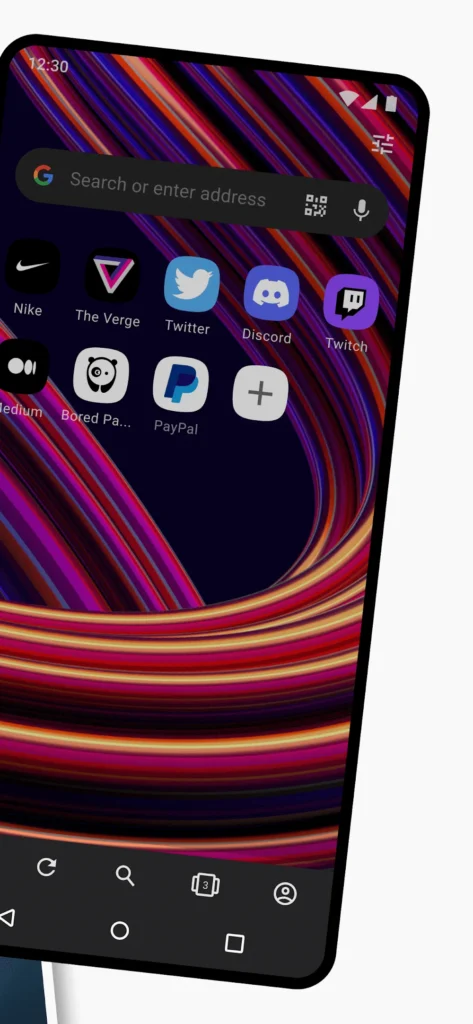
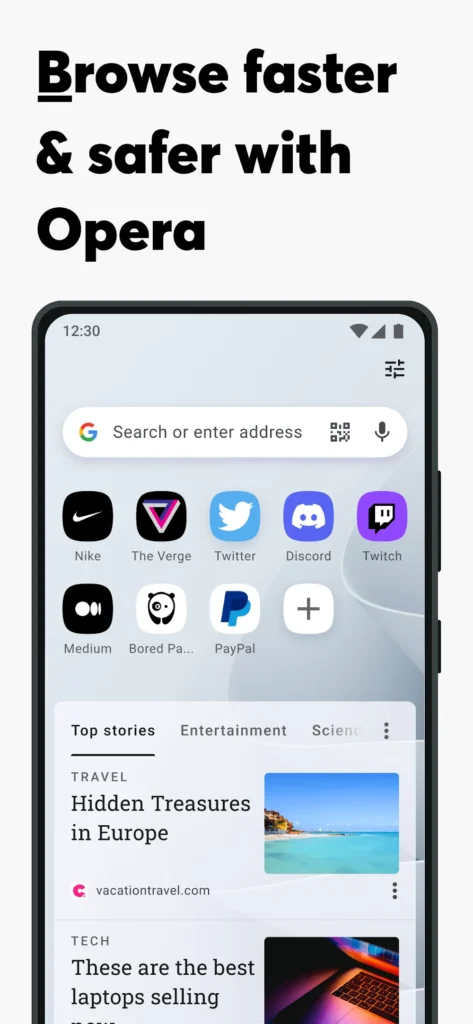
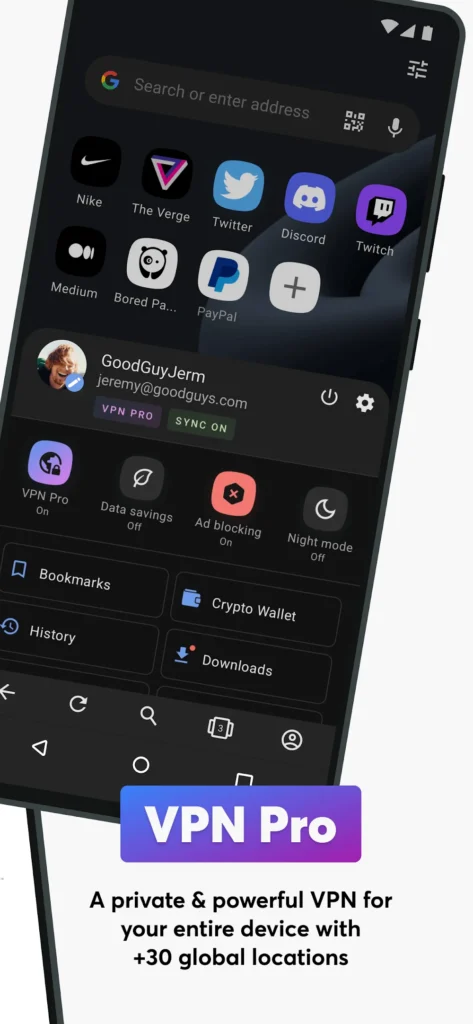
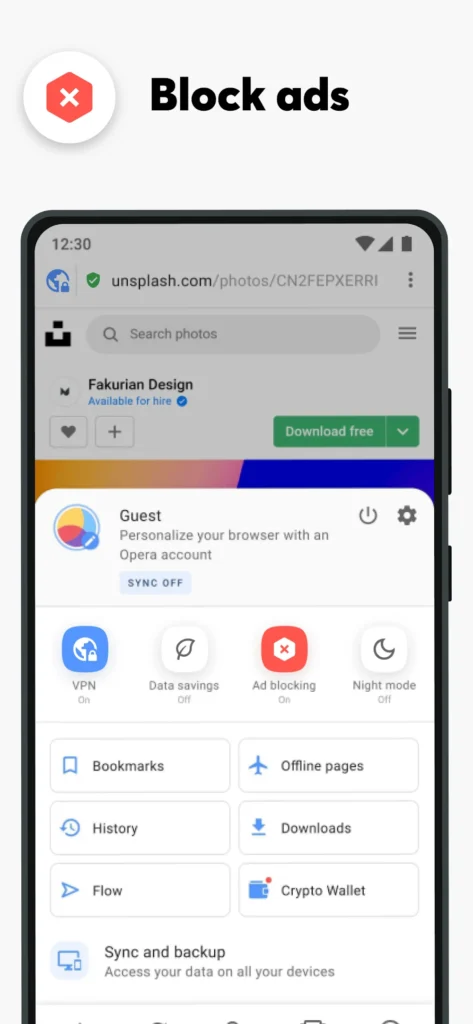
Opera Browser is a free, Chromium-based Android web browser built for speed, privacy, and data control. It bundles a no-login free VPN, an ad blocker, and an AI assistant directly into the app, so you get cleaner pages without installing extensions. Speed Dial and Tab Islands keep heavy browsing organized on small screens, while Data Saving and Night Mode reduce data use and eye strain. A download manager handles background downloads with auto-resume, plus offline pages and Save as PDF support. If you already use Snaptube for media, pairing the two covers both general browsing and offline video. Cross-device Flow sync and a customizable newsfeed complete the package.
Key Features
- ✓Free Built-in VPN
- ✓Ad Blocker and Tracker Protection
- ✓AI Assistant and Image Generator
- ✓Speed Dial and Tab Islands
- ✓Data Saving Mode
- ✓Background Download Manager
- ✓Night Mode and Custom Newsfeed
Frequently Asked Questions
Is Opera Browser free to use on Android?
Yes. It is free to download and use, and the core tools — the built-in VPN, ad blocker, private tabs, Speed Dial, and data-saving mode — work without a subscription or an account, though an Opera Account is required if you want Flow sync between devices. The Google Play listing notes that the app contains ads and offers optional in-app purchases.
Does Opera Browser include a free VPN?
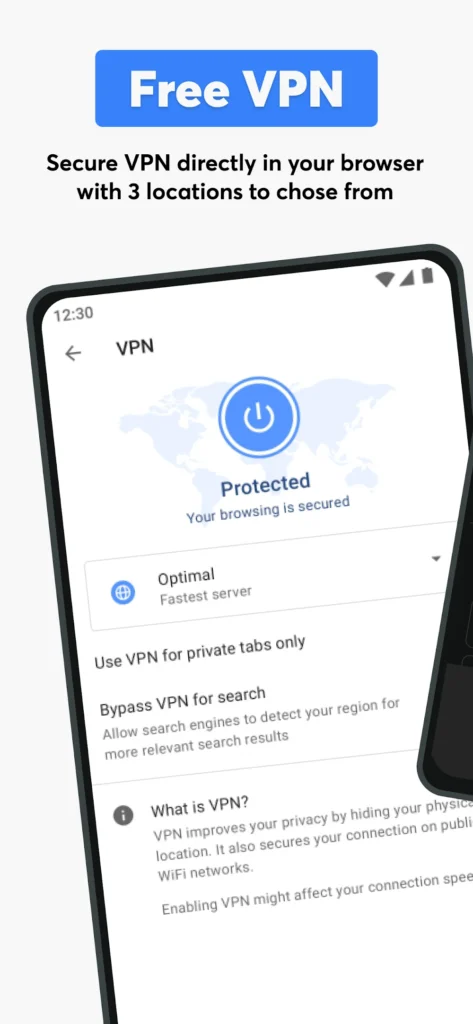
Yes. The built-in VPN is a headline feature and needs no login or paid plan. It encrypts your connection and lets you pick from three virtual locations, which helps on public Wi-Fi and when you want to reach content tied to another region. Speeds are usually lower than a dedicated paid VPN, and your choice of location stays limited to those three options.
Which Android version does Opera Browser require?
The Android build is listed as supporting Android 10 and later, and current releases ship on Chromium 152 with added Android 17 support. Devices running older Android versions may not receive the newest release, so check your system version before updating. Recent builds also unlock the full toolset, including the AI assistant, live scores, and the background download manager.
What is the latest version of Opera Browser for Android?
The current Android release is version 102.2.5206.90449, updated on September 27, 2026, with a package size of roughly 125 MB. Changelogs for recent builds highlight a reworked ad blocker with adjustable rules, Chromium 152, Android 17 support, an improved QR scanner, and live score improvements, alongside the latest Chromium security patches.
Can Opera Browser block ads and pop-ups?
Yes. The browser ships with an ad blocker that is enabled by default, and newer versions let you fine-tune blocking rules in Settings. Blocked ads mean lighter pages, fewer pop-ups and autoplay interruptions, and less battery drain during long sessions. You can manage cookie and privacy dialogs from the same menu, or whitelist a site that stops working when blocking is active.
Can Opera save videos and pages for offline use?
Yes. The download manager grabs video and music files whenever a site makes them available, keeps working in the background, and resumes automatically if your connection drops. Offline Pages let you store an article for later reading without a signal, and Save as PDF turns any page into a shareable document useful on flights or in weak-coverage areas.
You might also like
6





Comments (1)
Share your experience with Opera Browser.
One Comment