

Discord v350.8 Mod APK – Best Download
Discord is a chat and voice app for Android that keeps friend groups and fan communities in topic-based servers, with instant calls, screen sharing, file uploads, and moderation roles.

Screenshots
Take a closer look at Discord.
Discord voice rooms and community servers
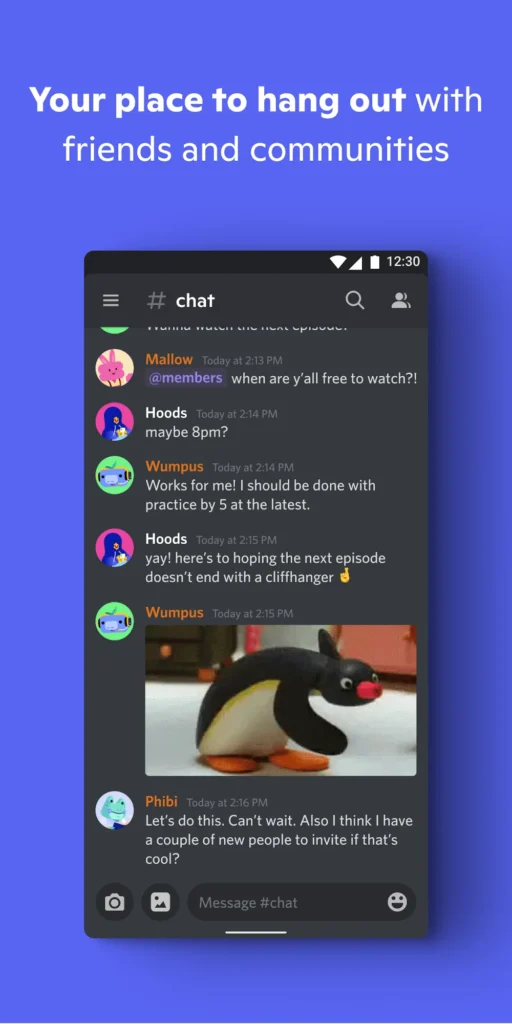
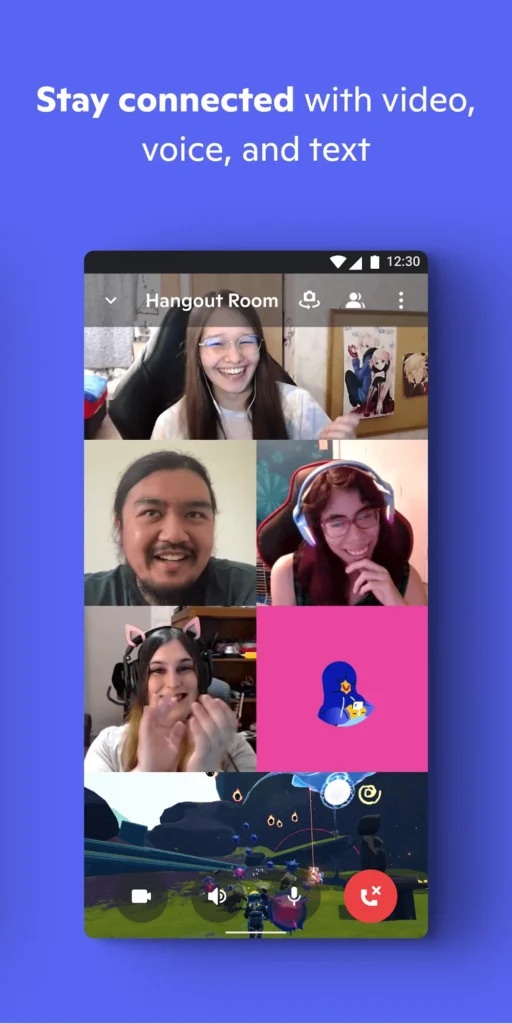
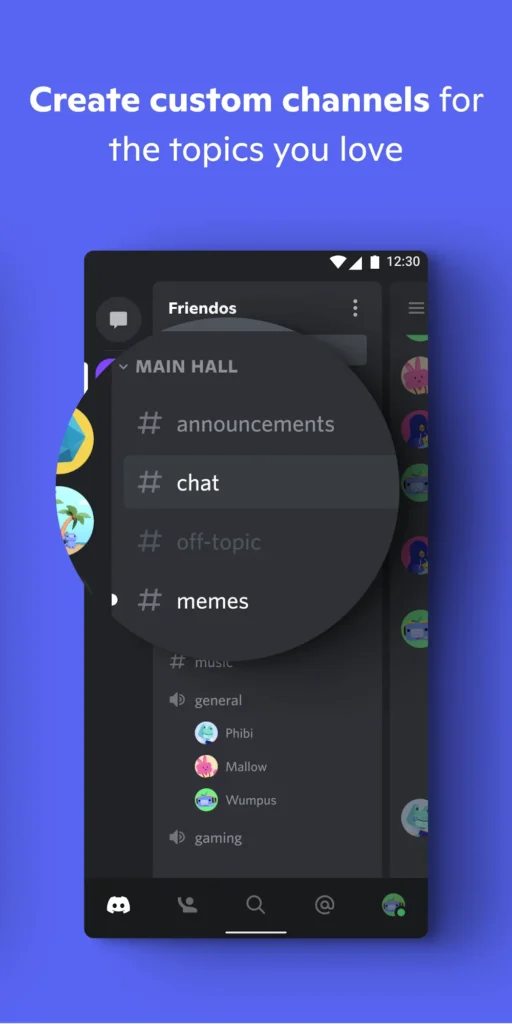
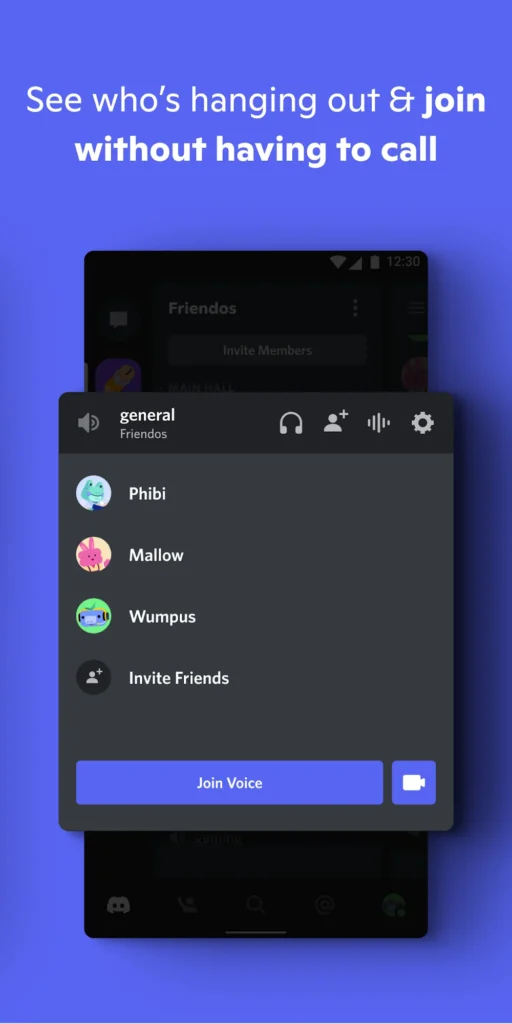
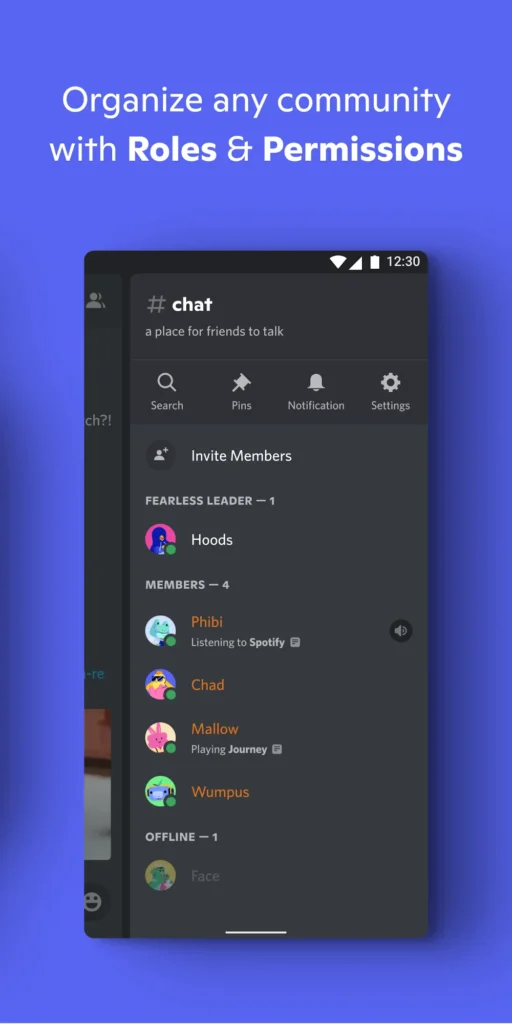
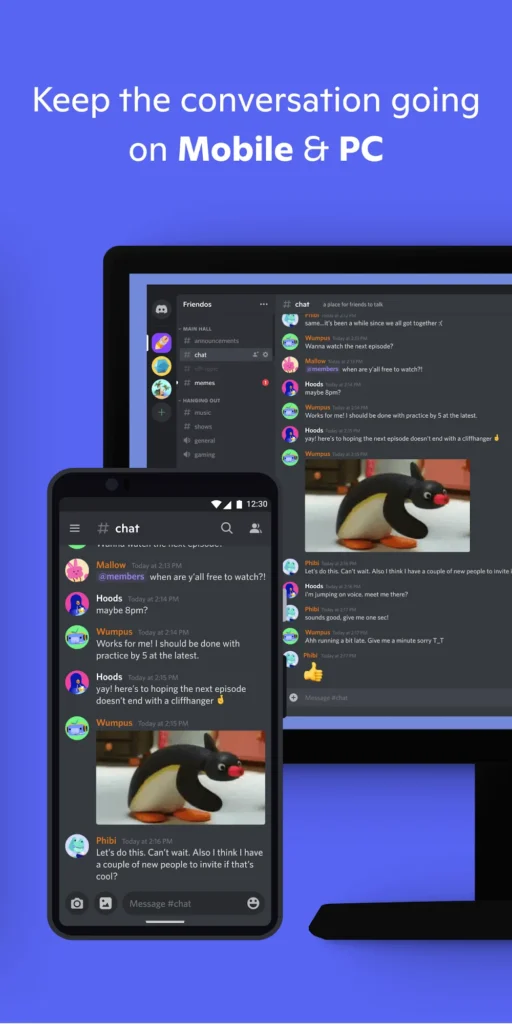
Discord is a free communication app that combines text channels, direct messages, and always-on voice rooms inside one Android client. It is built around servers: shared spaces where friend groups, game squads, study circles, and large fan communities organize conversations by topic instead of flooding one endless feed. On Android, chatting and calling sit one tap apart, and you can share your screen, send files, and mute yourself instantly. Permission roles let moderators decide who can post, invite, or speak. Privacy stays in your hands: a nickname and avatar are enough, and a real name is never required. Anyone who wants a lighter way to open the same pages can browse with Phoenix Browser.
Key Features
- ✓Instant Voice Channels
- ✓Private Community Servers
- ✓Direct and Group Messages
- ✓Screen Sharing in Calls
- ✓Roles and Permission Controls
- ✓Emoji, Stickers, and Reactions
- ✓Noise Suppression and Push-to-Talk
Frequently Asked Questions
Is Discord free to use on Android?
Yes. The official Discord client for Android is free to download and free to use: text channels, direct messages, group voice and video calls, screen sharing, and file uploads cost nothing. A separate paid tier called Nitro adds larger uploads and higher streaming quality, but chatting and calling never sit behind it. This page describes a modified build, so its extra options come from the mod author rather than from the official release.
What Android version does Discord need?
Official support documentation lists Android 7 as the minimum, with Android 10 or newer recommended for the smoothest experience. The app also expects a device that ships with Google Play Services, so some Amazon tablets and other de-Googled hardware cannot install it. Discord ended Android 6 support with version 202, and rooted devices fall outside official support. If your phone runs an older release, expect either a refused install or unstable voice and screen sharing.
Can you use voice chat while gaming on Android?
Yes, and that is where the app is strongest. Voice channels keep running while another game sits in the foreground, so you can talk to your server without leaving the match. Push-to-talk, per-user volume sliders, deafen and mute controls, and automatic noise suppression keep a call clean even in a noisy room. Bluetooth headsets and wired microphones both work, although switching audio routes mid-call can occasionally take a second.
Does the app hide your real identity?
You only need an email address to register, and you choose the display name, avatar, and profile banner yourself. There is no requirement to upload a photo of your face or give a full legal name, so shy users and creators can join voice rooms under a nickname. Personal details become visible only when you type them into a profile field or a message.
How large is the Discord APK download?
The current package is around 115 MB, so it is worth leaving roughly 300 MB of free storage once cached images, files, and voice data build up. Voice calls stay light on mobile data by default, while video and screen sharing consume noticeably more, so Wi-Fi is the better choice for long sessions. A mid-range Android phone from the past few years handles servers, calls, and notifications without trouble.
Are modified Discord APK builds safe to install?
A modified build is repackaged by a third party and is not signed with the developer's own key, so it cannot be verified the way a Play Store installation can. It also cannot update itself through Google Play, which means security fixes arrive only when the mod author rebases the project. Support requests about a repackaged client are usually declined. Test it on a secondary device or a spare account if you want your main data left untouched.
Can the same account run on more than one device?
Yes. One account works across phones, tablets, and desktop clients at the same time, and messages sync within seconds. Start a call on your phone and finish it on a laptop by joining the same voice channel. Notifications, muted servers, and read states follow the account, so preferences only need to be set once.





Comments (0)
Share your experience with Discord.