
Leonardo.Ai v2.0.44 Mod APK – Best Download
Leonardo.Ai is an Android AI art generator that turns text prompts into images and short videos, with editing, upscaling and reusable style presets for creators.

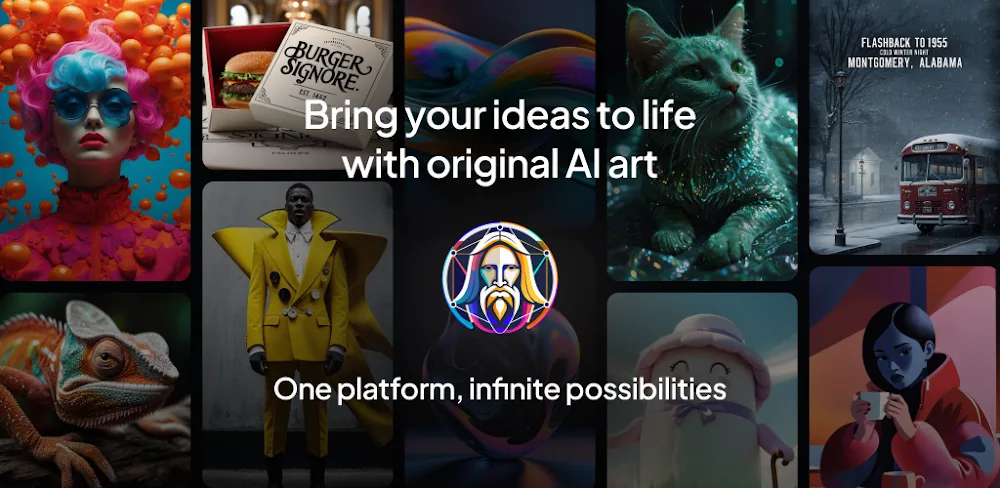
Screenshots
Take a closer look at Leonardo.Ai.
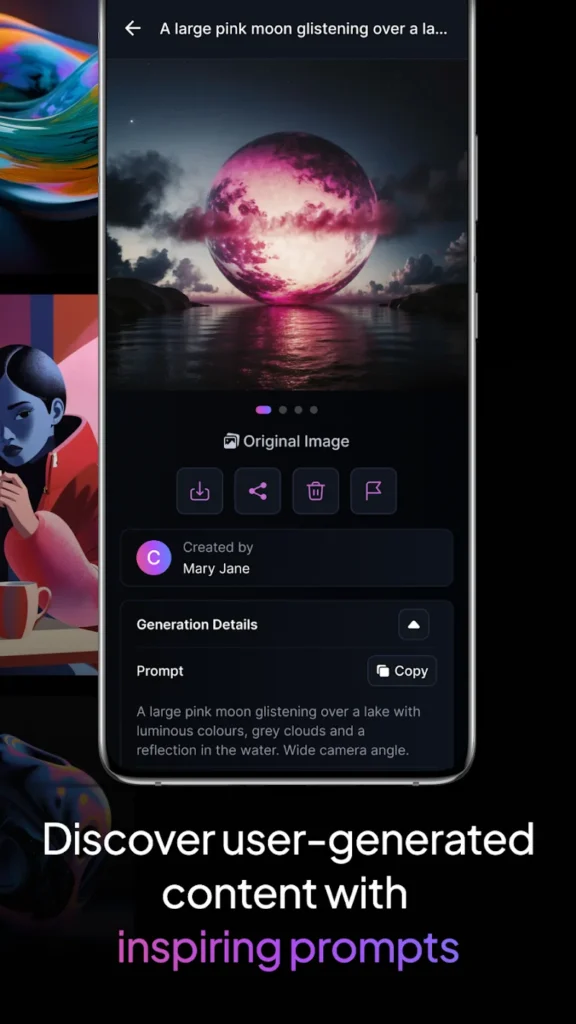
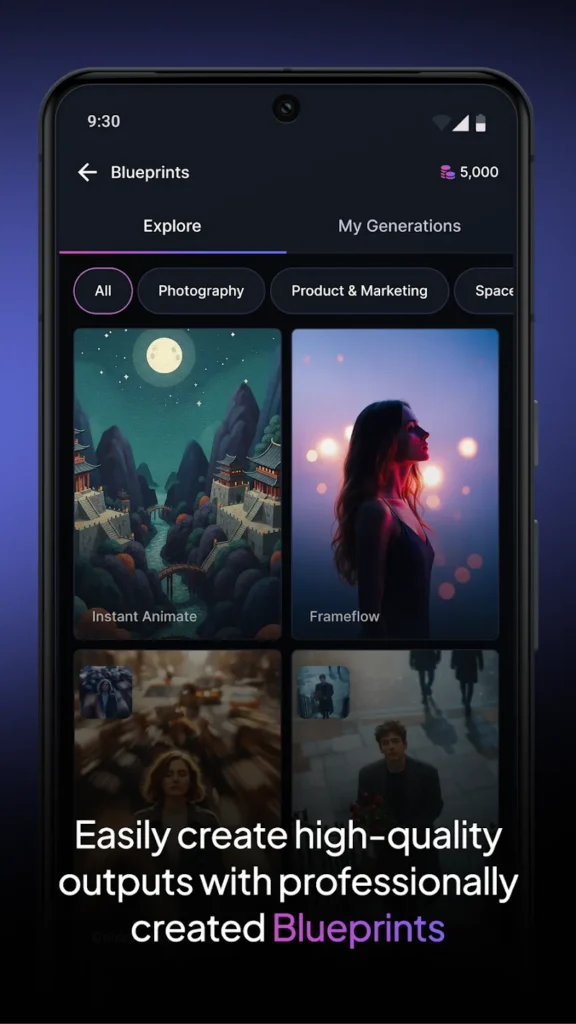
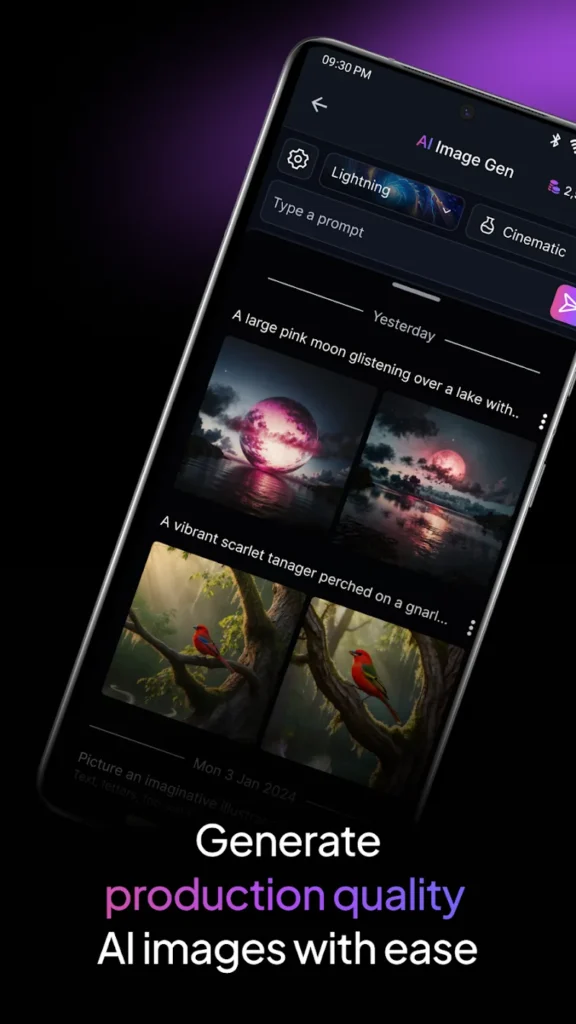
Leonardo.Ai AI Art and Video Generator for Android
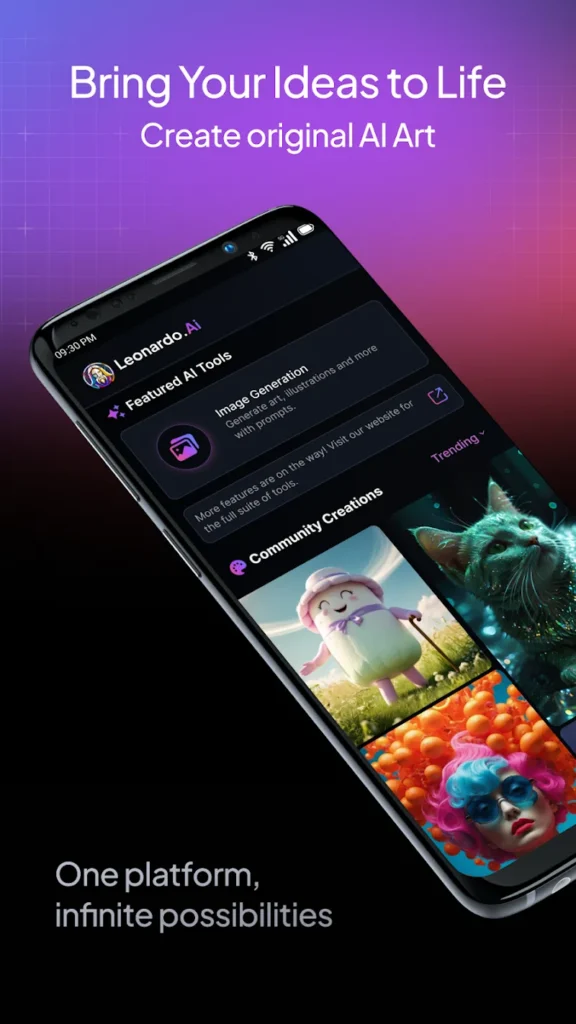
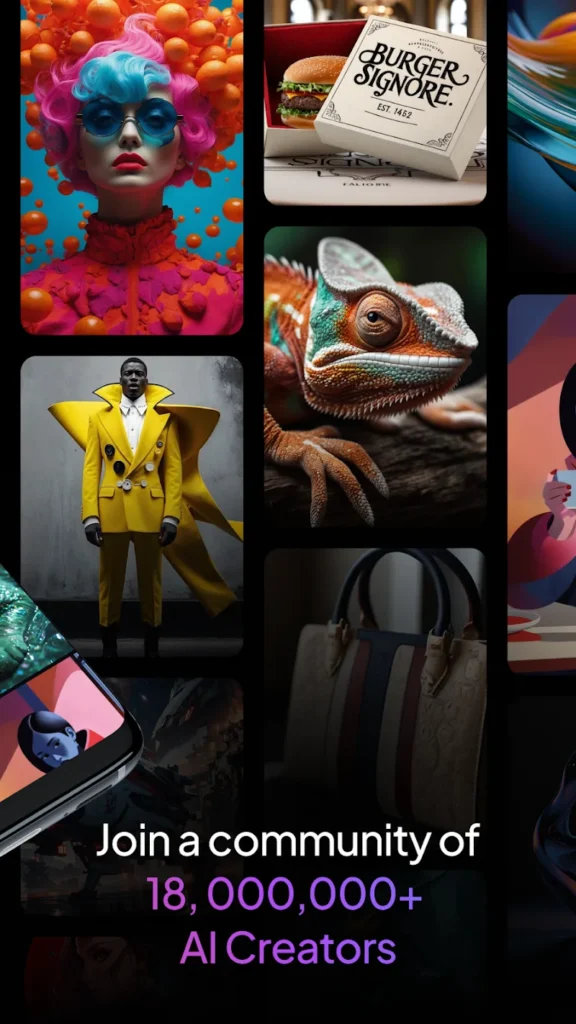
Leonardo.Ai is a generative AI studio for Android that converts written prompts into finished artwork, product shots, and short animated clips without a desktop workstation. You start from a plain description, pick a model such as Phoenix or Lucid Origin, then refine the result with negative prompts, style references, and layout controls until the frame matches your intent. The editor handles background removal, object replacement, and unzoom expansion, while the Universal Upscaler lifts generated images toward print-ready sharpness. Blueprint templates shorten repetitive work, and consistent character or style settings keep long projects visually coherent. Users who previously relied on Remini for portrait cleanup can treat Leonardo.Ai as the broader creative layer that plans, generates, and finishes Android artwork on the go.
Key Features
- ✓Leonardo.Ai Phoenix prompt tracking
- ✓Text-to-image generation
- ✓AI video and motion tools
- ✓Universal image upscaler
- ✓Background removal editor
- ✓Reusable Blueprint templates
- ✓Style consistency controls
Frequently Asked Questions
What does Leonardo.Ai do on Android?
It turns written prompts and reference photos into finished images or short clips. You pick a model, describe the scene, adjust aspect ratio and negative prompts, then refine the output with the built-in editor before exporting or sharing it.
Is Leonardo.Ai free to download?
Yes, the Android app installs at no cost and free accounts receive a recurring credit allowance. Paid plans add faster queues, more generations, and higher resolution exports, and some advanced actions consume extra credits, so heavy users usually subscribe.
Can it create video as well as images?
Both. Alongside still image models, the app can animate a generated picture or a real photo into a few seconds of footage, and you can steer camera movement and motion intensity. Video generation uses more credits and takes longer to finish.
Does it need an internet connection?
Yes. Image and video generation happens on Leonardo's cloud servers, so prompts, uploads, and finished renders all require a working connection. Recent work stays in your account library and can be reopened from another device.
How do I keep the same style across images?
Lock a character or style reference, save a custom model from images you like, and reuse the same seed or preset for every render. Blueprint templates also apply matching settings in one tap, which keeps a series or campaign visually consistent.
Can I edit an existing photo inside the app?
Yes. Upload a picture and describe the change you want, such as replacing a background, removing an object, expanding the frame, or shifting the whole art style. The editor applies those edits without layers or masking tools you would need on desktop software.
You might also like
6



Comments (1)
Share your experience with Leonardo.Ai.
One Comment