
ES File Explorer v4.4.3.7 Mod APK – Best Download
ES File Explorer is an Android file manager that browses internal storage, SD cards, cloud drives, and network shares in one place, with root tools, a hidden-file vault, APK backup, and premium features unlocked.
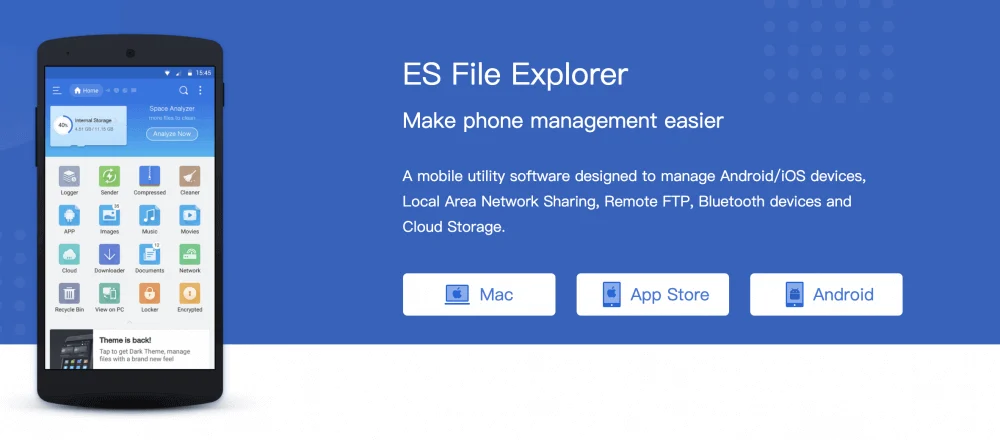
Screenshots
Take a closer look at ES File Explorer.
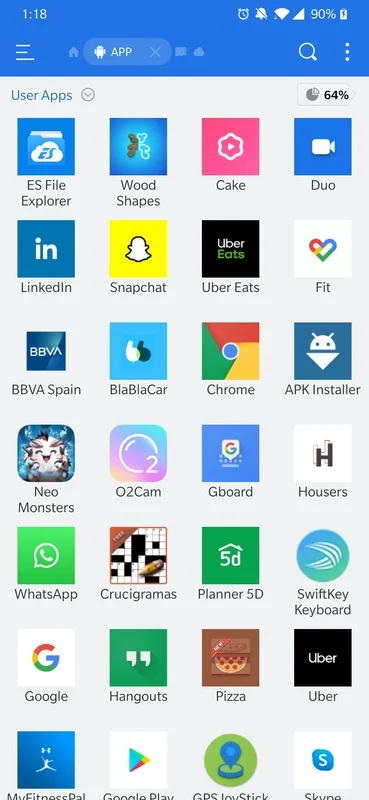
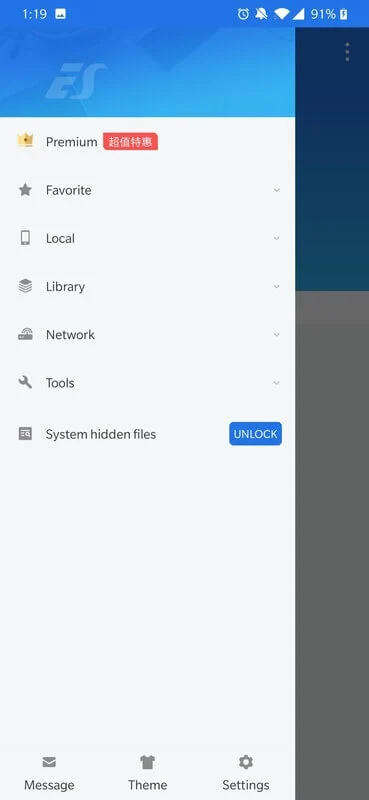
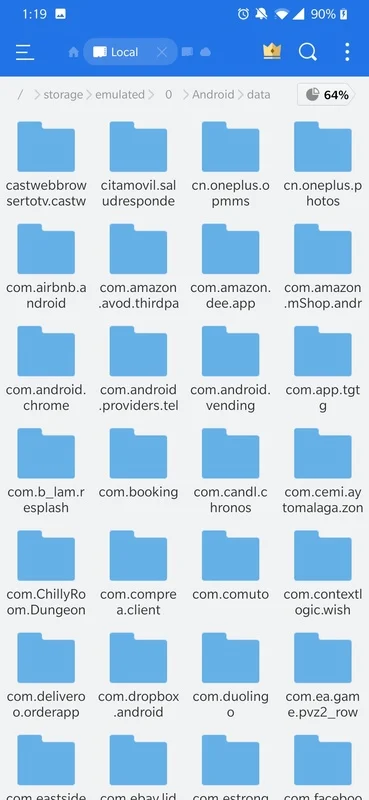
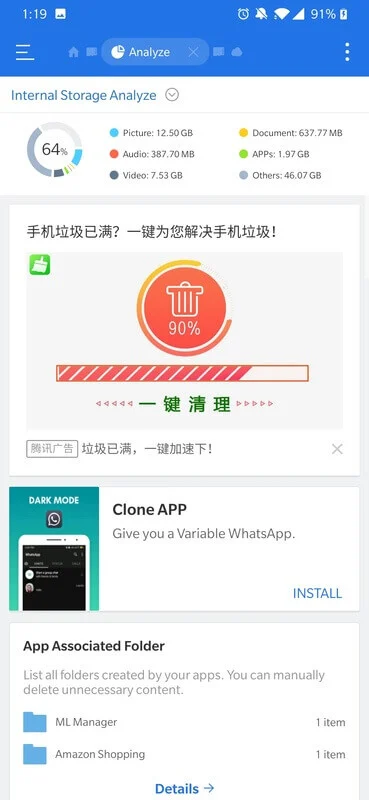
ES File Explorer MOD APK for Android Storage
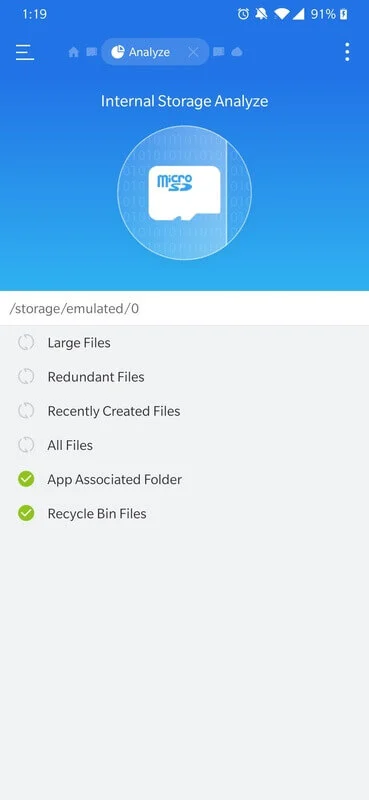
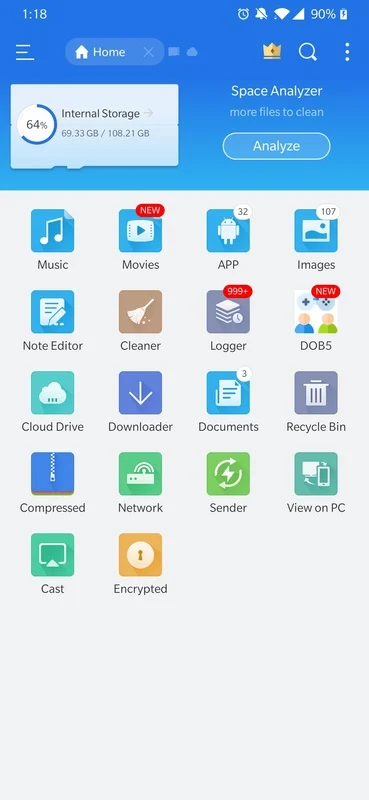
ES File Explorer is a heavyweight Android file manager that treats phone storage, microSD cards, cloud accounts, and network shares as one browsable tree. Beyond basic copy and move, it analyses what is eating space, sorts results by size or type, and lets you batch-rename, zip, extract, and back up installed APKs. Cloud support covers the usual providers, while FTP, SMB, WebDAV, and DLNA handle transfers to computers and NAS drives over local Wi-Fi. A password-protected vault hides private folders from the gallery and from anyone borrowing the phone. If ZEDGE is where you store wallpapers and ringtones, ES File Explorer is where downloads, documents, archives, and backups stay organized.
Key Features
- ✓Internal and SD Card Browsing
- ✓Cloud Drive Integration
- ✓FTP SMB WebDAV Support
- ✓Hidden File Vault
- ✓Storage Space Analyzer
- ✓Batch Rename and Zip
- ✓APK Backup and Install
Frequently Asked Questions
What is ES File Explorer used for?
It is a file manager for Android that handles everyday storage work: browsing internal memory and SD cards, moving or renaming files in bulk, unzipping archives, and opening documents without reaching for a second app. The same window also connects to cloud drives and network shares, so transfers do not require a computer in the middle.
Which Android versions does it support?
The 4.4.3.7 build is listed for Android 4.4 and newer, which means it still installs on older phones that recent file managers have dropped. Newer Android releases enforce stricter storage rules, and scoped storage can block access to some folders unless the app is granted the permission it requests.
Can ES File Explorer connect to cloud storage and PCs?
Yes. It signs into major cloud providers for direct upload and download, and it speaks FTP, SMB, WebDAV, and DLNA over local Wi-Fi to reach computers and NAS drives on the same network. That turns the phone into a bridge for moving files between a laptop and a TV or media server without cables.
How do I hide private files in the app?
Files you flag as hidden move behind a password-protected vault and stop showing up in normal folder views, which keeps private videos or work documents away from anyone scrolling through your gallery. Note what you locked away, because the vault gives no visible hint about its contents.
Does ES File Explorer work without ads or a subscription?
The build previously published on Google Play was free and supported by ads and in-app purchases. The modified file supplied here reports the premium tier as unlocked, which typically removes advertising and opens the paid tools, but you install it manually rather than through the Play Store.
Is it safe to install the APK from a third-party listing?
The original ES File Explorer was removed from Google Play in 2019, so copies circulating now come from third-party sources and deserve a careful look before you grant storage permissions, because a file manager can see everything on the device. Install only from a source you trust and keep a backup of anything important.






Comments (0)
Share your experience with ES File Explorer.