

Phoenix Browser v15.0.0.4891 Mod APK – Best Download
Phoenix Browser is a fast Android browser with a built-in video downloader, ad blocker, incognito tabs, data saving, and a file manager that keeps downloads organized.


Screenshots
Take a closer look at Phoenix Browser.
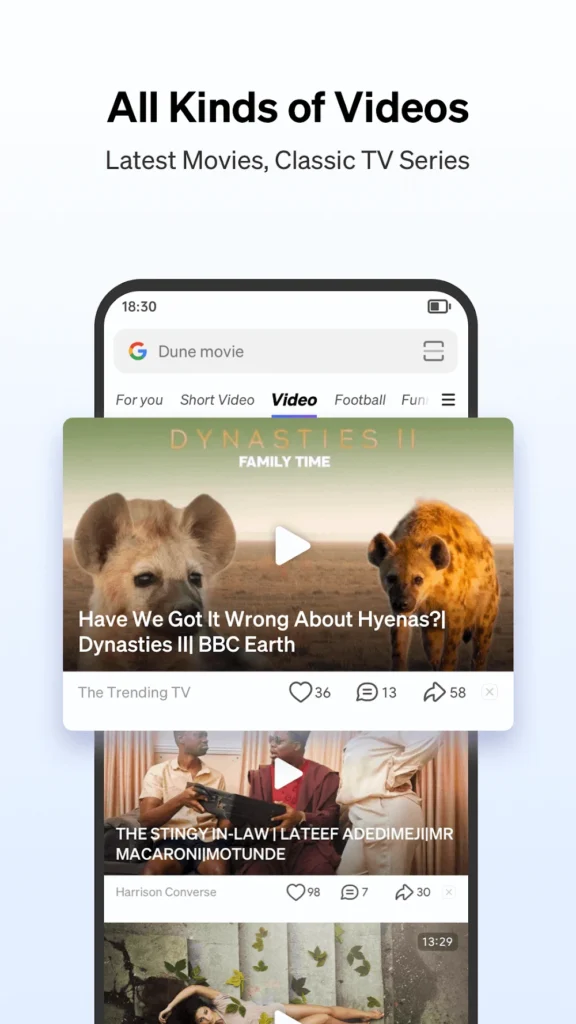
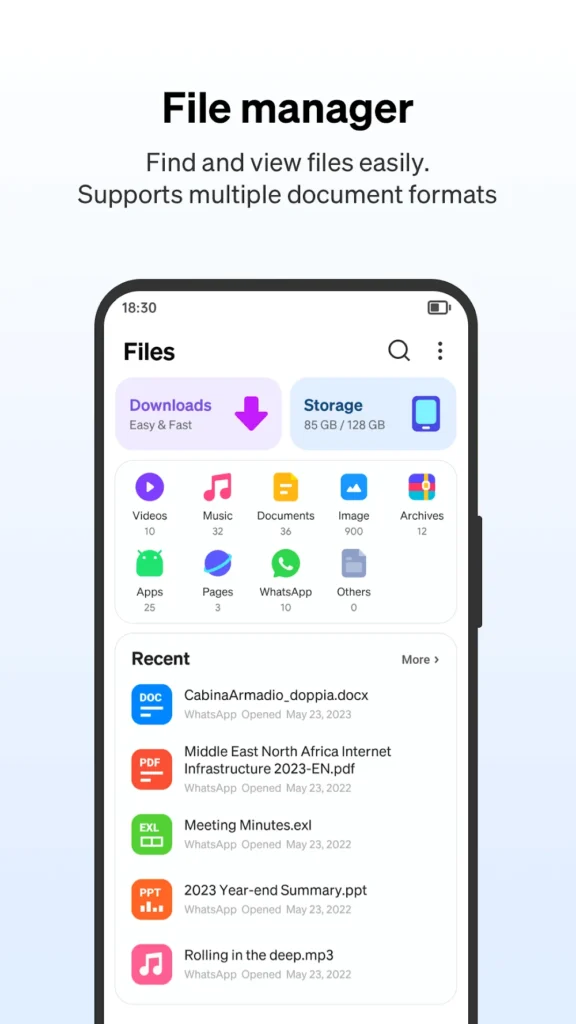
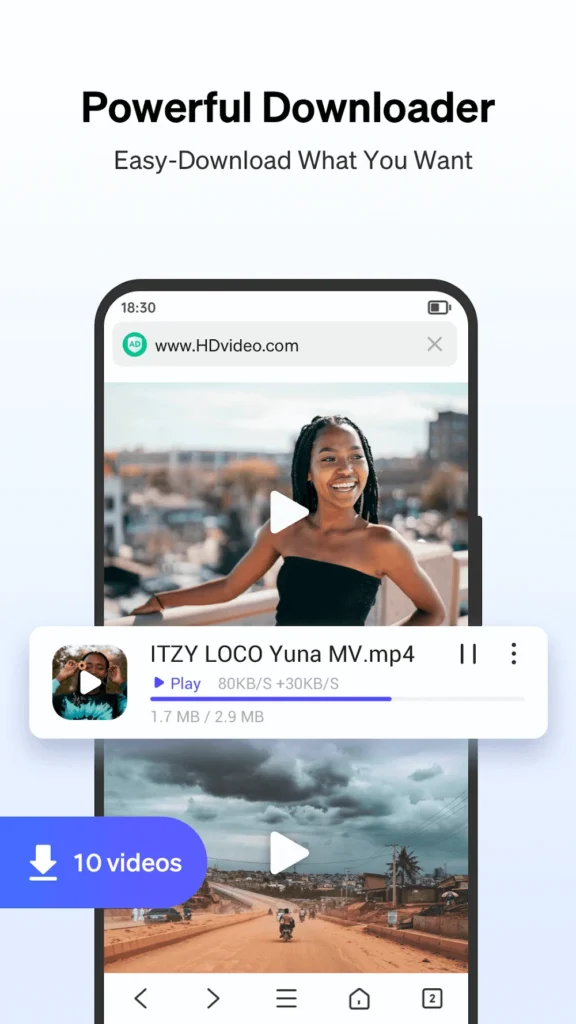
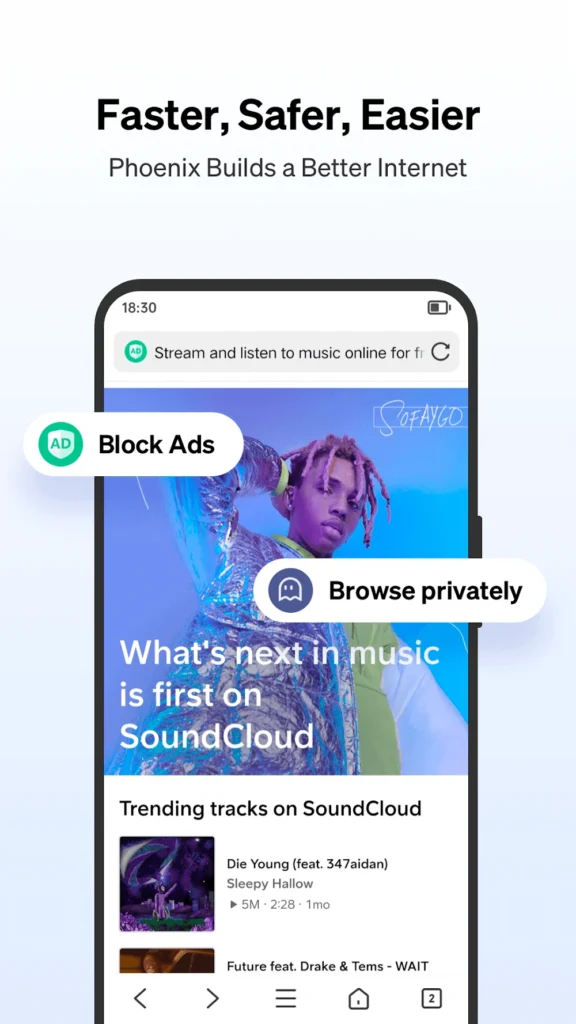
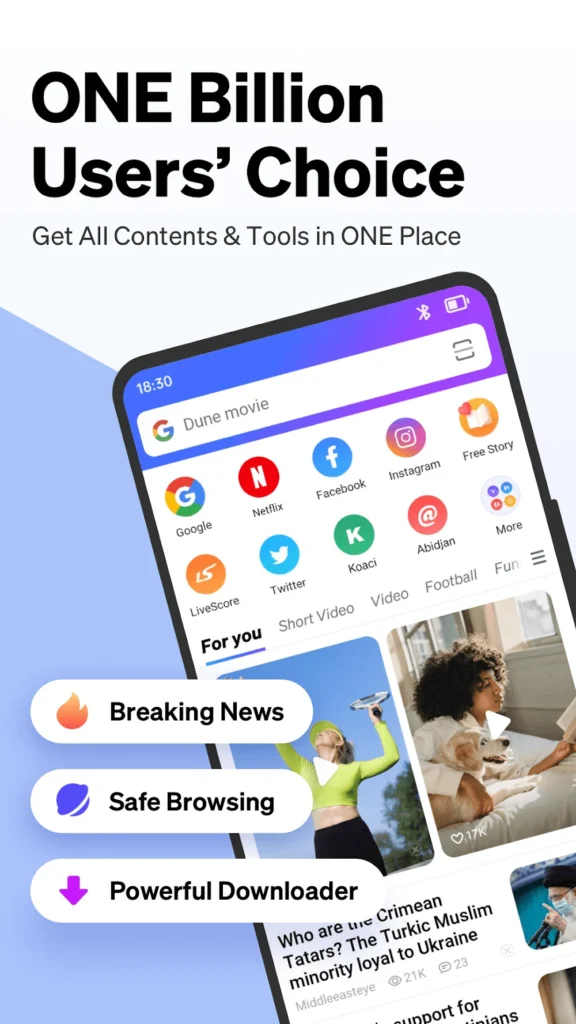
Phoenix Browser Fast Browsing and Video Downloader
Phoenix Browser is a lightweight Android web browser built around downloading, not just browsing. It combines a standard tabbed browser with a smart video downloader that detects media as you play it, so videos, images, and documents can be saved offline in a few taps. Ad blocking and an AMOLED-friendly dark mode cut clutter and save battery, while incognito tabs keep private sessions separate. A built-in file manager sorts downloads by type, supports dozens of formats, and highlights unused items you may want to delete. Status saver tools let you keep clips from messaging apps, and data-saving modes help on limited connections. If you also need a secure tunnel for blocked or public networks, pair it with Bolt VPN.
Key Features
- ✓Smart Video Downloader
- ✓Built-in Ad Block
- ✓Incognito Private Browsing
- ✓WhatsApp Status Saver
- ✓AMOLED Dark Mode
- ✓Data Saving Mode
- ✓50+ File Format Manager
Frequently Asked Questions
What can you do with Phoenix Browser?
The app works as a normal tabbed web browser and as a download manager. You can open Facebook, Instagram, news sites, or any other page, and when the browser detects a video or audio file it shows a save button you can tap. Downloaded items land in a built-in file manager where they can be renamed, moved, or played offline.
Is Phoenix Browser free to install?
The official build on Google Play is free to download and is supported by advertising. It also lists non-intrusive ads and in-app purchases. Modified APK builds that remove ads or unlock extra options are distributed by third parties, not the developer, so they cannot be verified and may include unwanted code.
Does Phoenix Browser block ads and pop-ups?
Yes. Ad Block is included and filters banners and pop-ups on pages you visit, which also cuts page weight and shortens load times. You can switch it off per site if a page breaks. Because the app is ad-supported, expect some promotional placement inside the browser itself.
Can it download videos from social media?
It detects video files on many sites, including Facebook and Instagram, and offers a one-tap download while the clip plays. YouTube is excluded because Google's policy blocks third-party downloading. The same detection works for audio and documents, and finished files open in the built-in player instead of another app.
Which Android version does Phoenix Browser need?
Phoenix runs on Android phones and tablets and is distributed through Google Play, so the store checks compatibility before installing. Requirements change between releases, so confirm the current minimum in the Play listing or the developer's site rather than relying on mirror sites that list outdated figures.
Does the browser protect your privacy?
Incognito tabs leave no local history, cookies, or cache, and the app states it does not upload your files. Its Play Store data safety section still notes that some app activity, device identifiers, and file data may be collected or shared, so private mode is not the same as a VPN or tracker blocker.
You might also like
6





Comments (1)
Share your experience with Phoenix Browser.
One Comment