

Remini v3.7.1447.202524746 Mod APK – Best Download
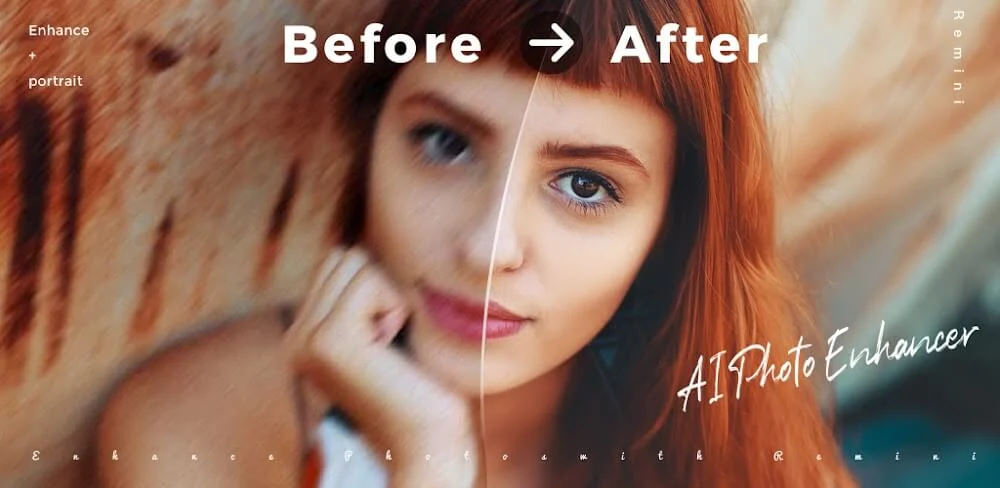
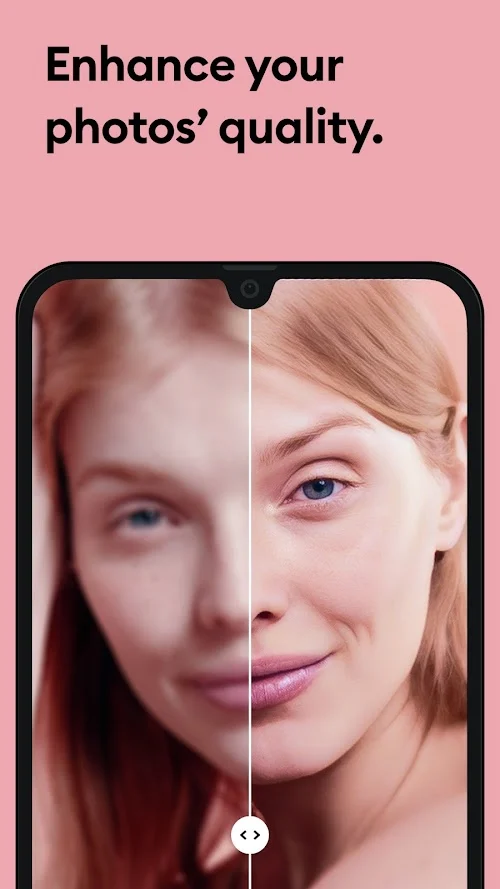
Remini is an AI photo enhancer and restoration tool for Android that sharpens blurry selfies, upscales low-resolution images, and repairs old or damaged family photos in a single tap.

Screenshots
Take a closer look at Remini.




Remini AI Photo Enhancer and Restoration for Android
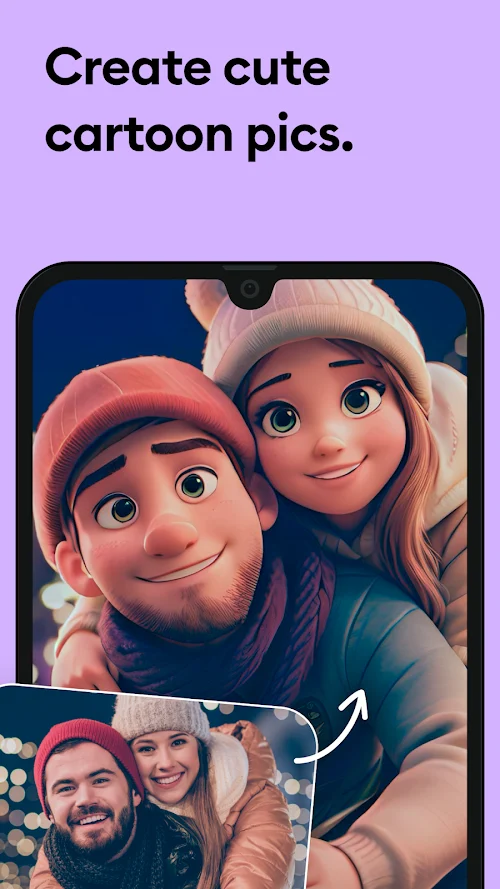
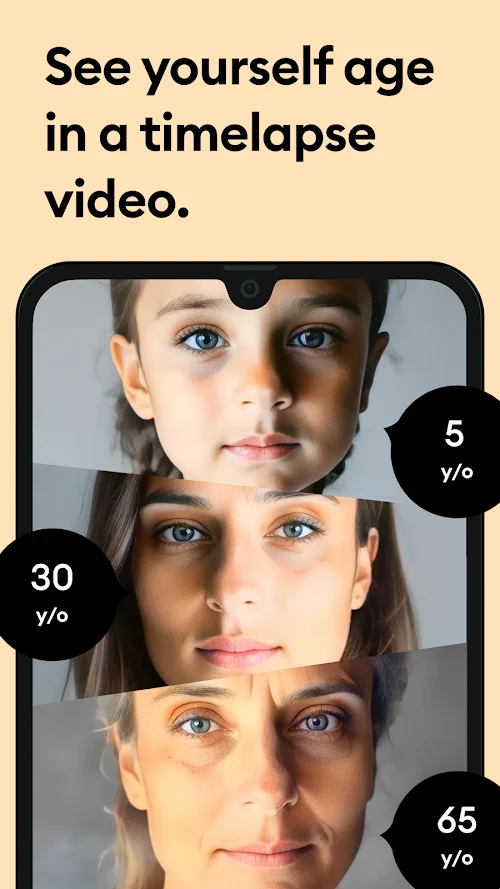
Remini is an AI photo enhancer for Android that turns blurry, pixelated, or damaged pictures into sharp, high-definition images with a single tap. The app analyses each face and texture, then rebuilds detail that low-resolution or out-of-focus captures lost, which is practical for selfies, group shots, scanned prints, and faded vintage photos. Processing takes seconds, and results export as enhanced copies or short videos, so originals stay untouched. Features such as portrait retouching, image upscaling, and blemish cleanup are available from the app's home screen without editing skills, while premium tools and ad-free use sit behind a subscription. For anyone documenting family memories, it is a fast alternative to desktop editors; pair it with Turbo VPN Lite when uploading restored photos over public Wi-Fi.
Key Features
- ✓One-Tap AI Photo Enhancement
- ✓Portrait and Selfie Sharpening
- ✓Old Photo Restoration Tools
- ✓Low-Resolution Image Upscaling
- ✓Face Detail and Blemish Cleanup
- ✓Noise Removal for Low-Light Photos
- ✓Remini Pro Features Unlocked
Frequently Asked Questions
Is Remini free to use on Android?
The Play Store build is free to install and supported by ads, with weekly and yearly subscriptions unlocking unlimited premium processing. Free users can enhance photos but watch ads between actions; the Mod APK build here unlocks the paid features instead, so paid tools are available without a subscription.
Can Remini restore old, damaged, or faded photos?
Yes. Remini rebuilds detail on scanned prints, vintage colour photos, and images with scratches, noise, or fading. It cannot recover information that no longer exists in the file, and results are AI estimates, so heavily damaged areas, roughly more than a third of the frame, may look artificial.
Do I need an internet connection to enhance photos?
Yes. Enhancement runs on the developer's servers rather than on your phone, so the app needs an active connection to upload an image and download the processed result. Saved projects and the gallery view stay available without data, but new enhancement jobs will not start until you reconnect.
Which Android versions and devices are supported?
The current release targets Android 7.0 and newer, and the developer notes that older versions may not receive the latest updates. Most phones from the last few years handle it without trouble, though large or heavily damaged files take longer to process on low-end hardware.
What does the Mod APK version change?
This build ships with the paid Pro features already unlocked, removes ads and analytics, and strips debug data and duplicate resources, which is why the package is smaller than the store download. It still uses the same enhancement models, so output quality matches the official release; only language support is trimmed to English.
How long does enhancement take, and does it replace my original photo?
Typical single-image jobs finish in a few seconds on a recent phone, while older or heavily compressed files can take longer. The app saves the enhanced version as a new file and leaves the original in your gallery, so you can compare both and delete the result if the AI interpretation is not what you wanted.
You might also like
6





Comments (1)
Share your experience with Remini.
One Comment