

ZArchiver Donate v1.0.10 APK – Best Download
ZArchiver Donate is a paid, ad-free archive manager for Android that creates 7z, zip, and tar archives and opens RAR, ISO, and dozens of other formats without extracting them first.

Screenshots
Take a closer look at ZArchiver Donate.
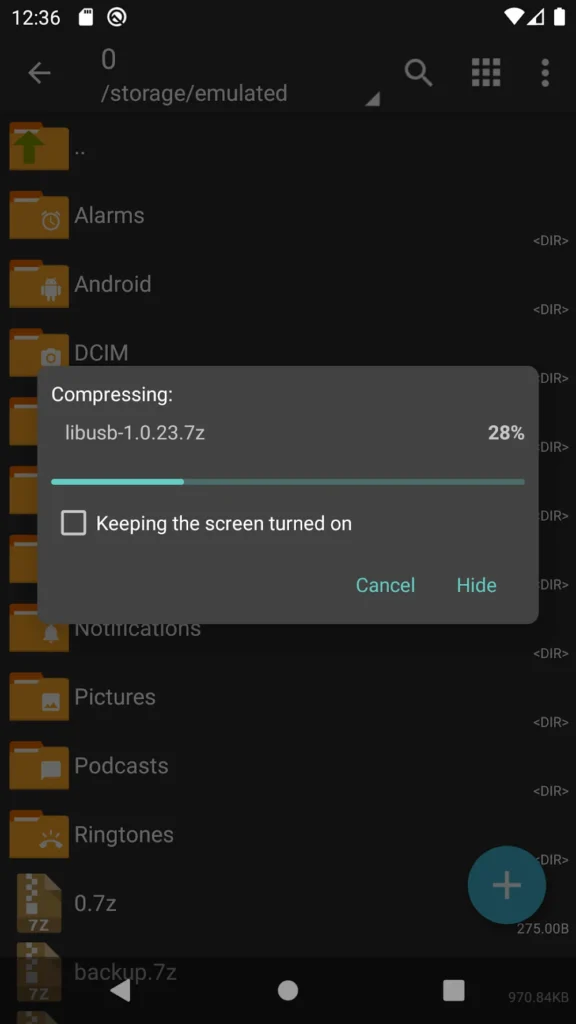
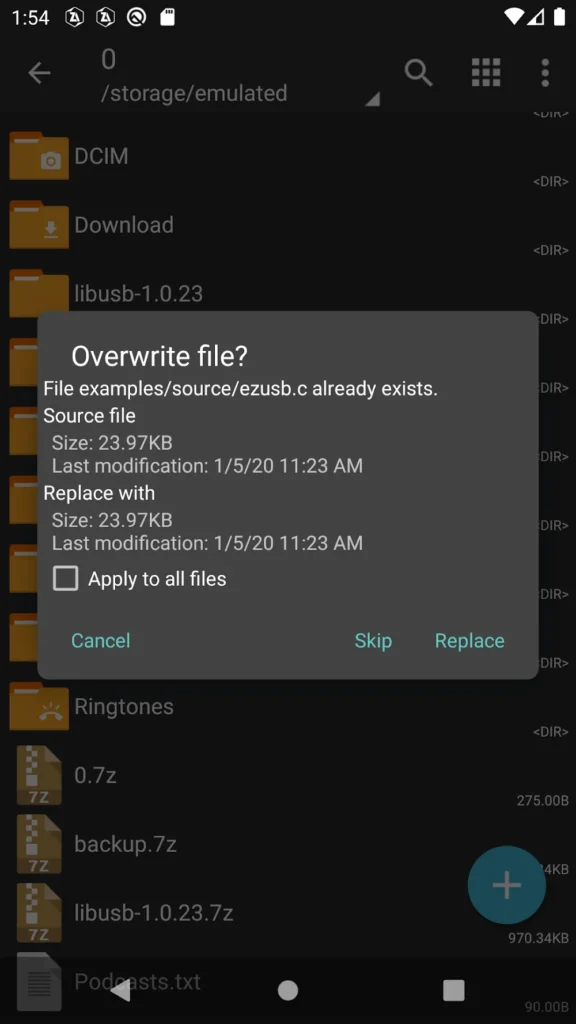
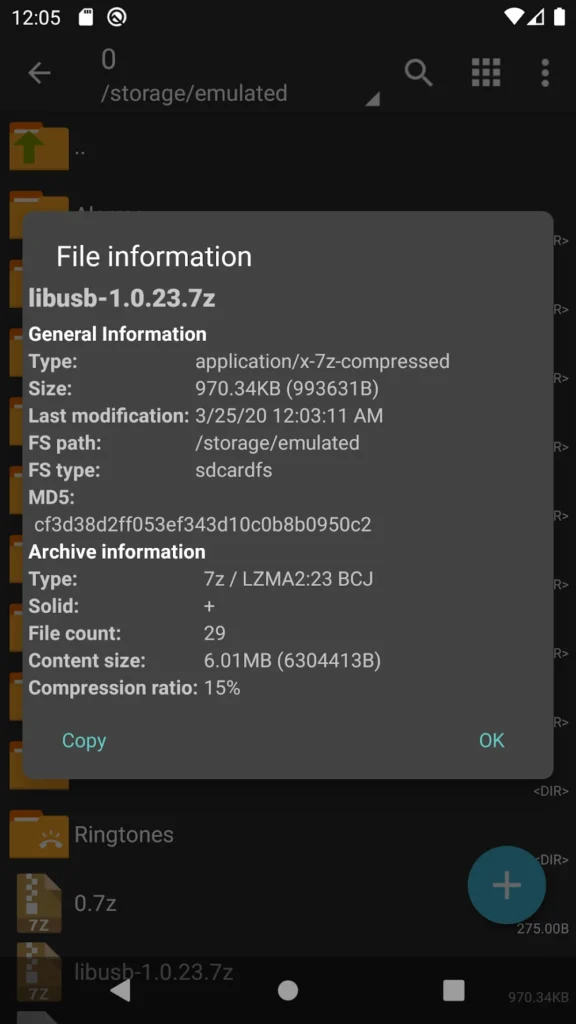
ZArchiver Donate: Full Archive Manager for Android
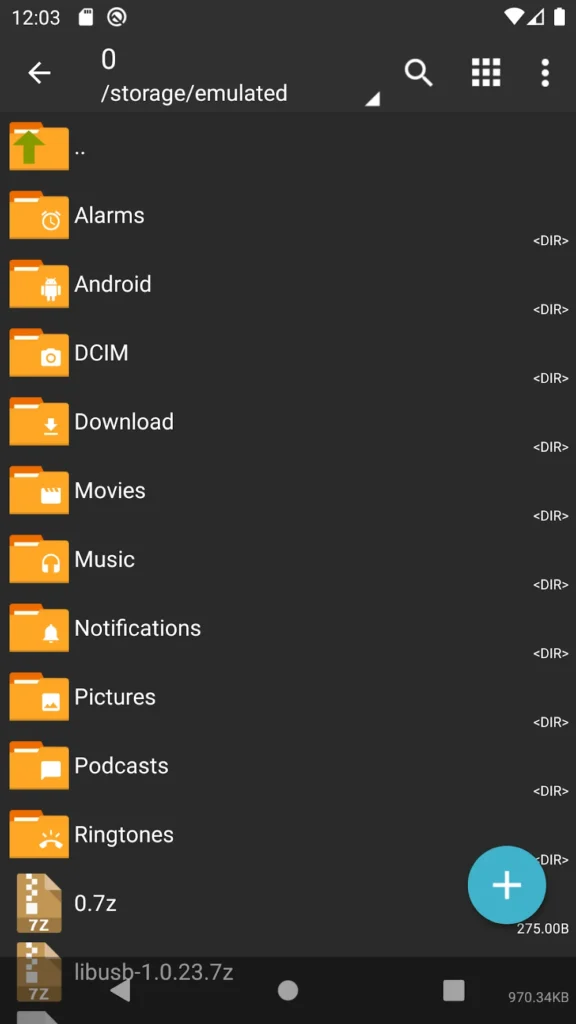
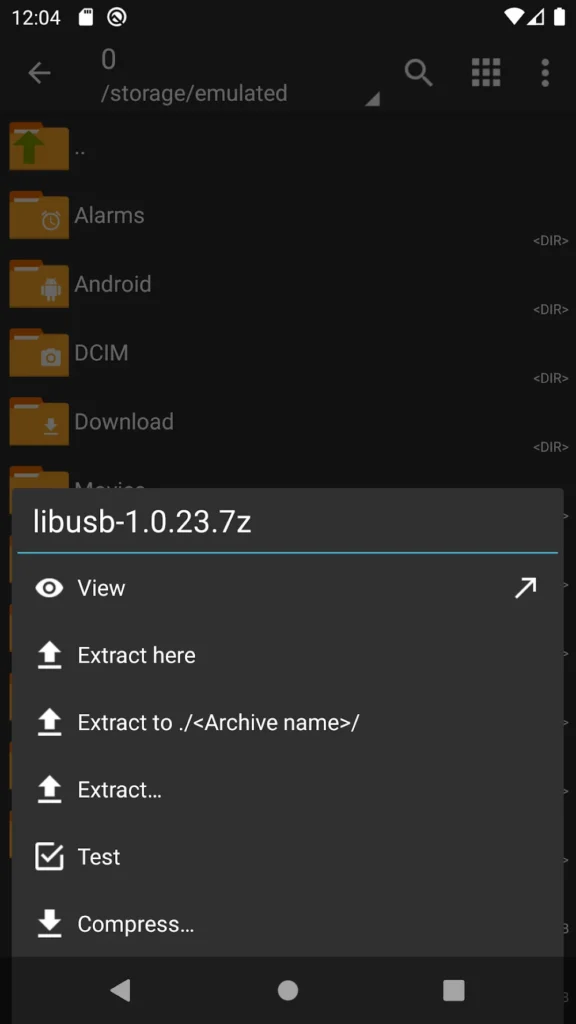
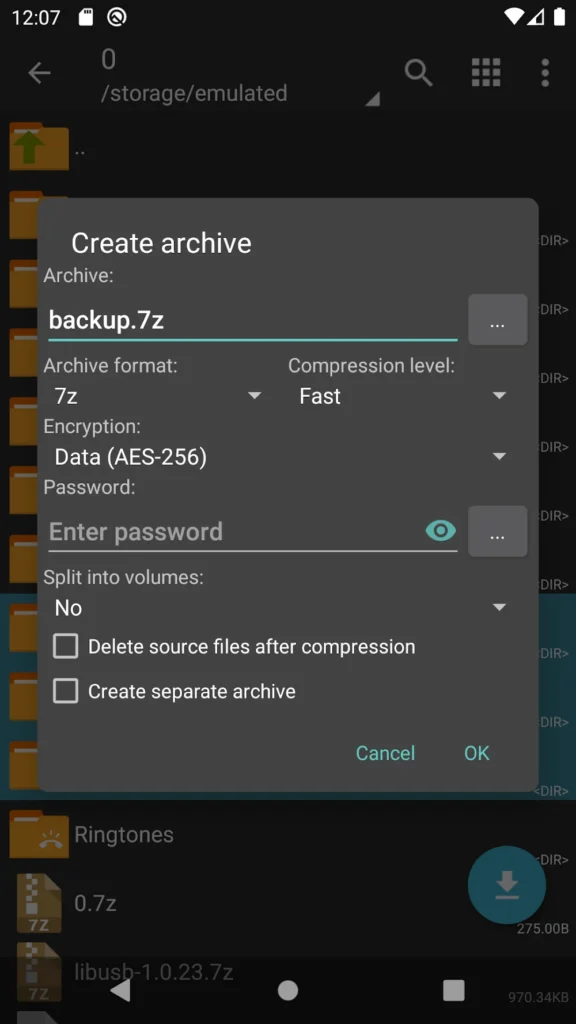
ZArchiver Donate is the paid, ad-free build of the ZArchiver file manager for Android. It creates 7z, zip, tar, gzip, and other archives, and opens RAR, ISO, WIM, DEB, and many more without leaving the app, so nothing needs a desktop extractor. The interface is a two-pane file browser with a task queue, and its party trick is editing archives in place: delete or replace a file inside a zip without rebuilding the whole thing. Passwords, split volumes, and multithreaded compression are supported. Unlike Proton VPN, the app requests no internet permission, so archives stay on the device.
Key Features
- ✓7z and Zip Creation
- ✓RAR and ISO Extraction
- ✓Password-Protected Archives
- ✓Split and Multi-Part Archives
- ✓Built-In Archive Browser
- ✓Edit Files Inside Archives
- ✓No Internet Permission
Frequently Asked Questions
What is ZArchiver Donate?
It is a file archiving app for Android, and the paid edition of the well-known ZArchiver utility. You use it to create compressed files, open archives other people send you, and reorganise what is inside them, all from a phone or tablet. The Donate build keeps the same engine but removes advertising and adds a handful of conveniences.
How does it differ from the free ZArchiver?
The core archiving engine is identical, so speed and format support match. What changes is the polish: no adverts, a light and dark theme, saved passwords for archives you open repeatedly, image previews inside archives, and the ability to open a file in another app and push the edited version back into the archive. Buying it also funds development.
Which archive formats does ZArchiver Donate support?
It can create 7z, zip, bzip2, gzip, XZ, lz4, tar, and zst archives. Opening is broader still, covering 7z, zip, RAR and RAR5, ISO, tar, DEB, RPM, DMG, WIM, and several other containers. Split and multi-part archives are handled too, including partial extraction when you only need part of a large set.
Can it open password-protected archives?
Yes, in both directions, since it can create protected archives and unlock ones you receive. The Donate version also stores passwords you use often, so reopening a protected backup or a colleague's attachment does not mean retyping a long string every time.
Can I change files inside an archive without extracting them?
Yes, and that is where the app saves the most time. You can delete an entry directly inside a 7z or zip, or edit a document in another app and update the copy stored in the archive, avoiding the usual cycle of unpacking a folder, changing one file, and compressing everything again.
Does it need an internet connection?
No. ZArchiver Donate does not request internet permission at all, so it cannot upload your files or fetch anything on its own. Every operation runs locally on the device, which also makes it usable on a plane, on a metered plan, or on a phone kept deliberately offline.
Does ZArchiver Donate need root access?
No. It works with standard Android storage permissions, and rooting the device is not required for normal archive work. On recent Android versions the system itself blocks access to protected locations such as other apps' private data folders, which is a platform restriction rather than a limit of ZArchiver Donate.
You might also like
6



Comments (1)
Share your experience with ZArchiver Donate.
One Comment