

v3.16.5

Wink Video vv2.22.5 Mod APK – Best Download
Wink Video is Meitu's AI editing app for Android that restores blurry footage, upscales clips to 4K, and retouches faces, skin, and body shape in a few taps.
Android app
Official Play Store
Direct APK
Updated OCT 19, 2026
Screenshots
Take a closer look at Wink Video.
Wink Video AI Enhancer for Android Creators
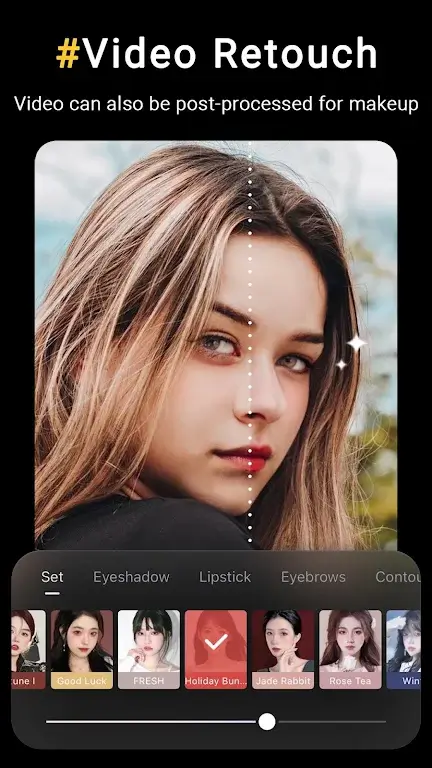
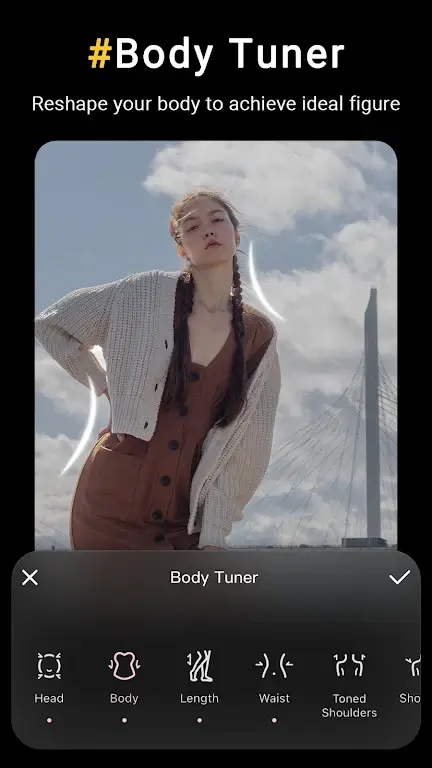
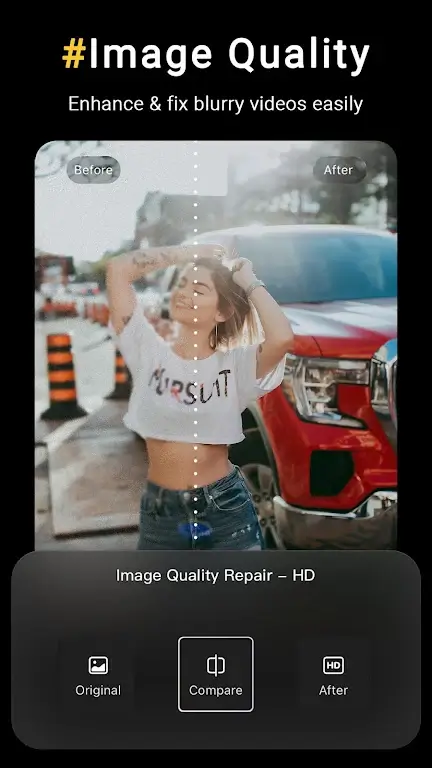
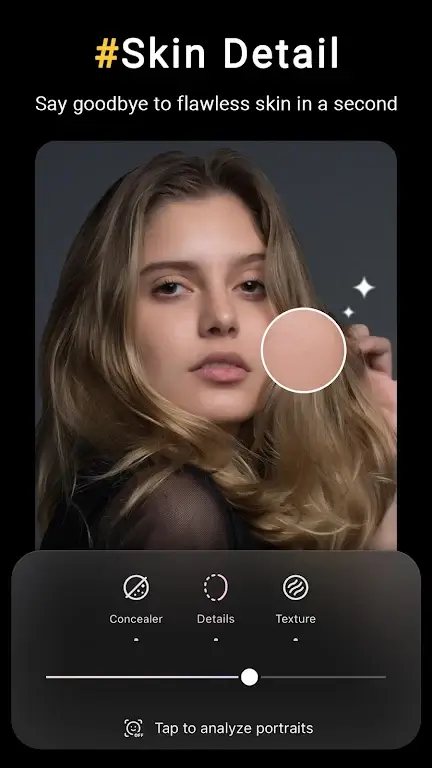
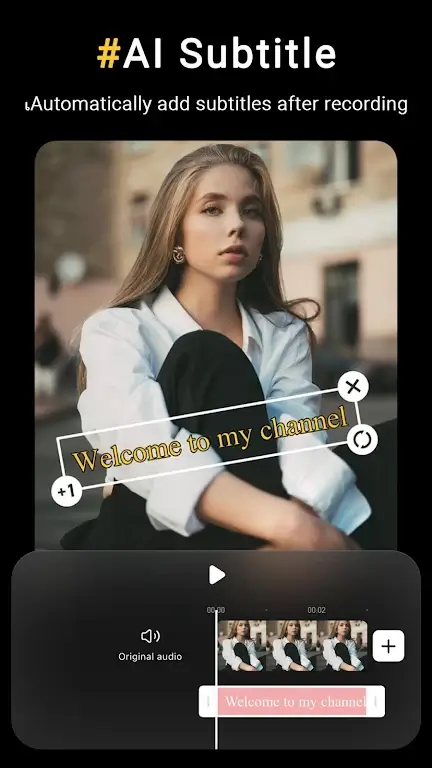
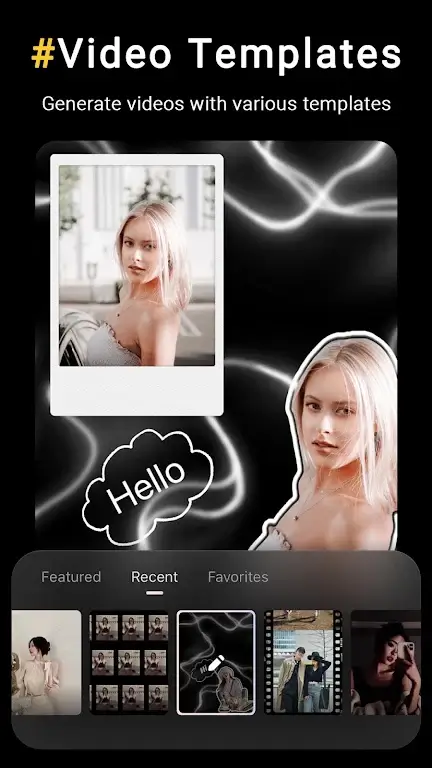
Wink Video is Meitu's Android app for fixing footage that looks soft, dim, or low-resolution, and it leads with AI repair rather than a complex timeline. Its enhancer sharpens out-of-focus clips, upscales 480p or 720p video to 4K, denoises night shots, and restores faded old recordings, with preview sliders so results stay natural. Retouch tools cover skin smoothing, teeth whitening, fill light, makeup, jawline refinement, and body shaping with background lock, plus multi-face detection for group clips. Auto subtitles generate captions in ten-plus languages, and batch processing clears several files at once. Anyone needing multi-track editing usually pairs it with VivaVideo for longer projects.
Key Features
- ✓AI Video Repair and Upscaling
- ✓4K Super Resolution Export
- ✓Face and Body Retouch
- ✓Auto Subtitles and Translation
- ✓Object and Watermark Removal
- ✓Batch Video Enhancement
- ✓Scene-Specific AI Models
Version History
v3.15.5
Frequently Asked Questions
What does Wink Video actually do?
It repairs and enhances video and photos rather than editing timelines. The main tools upscale low-resolution clips to HD, Ultra HD, or 4K, sharpen soft footage, denoise night scenes, and restore faded older recordings. A separate retouch section handles skin, teeth, makeup, jawline, and body shape, and it also erases objects, watermarks, and backgrounds. Auto captions, translation, and batch processing round out the workflow, so most projects finish without leaving the app.
Is Wink Video free to install on Android?
Yes. The app is a free download from Google Play and includes ads and optional in-app purchases. Free users can run the core repair and retouch tools, but cloud processing quotas and batch limits apply, and some premium AI models, exclusive filters, and watermark-free exports sit behind the Wink VIP subscription. Billing runs through your Google Play account, so manage or cancel the plan from Play subscription settings.
Which Android version does Wink need?
Current builds list Android 8.0 or higher as the minimum requirement, so devices running Oreo or later can install the latest release. Heavier features such as 4K upscaling and cloud batch jobs behave better on phones with more RAM and free storage, and keeping the system updated avoids codec and permission errors during export.
Can Wink Video restore old or blurry footage?
Yes. Old video restore targets faded, pixelated, or damaged recordings, while the unblur tool sharpens out-of-focus clips and rebuilds lost detail. You choose a target resolution such as HD, Ultra HD, or 4K and adjust enhancement strength before applying, which keeps the output from looking over-processed. Batch fixing runs the same repair across several files in one pass.
Does Wink Video work offline?
The app opens and browses without a connection, but its AI enhancement models and cloud processing run on remote servers, so the heaviest repairs need internet. Caption generation, translation, and batch jobs also depend on the cloud. Use a stable Wi-Fi link for large 4K exports, and sign in if you want work synced across Android devices.
How does the MOD APK build differ from the Play Store version?
The file offered here is distributed as a MOD APK with premium features unlocked, which means it is not the signed release published by Meitu on Google Play. That has practical consequences: sideloaded builds cannot receive Play Store updates, may clash with an existing installation because of signature checks, and carry no official developer support. If stability and automatic updates matter most, the official listing remains the safer route.
You might also like
6





Comments (1)
Share your experience with Wink Video.
One Comment