
Spaceflight Simulator v1.6.00.22 Mod APK – Best Download
Spaceflight Simulator is an Android rocket-building game with accurate physics and a real-scale solar system, where you assemble stages, reach orbit, and attempt landings on the Moon or Mars.

Screenshots
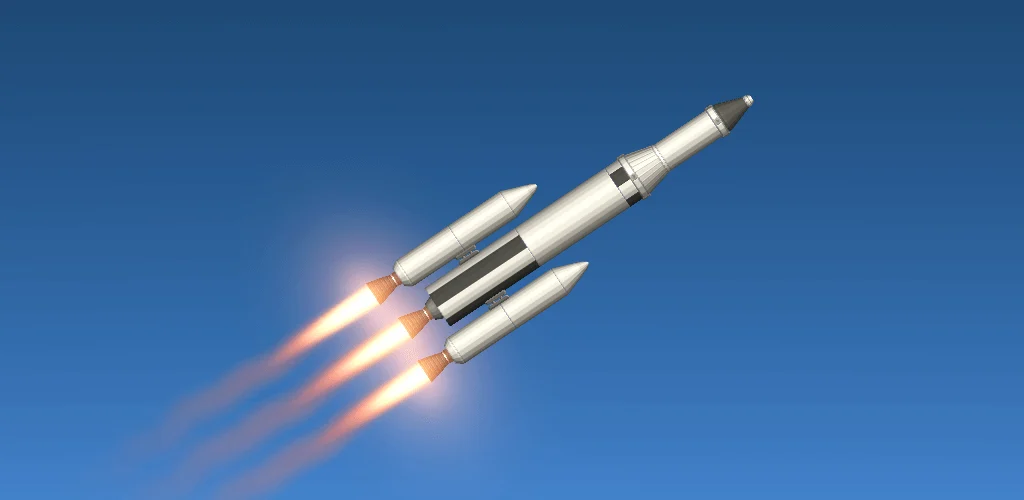
Take a closer look at Spaceflight Simulator.
What Spaceflight Simulator Teaches About Orbits
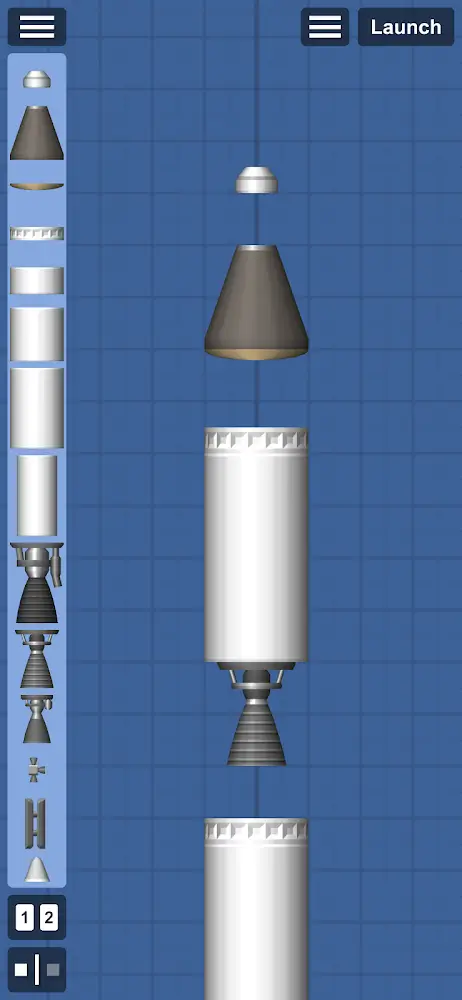
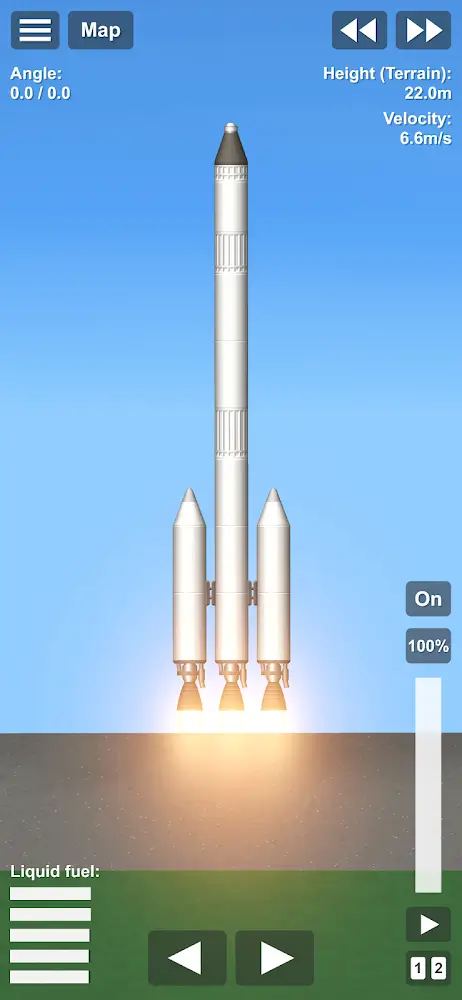
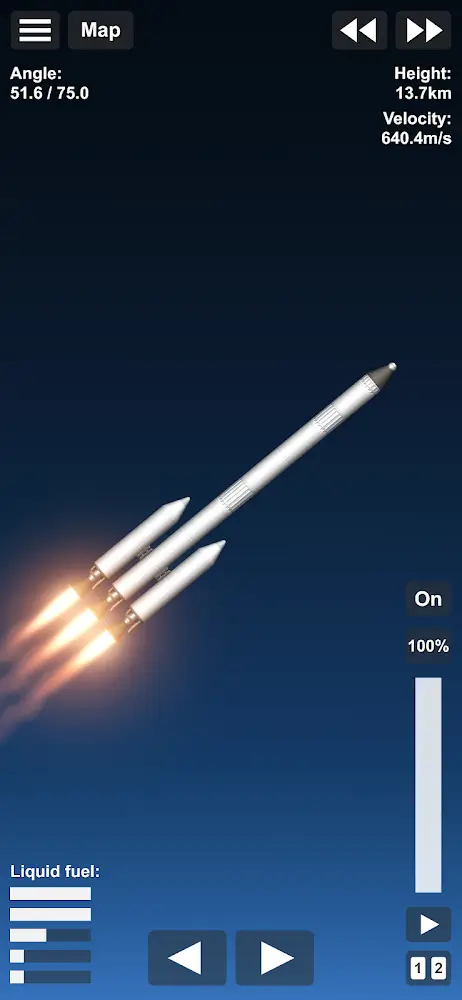
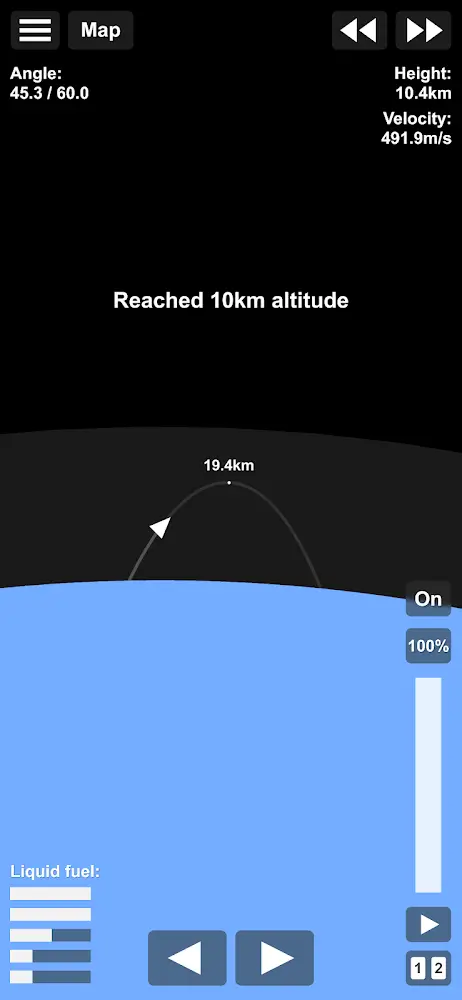
Spaceflight Simulator is a 2D rocket-building game where the physics is the point: you stack tanks, engines, fins, and decouplers in a blueprint view, then fly the result against real orbital mechanics. Planets and moons sit at true relative scale, so a transfer to Mars takes planning, a launch window, and enough delta-v rather than a straight line. You can throttle individual engines, stage manually, dock, and land with parachutes or a powered descent. It is a demanding hobby-grade simulation, closer to Kerbal's engineering loop than to a city builder like TheoTown. Saved builds reload and refine, which is how most players actually progress.
Key Features
- ✓Multi-Stage Rocket Builder
- ✓Real Orbital Mechanics
- ✓True-Scale Solar System
- ✓Manual Staging and Throttle
- ✓Parachute and Powered Landings
- ✓Docking and Rendezvous
- ✓Open Universe, No Barriers
Frequently Asked Questions
Is Spaceflight Simulator free to install?
The Play Store release is free with no ads in the base experience, and optional in-app purchases unlock extra content such as additional parts and features. Modified builds advertise those purchases as already unlocked, but they come from third parties rather than the developer.
Do I need to understand orbital mechanics before playing?
Not before you start, but you will need the basics soon after. The game teaches staging through failure, and understanding that speed sideways creates an orbit rather than altitude is what turns repeated crashes into controlled flights.
Which planets and moons are included?
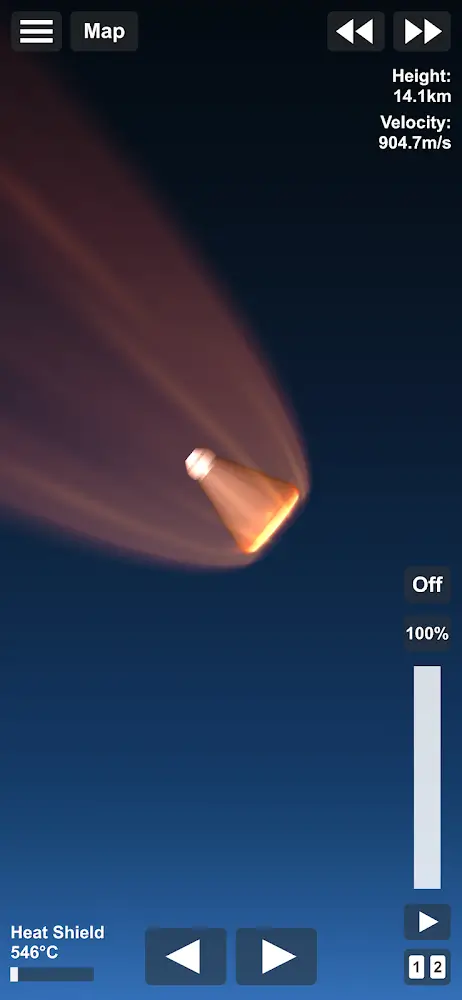
The stock system covers Mercury, Venus, Earth, the Moon, Mars, and the two Martian moons, Phobos and Deimos, each with its own gravity and atmosphere behaviour. Venus has a crushing hot atmosphere and Mars a thin one, so entry and landing plans differ sharply.
Can I actually reach orbit with a rocket I built myself?
Yes, and it is the first real milestone. You need a thrust-to-weight ratio above one at liftoff, staged engines that fire as mass drops away, and a gradual gravity turn rather than a straight climb, otherwise you spend fuel fighting gravity instead of gaining horizontal speed.
Does it work offline?
Yes. The simulation runs entirely on the device, so launches, time warp, and landings work in airplane mode. Only store purchases and community links require a connection.
Can I add mods or extra parts to Spaceflight Simulator?
The official route is the in-game purchase of extra part packs. Community part packs and texture packs exist and are installed manually, which means version mismatches are common after a game update, and a modified APK may refuse to load content built for a different build.
How difficult is a Moon landing?
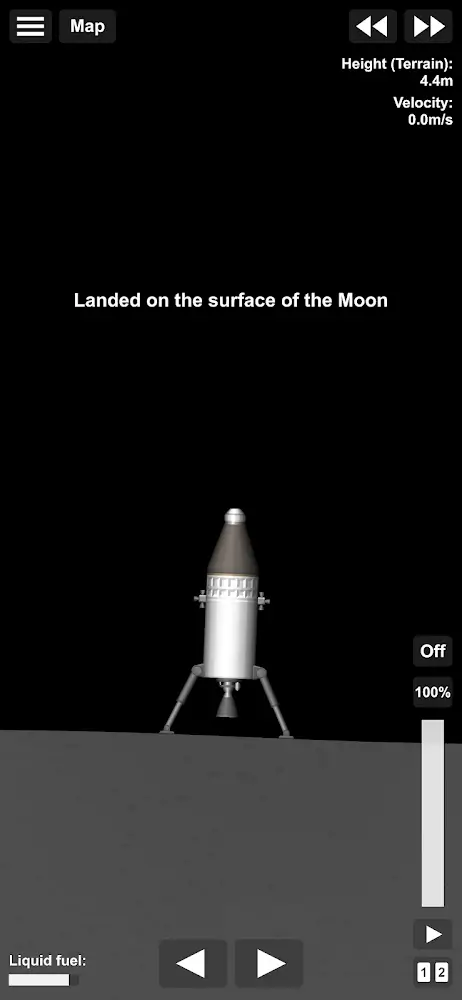
Hard enough to take several attempts. You need a transfer burn timed to intercept the Moon, a capture burn to avoid flying past, then a descent that kills horizontal velocity before touchdown; a lander with a low centre of mass and a dedicated descent engine makes the last kilometre far less eventful.




Comments (0)
Share your experience with Spaceflight Simulator.