
OKX v6.184.0 APK – Best Download
OKX is a free Android finance app for buying, selling, converting, and trading Bitcoin and other cryptocurrencies, plus a built-in self-custody Web3 wallet, spot margin tools, and TradingView-powered charts.

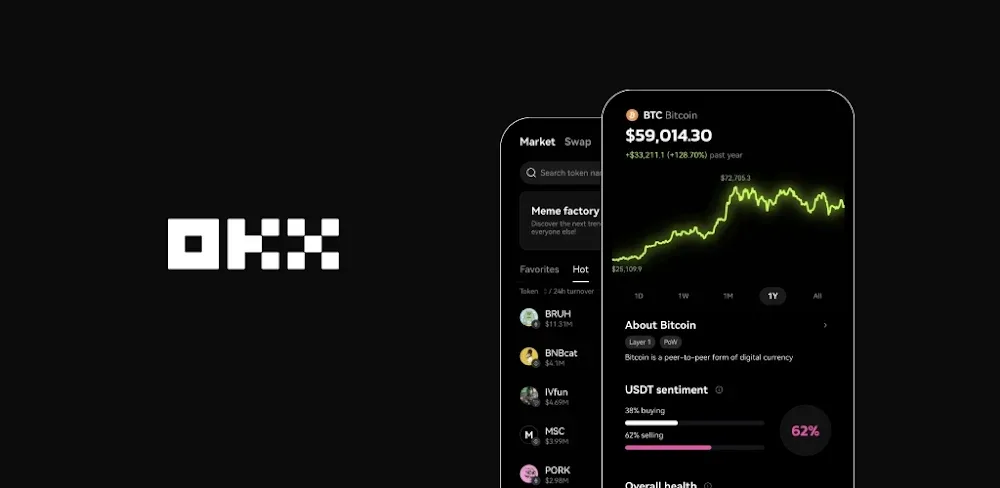
Screenshots
Take a closer look at OKX.
OKX Crypto Exchange App with Web3 Wallet
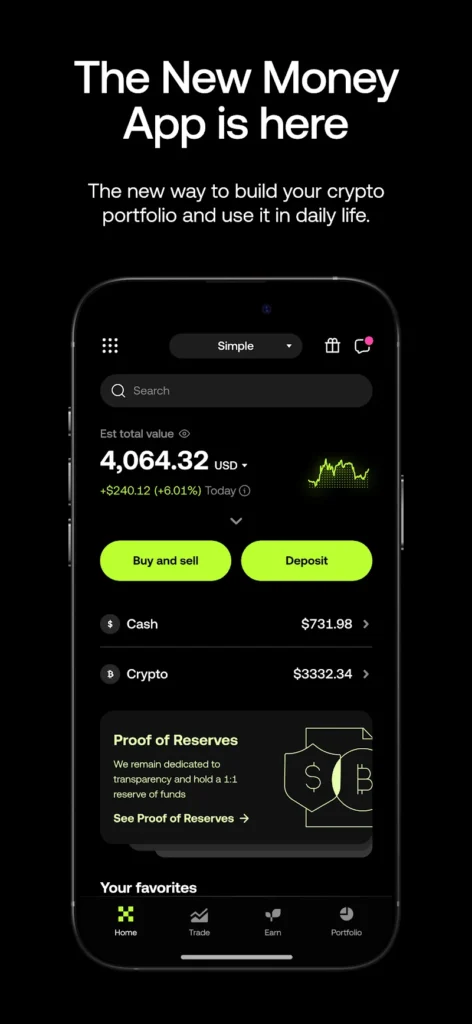
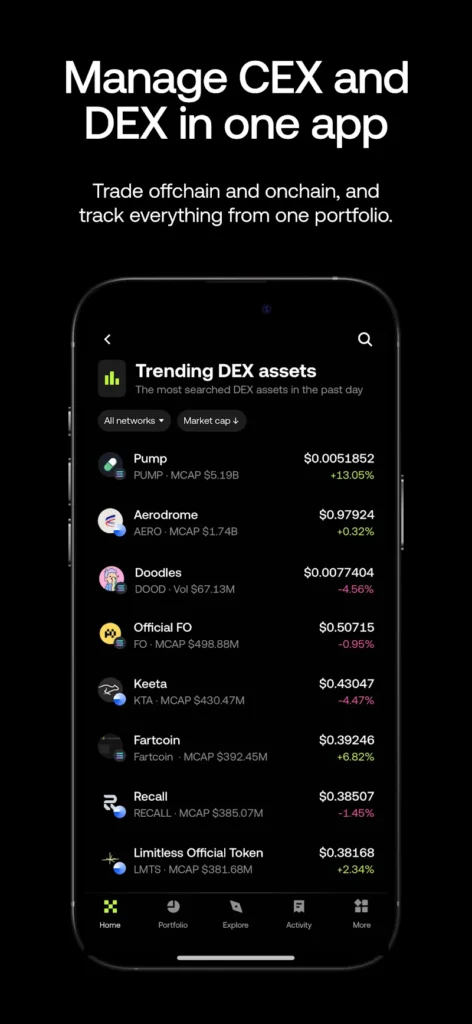
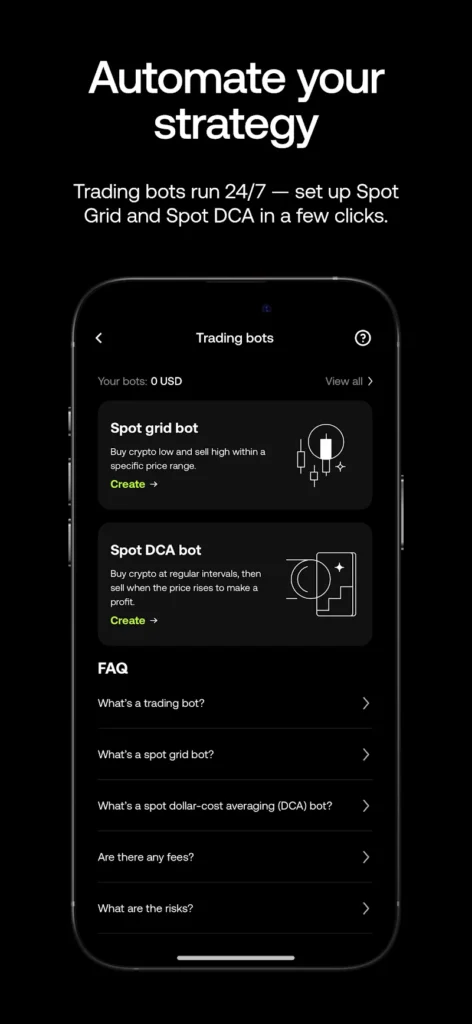
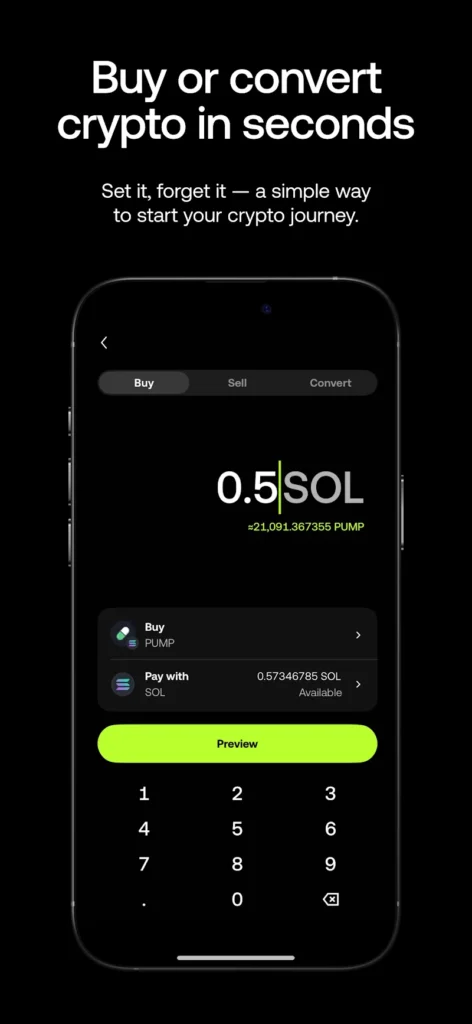
OKX is a finance app that turns a phone into a crypto exchange account, letting users buy, sell, convert, and trade Bitcoin, Ethereum, and hundreds of other digital assets. Funds sit in separate Funding and Trading accounts, so assets move between them before a spot order is placed. Spot screens include candlestick charts, adjustable indicators, order books, and recent trade data, while eligible accounts can access cross and isolated spot margin. A built-in self-custody Web3 wallet handles on-chain swaps, staking, and network connections. Autopilot tools such as Spot Grid and Spot DCA run around the clock, and traders who want a comparable multi-market view will recognise the same pattern on Binance.
Key Features
- ✓Spot Trading with Live Charts
- ✓Separate Funding and Trading Accounts
- ✓Spot Margin with Risk Metrics
- ✓Self-Custody Web3 Wallet Access
- ✓Spot Grid and DCA Bots
- ✓TradingView Chart Indicators
- ✓Proof of Reserves Verification
Frequently Asked Questions
Is OKX free to download on Android?
Yes, the app is a free download on Google Play, and the listing covers the standard exchange build rather than a paid tier. Installing it, creating an account, and browsing markets costs nothing; charges appear later as trading fees, spreads, and the network fees attached to specific transfers. Availability still varies, because some products, payment methods, and services are not offered in every country or region.
Which Android version does OKX require?
The official OKX download page lists Android 7.0 (Nougat) or later, and the app supports phones and tablets. Older devices will not receive the current build, so if Google Play reports an incompatibility, check the Android version under Settings and then About phone. Budget plenty of free storage as well, since the installer is large and cached market data grows once the app is in daily use.
Why do I need to move funds before placing a spot order?
Because the app keeps a Funding account and a Trading account separate. Deposits and withdrawals are tied to Funding, while order placement draws on Trading, so assets must be transferred between the two through the Assets area before a buy or sell instruction will go through. It is an extra tap, but it keeps trading collateral distinct from money you are holding or moving out.
Does the OKX app include a self-custody wallet?
Yes. Alongside exchange trading, the app connects to a self-managed Web3 wallet that supports on-chain swaps, liquidity pools, staking, and network connections. Because the wallet is self-custodied, recovery credentials stay with the user and no support team can restore them. Exchange services and self-custody features are separate environments, each with its own responsibility and risk profile.
Can I trade with leverage in the Android app?
Spot margin is available for eligible users and regions, with cross and isolated modes plus figures such as average entry price and estimated liquidation price. Margin uses borrowed assets alongside your own collateral, so interest is calculated and settled hourly and the borrowed amount must be repaid when a position closes. Check whether margin is enabled before confirming an order, since the setting may already be active on some accounts.
How do I keep my account secure on Android?
Start with two-factor authentication, ideally an authenticator app or hardware key rather than SMS, and keep a withdrawal allowlist in place. Google Play's data safety section states that data is encrypted in transit and that users can request deletion, but that covers transport and policy rather than the safety of any single trade. Never install a build from an unverified source, and never share recovery credentials with anyone.





Comments (0)
Share your experience with OKX.