

Brave Private Web Browser, VPN v1.96.59 APK – Best Download
Brave Private Web Browser, VPN is an Android browser that blocks ads and trackers by default, adding private tabs, HTTPS upgrades, and a built-in firewall plus VPN for safer everyday browsing.


Screenshots
Take a closer look at Brave Private Web Browser, VPN.

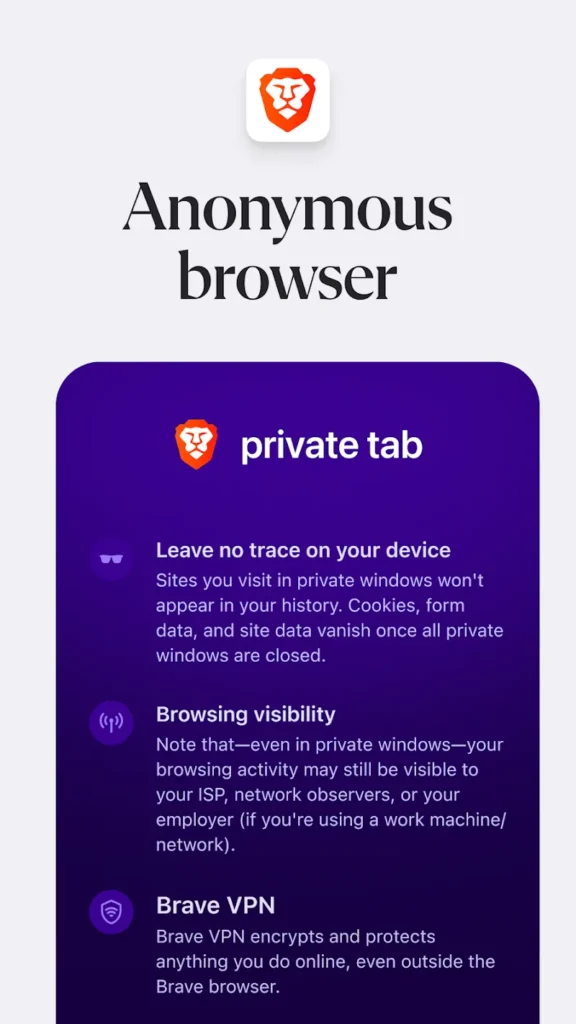
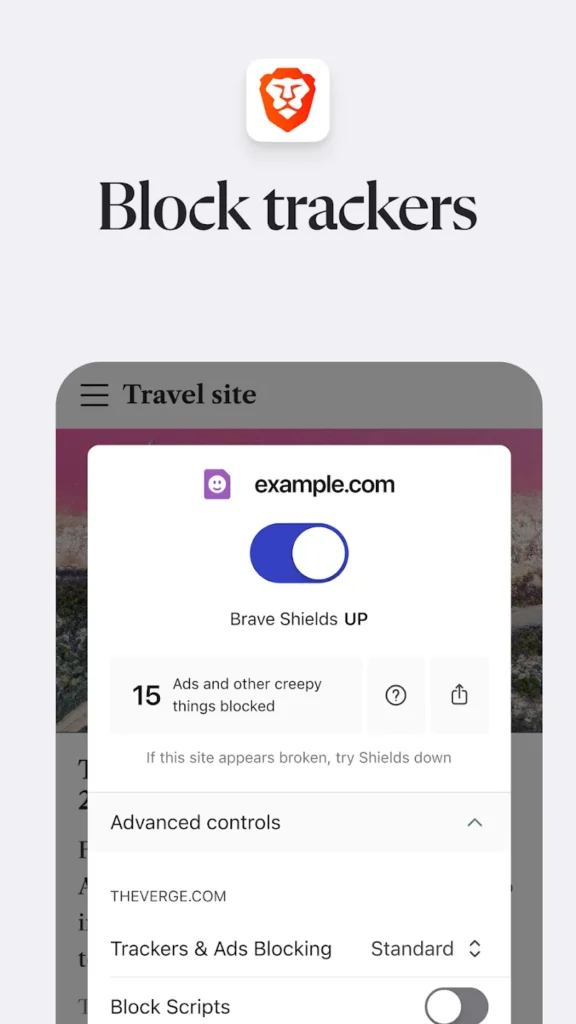
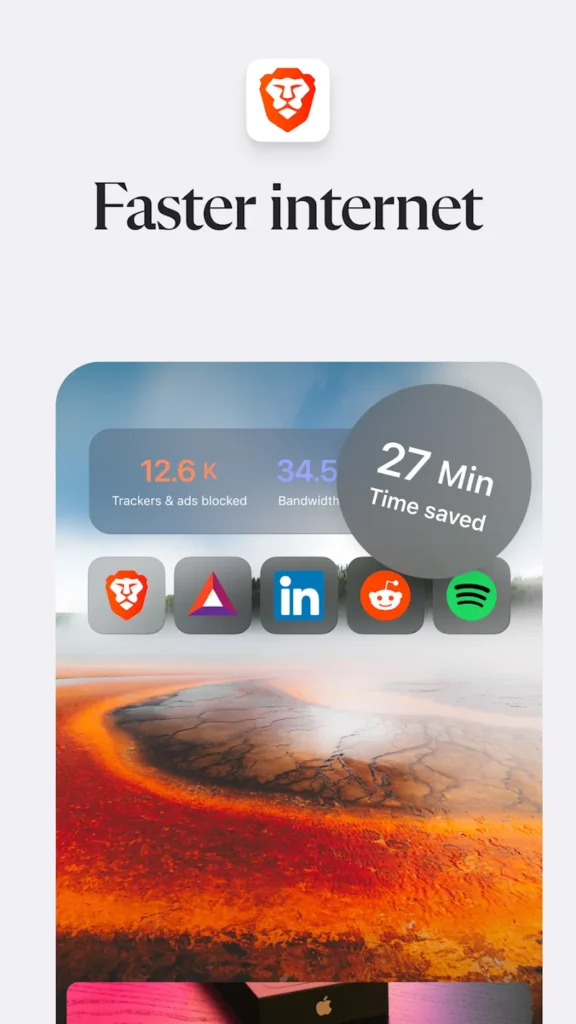
Brave Private Web Browser, VPN for Android
Brave Private Web Browser, VPN is a Chromium-based Android browser from Brave Software that blocks ads, trackers, and fingerprinting scripts before pages load, so sites open faster and consume less mobile data. Private tabs, HTTPS upgrades, cookie and script blocking, and Global Privacy Control reduce what third parties can collect while you read, shop, or sign in. The built-in Firewall plus VPN encrypts traffic on untrusted Wi-Fi, and Brave Leo, an optional AI assistant, answers questions straight from the toolbar. Night mode, bookmarks, and recent tabs keep the daily workflow familiar for anyone switching from Chrome. If you already use Telegram for messaging, Brave makes a natural companion browser for the links you open next.
Key Features
- ✓Built-In Ad and Tracker Blocking
- ✓Private Tabs With Cookie Blocking
- ✓Firewall and VPN Protection
- ✓HTTPS Everywhere Upgrades
- ✓Brave Leo AI Assistant
- ✓Data and Battery Saver
- ✓Fast Built-In Search Engine
Frequently Asked Questions
What is Brave Private Web Browser, VPN used for on Android?
It is a mobile browser that loads pages while blocking ads, trackers, and fingerprinting scripts. The same app adds private tabs, HTTPS upgrades, cookie and script blocking, night mode, Brave Search, and the optional Brave Leo assistant, so everyday reading, searching, and shopping create less tracking data and use less mobile data than a stock browser.
Does Brave Private Web Browser, VPN block ads and pop-ups automatically?
Yes. Ad blocking and tracker blocking are switched on by default, with no extension to install. Pop-ups, cookie consent banners, and tracking codes that get copied into URLs are handled automatically too, and you can loosen or tighten shields for a single site from the address bar menu if a page misbehaves.
How does the Firewall + VPN feature work in Brave Private Web Browser, VPN?
The firewall blocks unwanted connections at the app level, while the VPN encrypts traffic so local networks and your carrier see less about what you do online. Firewall + VPN is a paid add-on in the official app rather than a free default, and it sits separately from the free ad and tracker blocking that every install includes.
Can I import bookmarks from Chrome and keep them synced?
Yes. Brave supports importing and exporting bookmarks from another browser, and the optional Sync feature keeps them encrypted across devices. Private tabs stay out of your history, so anything opened there is discarded when you close it, while recent and closed tabs can be reopened from the menu when you close one by mistake.
What Android version do I need for Brave Private Web Browser, VPN?
The developer's Google Play listing states the app supports Android 7 and above, so most phones still receiving updates can run it. Rendering is driven by a current Chromium engine, and recent release notes mention ongoing picture-in-picture and interface changes, so keeping the browser updated is the simplest way to avoid compatibility problems.
Is Brave a good replacement for the browser that came with my phone?
It depends on what you value most. Brave removes ads and trackers by default, bundles a VPN option and an AI assistant, and tends to use less data and battery during long sessions, while a preinstalled browser is already there and often tied more closely to the phone's account ecosystem. Running it as a secondary browser for a week shows whether the shields and private tabs fit your habits.
You might also like
6





Comments (1)
Share your experience with Brave Private Web Browser, VPN.
One Comment