

Book Quotes & Quotations v4.2.2 Mod APK – Best Download
Book Quotes & Quotations is a lightweight Android reading app that collects quotations from books, poems, essays, and song lyrics, then lets you save favourites, follow authors, and share lines with friends.


Screenshots
Take a closer look at Book Quotes & Quotations.
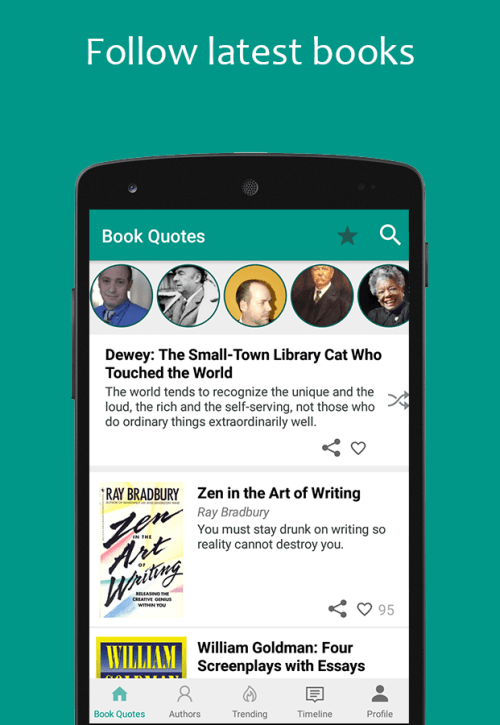
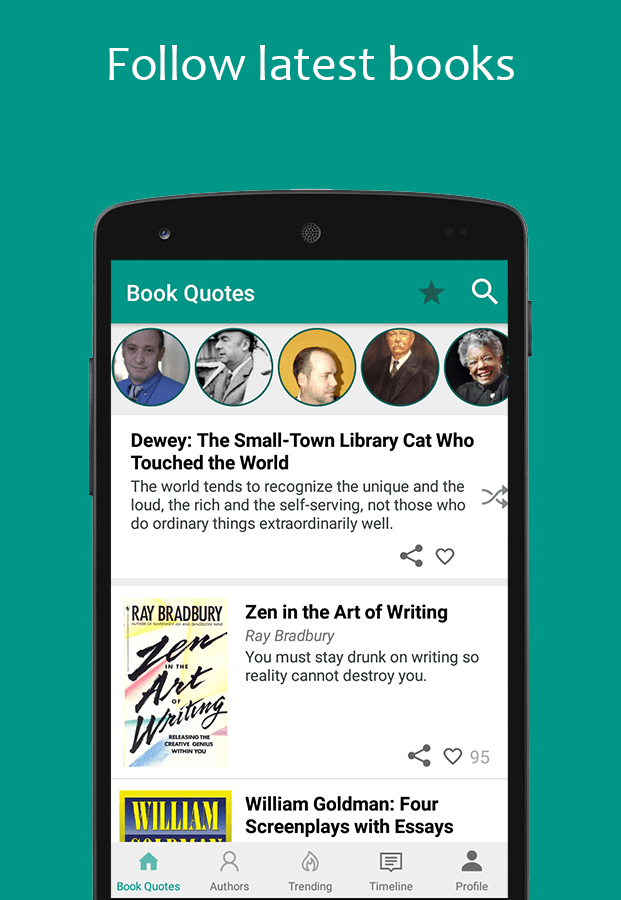
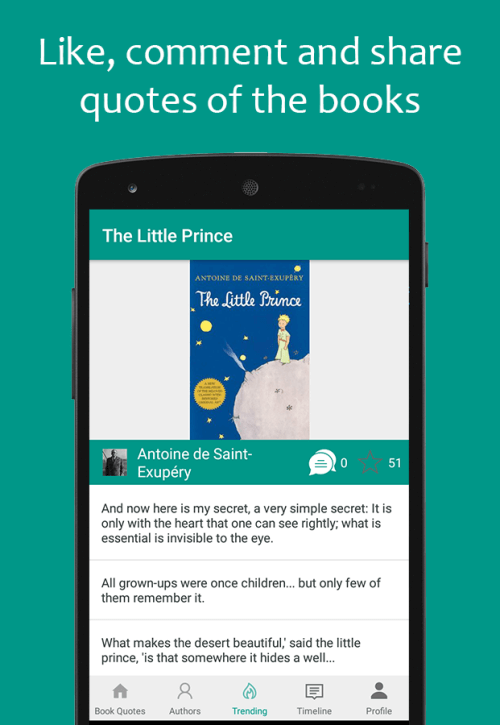
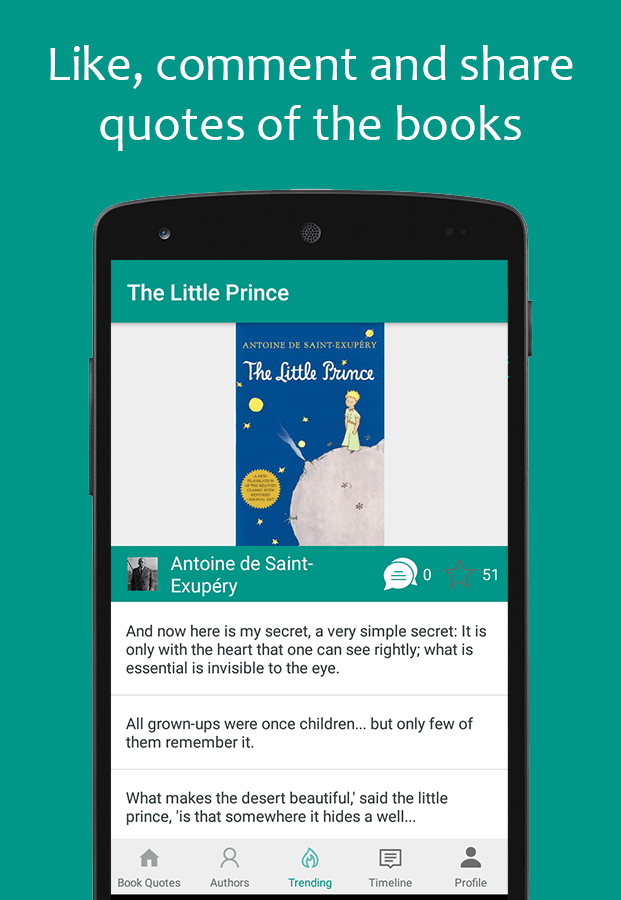
Searchable Quotation Library for Books and Readers
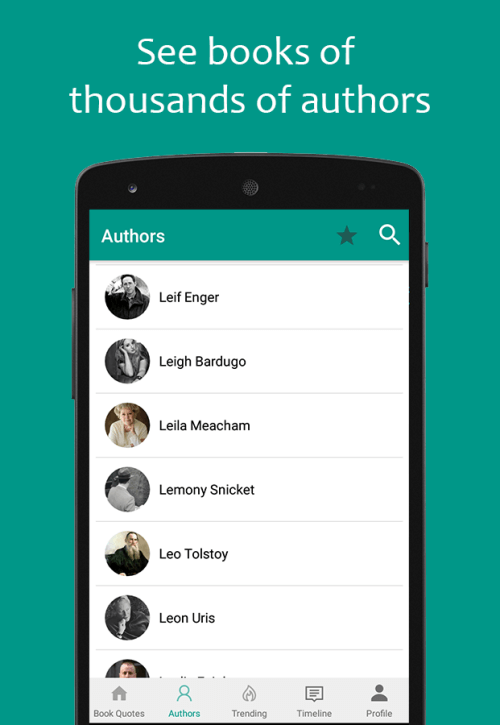
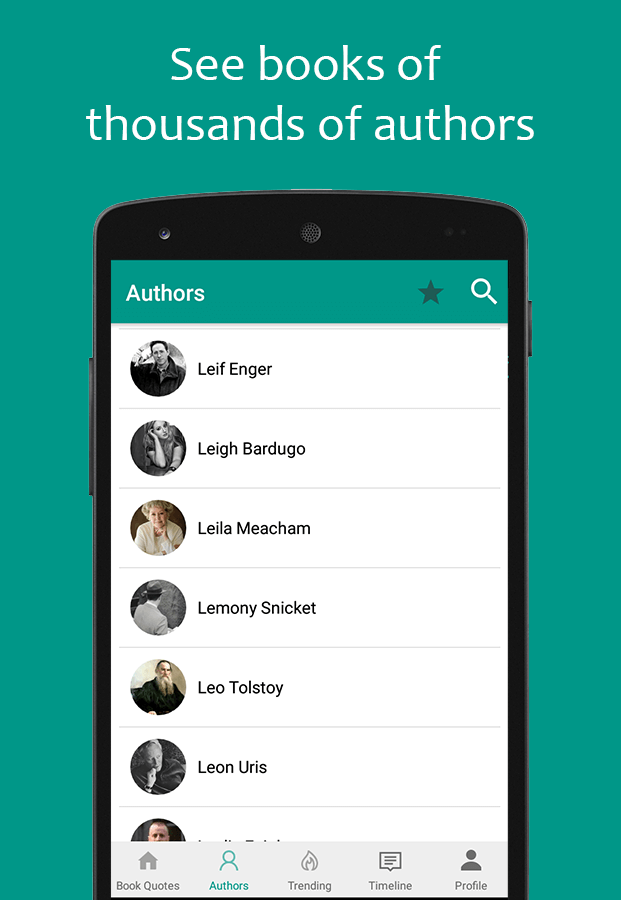
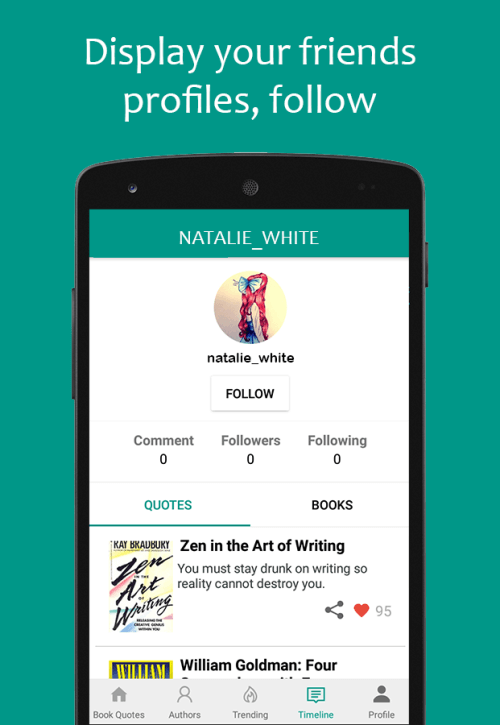
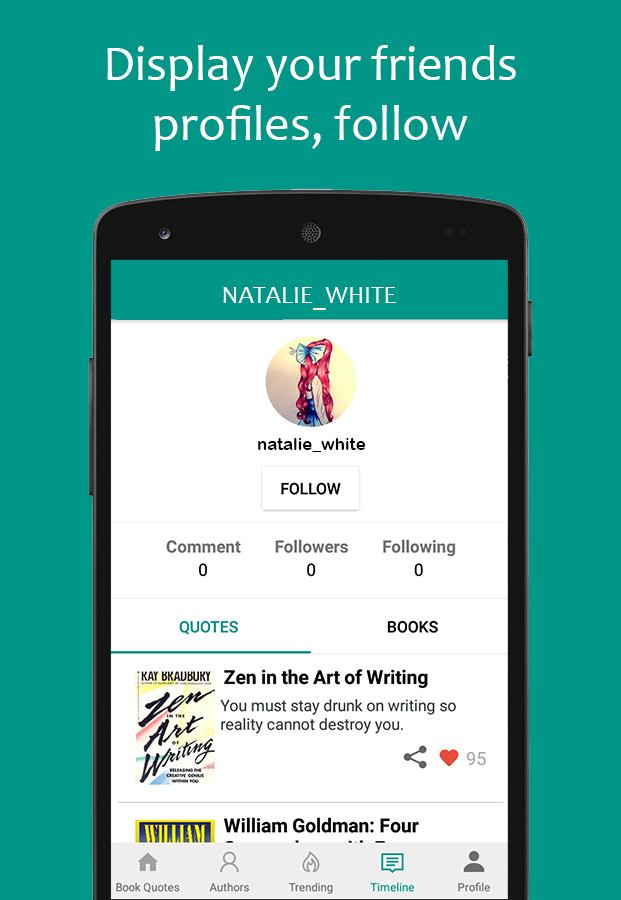
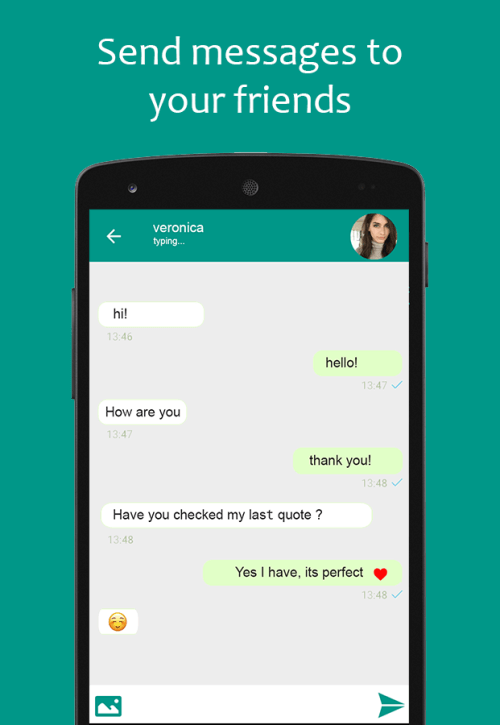
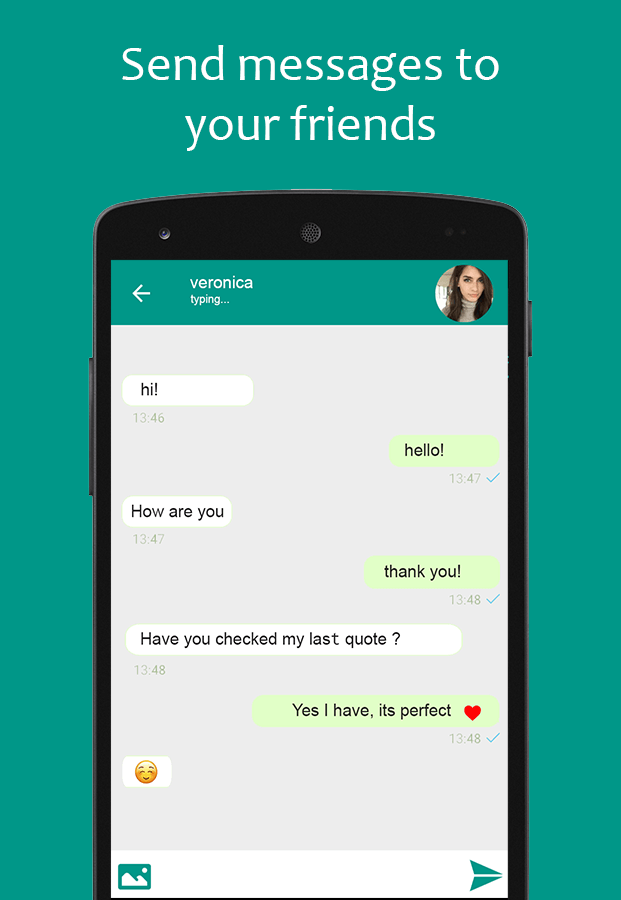
Book Quotes & Quotations is a lightweight Android reference app that gathers memorable lines from books, poems, essays, and song lyrics into one searchable library. You can browse by topic, look up an author, add a quote to a book, and save anything worth keeping to a favourites list. The app doubles as a small reading network: create a profile, follow other users, and exchange direct messages about what you are reading. Because everything is text-based, it stays quick to load and light on storage. If you like keeping reading shortcuts on your home screen, Apolo Launcher pairs neatly with it. Students, writers, and quote collectors get the most from it.
Key Features
- ✓Searchable Quote and Author Index
- ✓Topic-Based Quote Browsing
- ✓Favourites Archive
- ✓Follow Authors and Readers
- ✓In-App Direct Messaging
- ✓One-Tap Social Sharing
- ✓User Quote Submissions
Frequently Asked Questions
What is Book Quotes & Quotations used for?
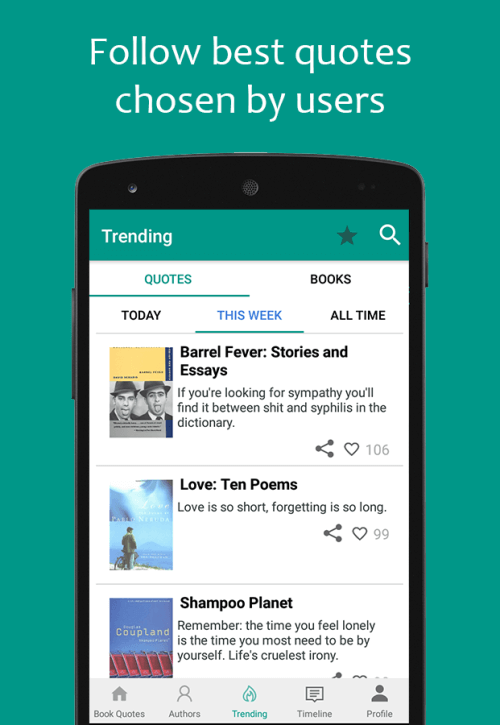
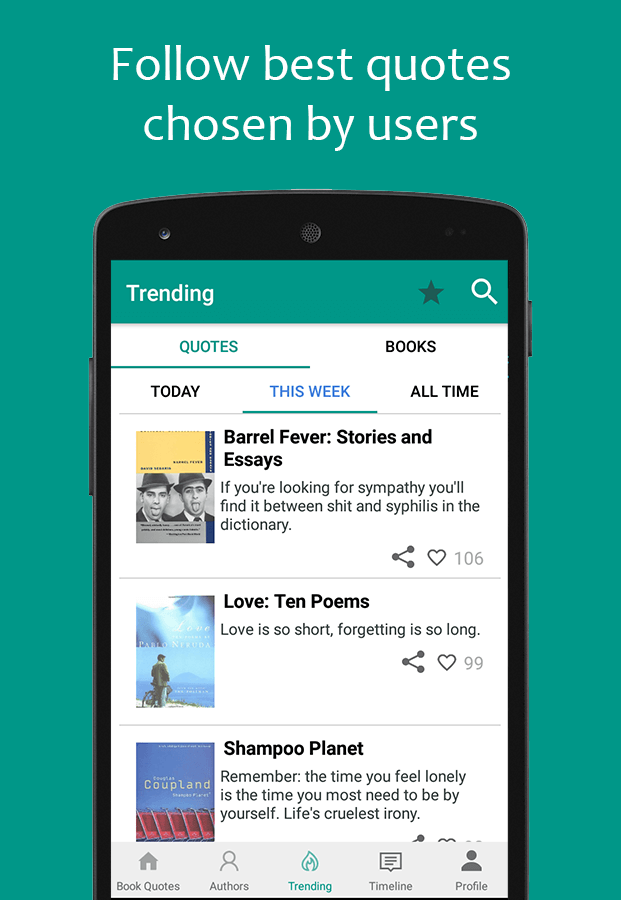
It is a quote discovery and sharing app. You search thousands of lines taken from books, poems, essays, and lyrics, see trending titles and authors, save favourites to a personal list, attach new quotes to a book, and message other readers without leaving the app. The interface is text-only, so the app stays light on storage.
Is the app free to download?
The Google Play listing for Book Quotes & Quotations is free to install and is supported by ads and in-app purchases. The build described on this page is a Premium Unlocked MOD APK, which is a modified package circulated outside Google Play rather than the official store release, so it is not refreshed through the Play Store.
Which Android version is required?
Rovingy does not publish a minimum Android version for this release, so treat the exact requirement as unconfirmed. Before installing, open the Google Play listing, scroll to the compatibility section, and confirm that your phone or tablet is listed as supported.
Can I save quotes and come back to them later?
Yes. Any quote or book can be added to your favourites, and that saved list stays attached to your profile whenever you reopen the app. Because the library is updated frequently, new lines continue to appear in the topics you already follow.
How do I share a quote on social media?
Open a quote, tap the share control, and choose Instagram, Facebook, X, or any other app installed on your phone. The quote text is handed to that app's composer, so you can add your own caption before posting it.
Can I add my own quotations?
Yes. Book Quotes & Quotations accepts reader submissions, so you can attach a new quote to an existing book, publish it to your profile, and let other users favourite or share it. Following readers and sending direct messages turns those submissions into a small reading community.
What changed in Book Quotes & Quotations 4.2.2?
Version 4.2.2 is the release dated 30 January 2023, and its published notes are limited to the standard advice to use the latest build for the best experience. Rovingy has not posted a detailed changelog, so specific fixes in this build are not documented publicly.






Comments (0)
Share your experience with Book Quotes & Quotations.