

v16.0.20513.20022
289.39 MB
Microsoft 365 Copilot v16.0.18429.20130 APK – Best Download
Microsoft 365 Copilot is Microsoft's AI work assistant for Android that combines chat, Word, Excel, PowerPoint, and Outlook in one app so you can draft, summarise, analyse, and find files from your phone.
Android app
Official Play Store
Direct APK
Updated OCT 02, 2026
Screenshots
Take a closer look at Microsoft 365 Copilot.
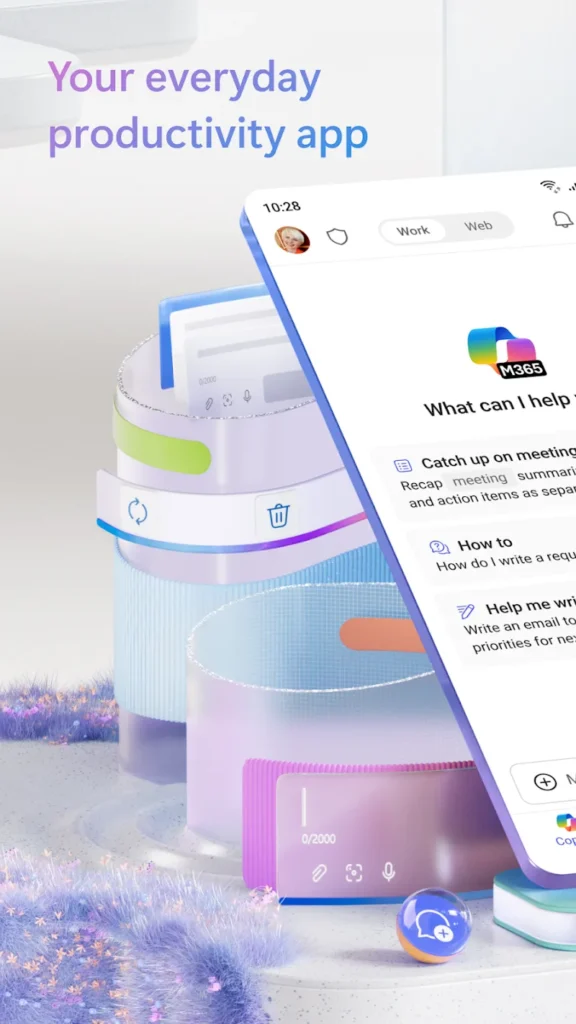
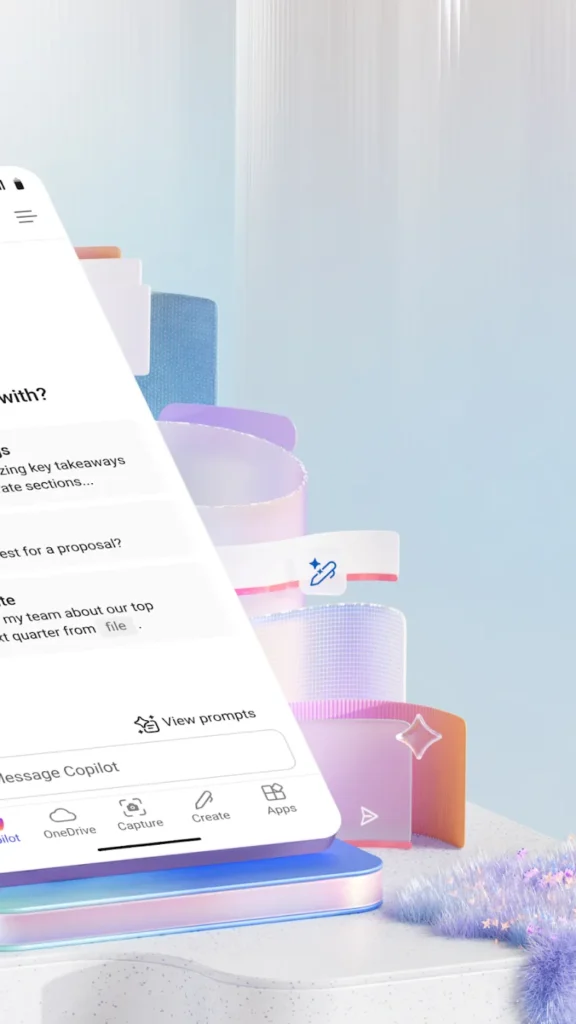
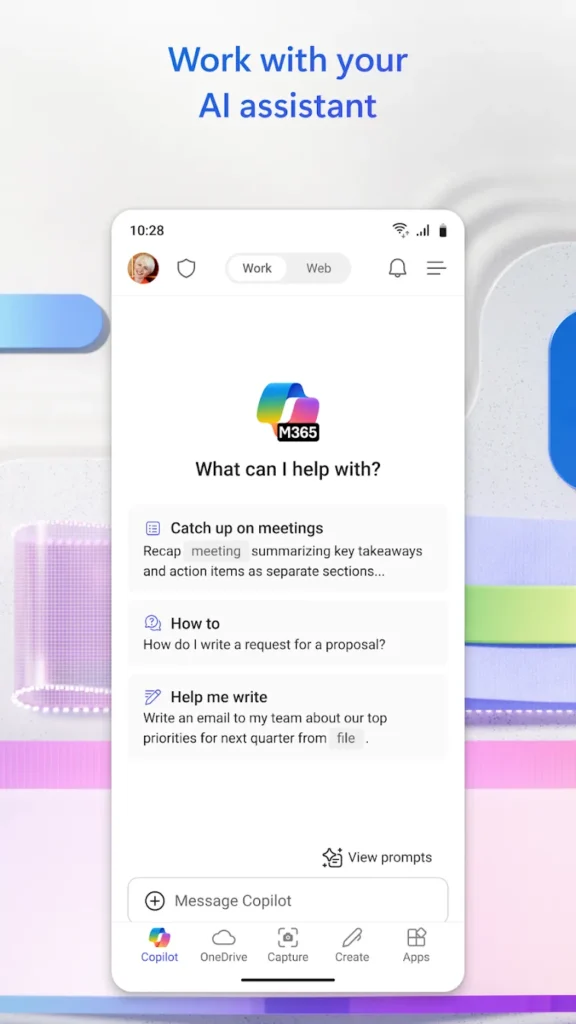
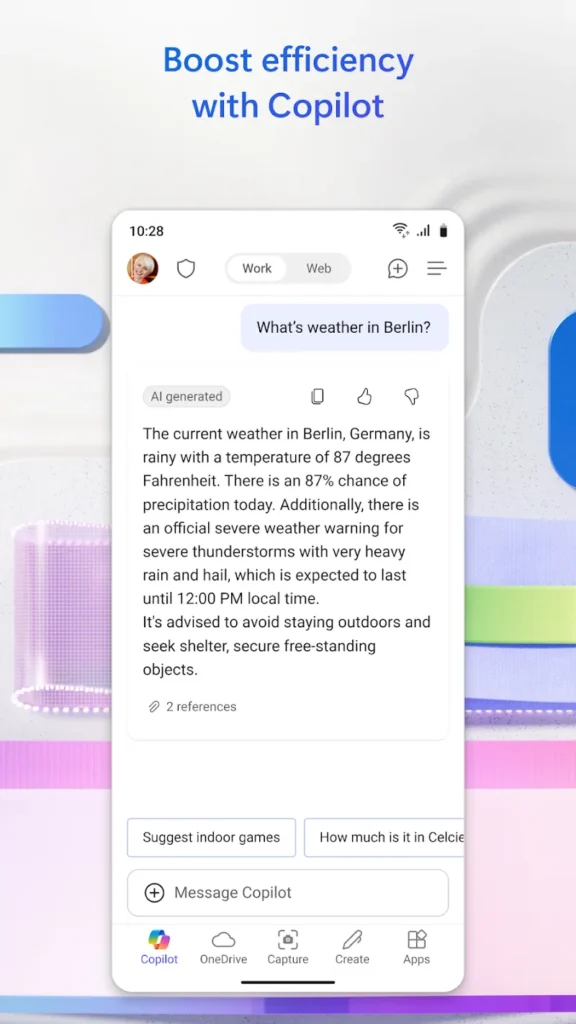
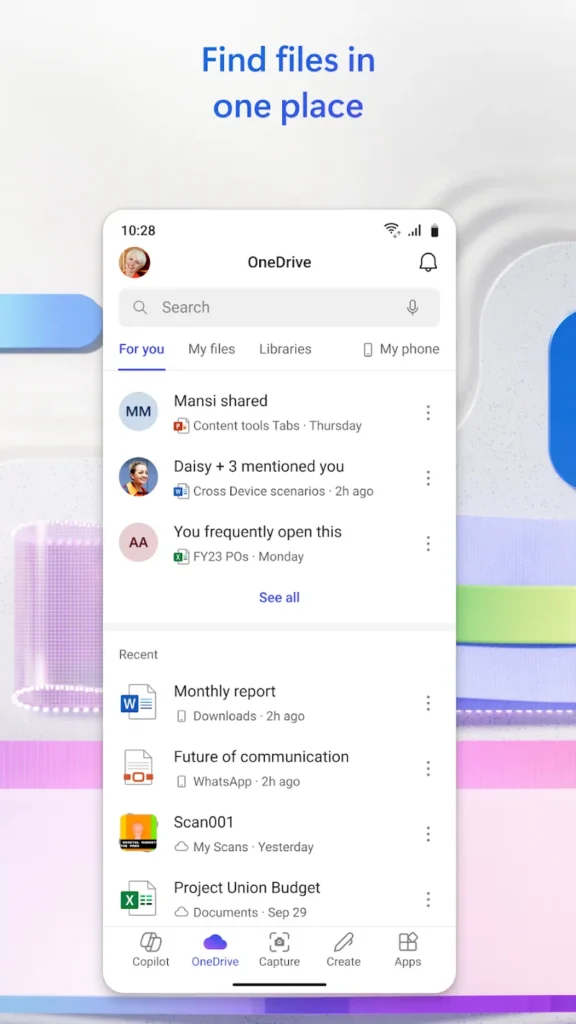
Microsoft 365 Copilot Android App: AI Work Assistant
Microsoft 365 Copilot is Microsoft's AI-powered work assistant for Android, replacing the old standalone Office hub with one app that chats, drafts, and edits alongside you. It opens on a chat box, then reaches into Word, Excel, PowerPoint, Outlook, and Teams files stored in OneDrive or SharePoint. You can summarise a long PDF, build a spreadsheet formula, draft an email, or turn notes into a slide deck without switching apps. Uploading a file from local storage lets Copilot answer questions grounded in that document. If your day also involves quick image edits, the same phone can run a photo editor such as BeautyPlus. Features depend on your Microsoft 365 licence and admin settings.
Key Features
- ✓Microsoft 365 Copilot Chat
- ✓Word, Excel and PowerPoint Editing
- ✓File Upload and Summaries
- ✓Voice Input and Dictation
- ✓OneDrive and SharePoint Access
- ✓Outlook Email Drafting
- ✓Spreadsheet Data Analysis
Version History
v16.0.20506.20016
233.55 MB
v16.0.20430.20032
232.02 MB
v16.0.20409.20036
310.37 MB
v16.0.20416.20042
227.78 MB
v16.0.20416.20020
283.15 MB
v16.0.20409.20016
281.83 MB
Frequently Asked Questions
Is Microsoft 365 Copilot free on Android?
The app installs free from Google Play, but the AI features are licence-driven. A personal Microsoft account gives you Copilot Chat with limited daily usage, while Copilot inside Word, Excel, PowerPoint, Teams, and Outlook needs a qualifying Microsoft 365 or Copilot subscription, usually assigned by a work or school administrator.
Can Copilot work offline on Android?
Mostly no. Chat replies, file summaries, and content generation run on Microsoft cloud services, so an active connection is required. Files already downloaded to your device can still be opened and read offline, and edits sync back to OneDrive or SharePoint the next time the app goes online.
What Android version does Microsoft 365 Copilot require?
Current builds list Android 13 or later as the minimum requirement and assume ARM64 hardware, which is why very old phones cannot install them. Earlier releases ran on Android 10 and up, so outdated devices can only use those older builds and may miss newer Copilot features.
Can I use Copilot with a personal Microsoft account?
Yes, with limits. A personal Microsoft account unlocks Copilot Chat, uploads of Word, Excel, PowerPoint, PDF, and image files, plus basic viewing and light editing. Answers grounded in company files, meeting recaps, and organisation data require a work or school account with the appropriate licence.
Is a modified Copilot APK safe to install?
Treat unofficial builds with caution. Modified packages are not distributed by Microsoft, cannot be verified against the official publisher signature, and often break sign-in, updates, or enterprise data protection. Installing from Google Play keeps the verified signature and automatic security updates intact.
How do I fix Microsoft 365 Copilot file sync issues?
Sign out and back in so the app refreshes its credentials, then confirm the document is really saved to OneDrive or SharePoint instead of only local storage. Check that battery optimisation is not blocking background sync, clear the app cache, and update to the latest version before reinstalling.
Does Copilot replace Word and Excel on Android?
No. The single app offers lightweight viewing and editing for those formats with a chat layer on top, while the separate Word, Excel, PowerPoint, and Outlook apps still provide the deepest mobile formatting controls. Many users keep the hub for quick tasks and open the individual apps for heavy editing.
You might also like
6





Comments (1)
Share your experience with Microsoft 365 Copilot.
One Comment