

CapCut v19.7.0 Mod APK – Best Download
CapCut is a video editor for Android that trims, styles, and captions clips using effects, keyframes, and ready-made templates. This Premium Unlocked MOD APK opens the Pro workspace, though some library sections are broken.

Screenshots
Take a closer look at CapCut.
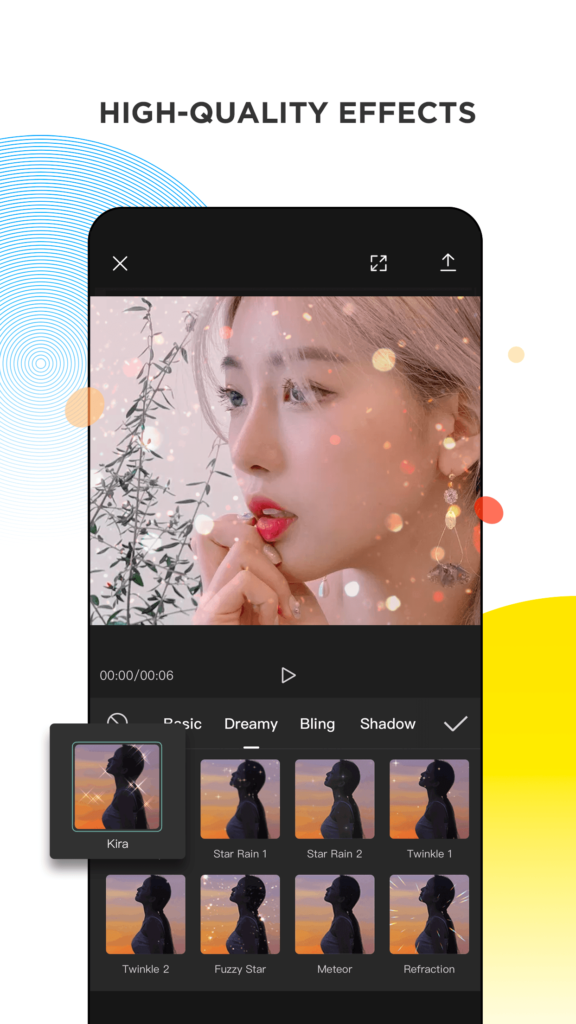
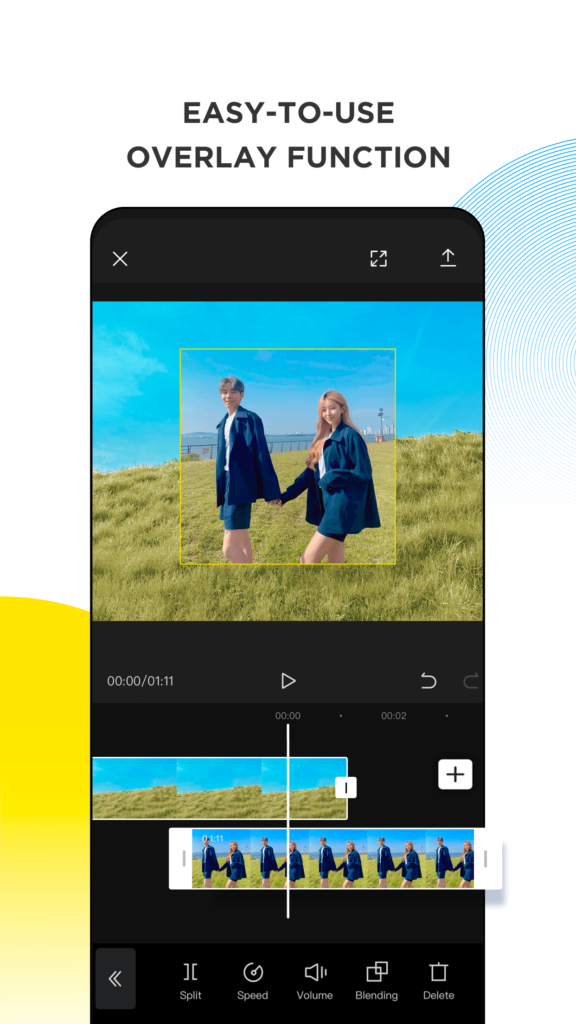
CapCut MOD APK Video Editor for Android
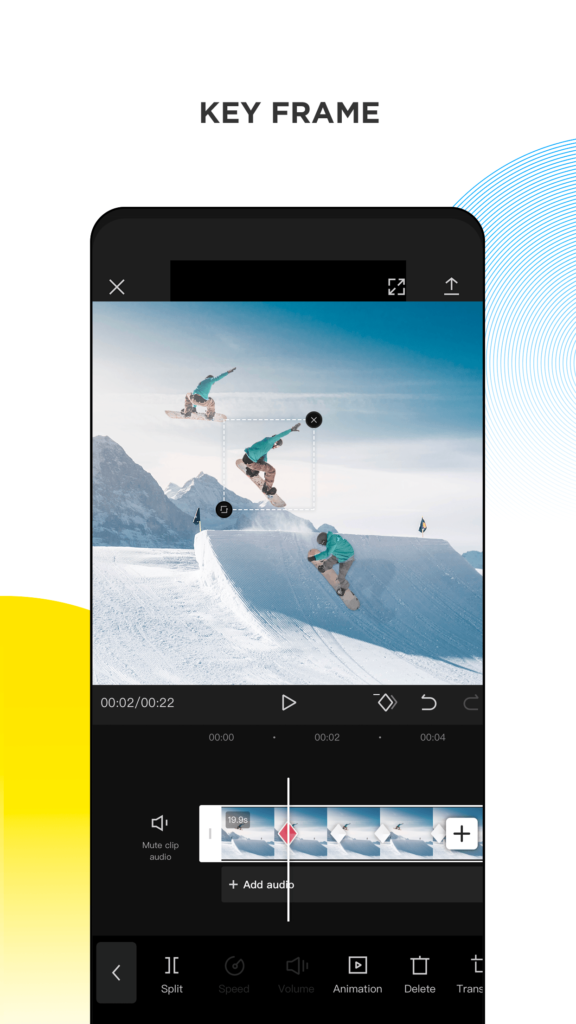
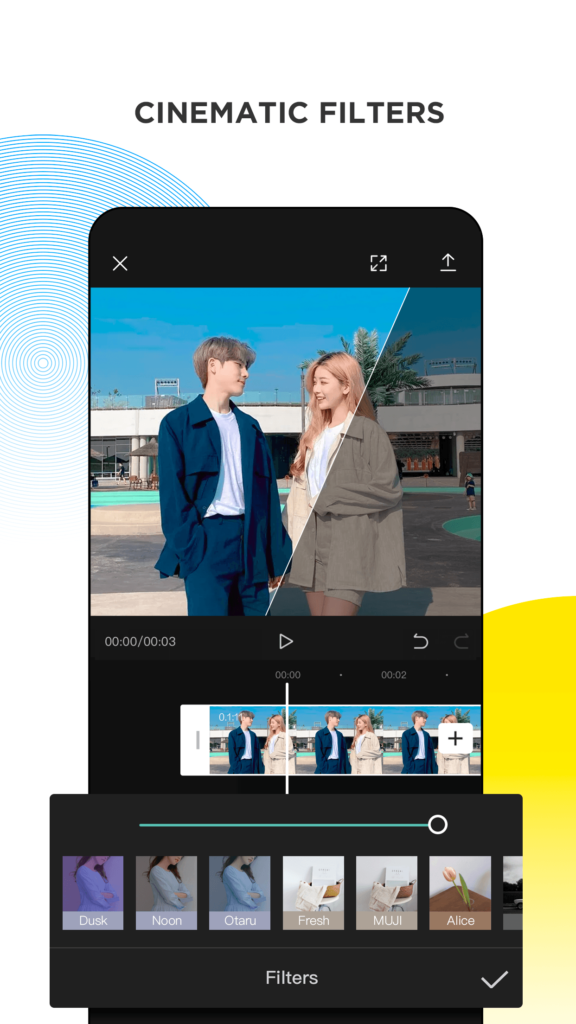
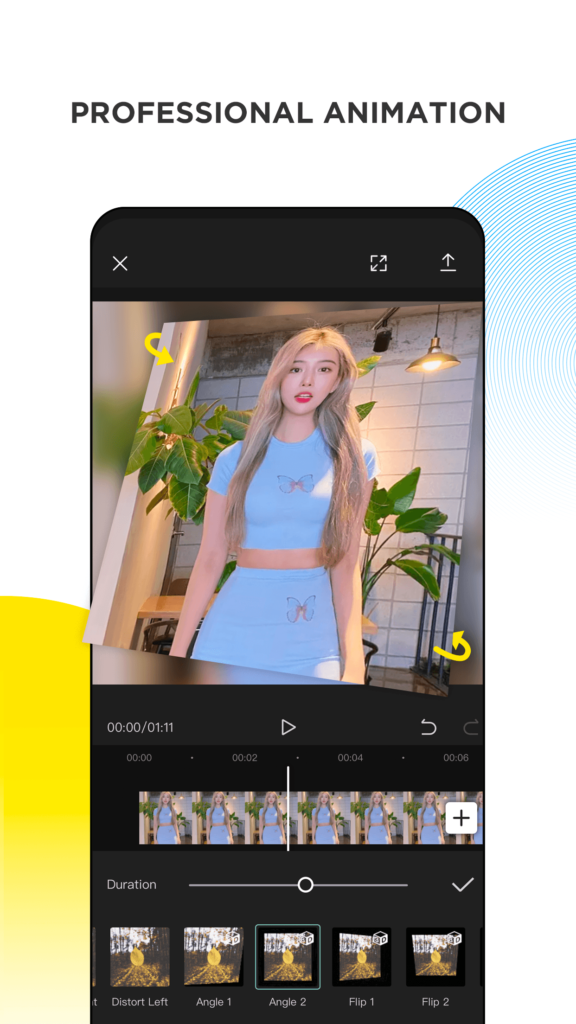
CapCut is a video editor from Bytedance for Android phones and tablets, and it covers the whole short-form workflow: import clips, trim on a timeline, add filters, keyframes, animated stickers, trendy fonts, and licensed music, then export in HD or 4K at vertical aspect ratios. Its template library lets beginners drop their own footage into a finished design, while the Pro workspace unlocks the advanced effects, transitions, and colour tools. This Premium Unlocked MOD APK opens those Pro items, although the build's own notes warn that template and library access can be broken. Editors who also publish audio-led clips, such as a Spotify Music playlist video, can finish the whole piece here.
Key Features
- ✓Non-Destructive Timeline Editing
- ✓Auto Captions and Subtitles
- ✓Pro Effects Unlocked
- ✓Keyframe Animation Control
- ✓HD and 4K Export
- ✓Trending Template Library
- ✓Licensed Music and Sounds
Frequently Asked Questions
Is CapCut MOD APK free to use on Android?
The Play Store version of CapCut is free to download and edit with, while Pro tools and some assets sit behind a subscription. This MOD build is listed as Premium Unlocked with Pro Works enabled, so the paid workspace items are open without a purchase. There is no fee attached to the mod itself, but it is an unofficial repack, so updates, account sync, and support become your own responsibility.
Does the mod remove the export watermark?
The supplied mod info only lists Pro Works plus a broken templates and library section, and it does not document watermark behaviour. On the official app, whether a watermark appears depends on your plan and on which effects you apply. Render a short test clip right after installing to see exactly what gets stamped on your video before you commit to a long edit.
Why are CapCut templates and the library unavailable?
The build's own notes flag Templates and Library as unavailable or broken. Those assets are pulled from CapCut servers and tied to account checks that a patched client often cannot satisfy. Manual editing with the timeline, transitions, filters, and text tools still works. If templates are essential to your workflow, use the official app for those specific projects.
How do auto captions work in the editor?
Import your clip, open the Text menu, choose Auto captions, and pick the spoken language. The editor transcribes the audio and drops timed subtitle layers onto the timeline that you can restyle, retime, or animate. Fix incorrect words directly inside the text track, then drag the timing handles so lines match the audio. Accuracy drops with heavy background noise, music over speech, or strong regional accents.
Which Android version does the app require?
The listing does not state a precise minimum, so check the Play Store page for the version currently required, since Bytedance raises it over time. A 200 MB install also needs free space for your footage, cache, and rendered files. On low-end phones, 4K projects and stacked effects can stutter, so preview at a lower resolution while editing.
Can I export HD or 4K video without a subscription?
Resolution options depend on the version and your plan: basic export is free on the official app, while higher resolutions, certain effects, and cloud storage are Pro. With this Premium Unlocked build, Pro export options are reported as open. Always run a short test export to confirm the resolution, frame rate, and file size you actually get before finishing a full project.
You might also like
4



Comments (1)
Share your experience with CapCut.
One Comment