

ONEWallet - Cards Wallet v2.6.3 Mod APK – Best Download
ONEWallet - Cards Wallet stores loyalty, membership, gift and reward cards on Android and displays their barcodes or QR codes full screen at checkout, with camera scanning, photo import and Wear OS support.

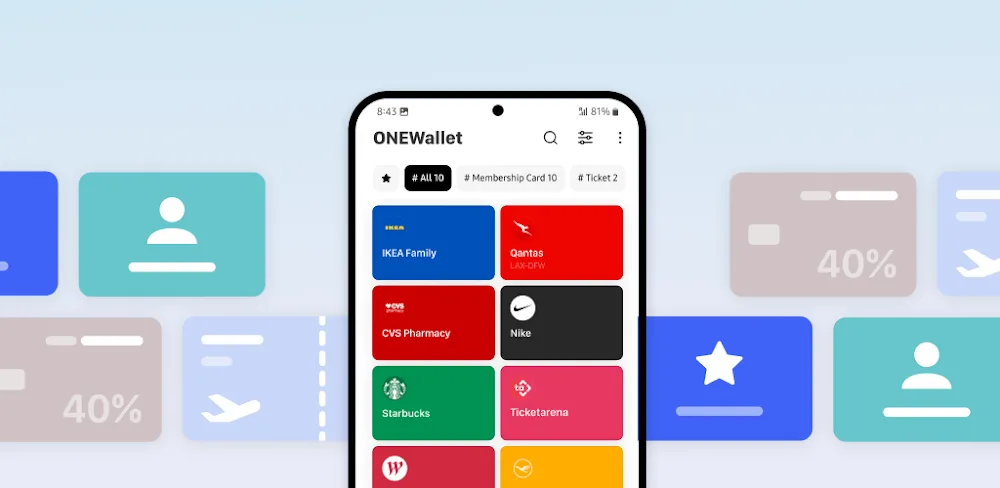
Screenshots
Take a closer look at ONEWallet - Cards Wallet.
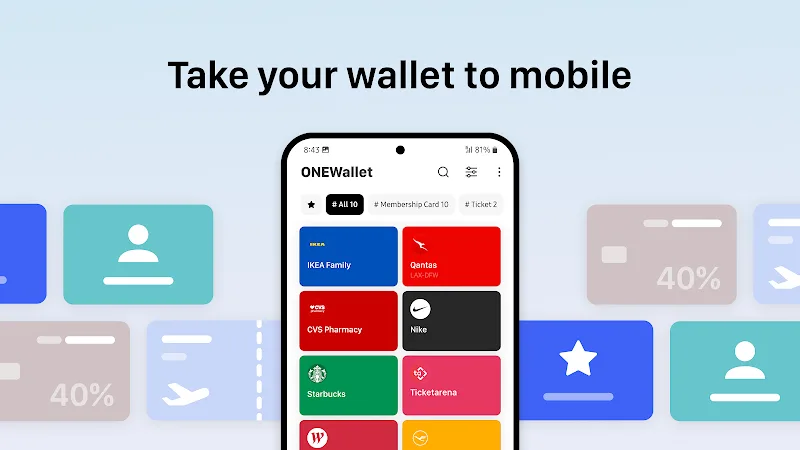
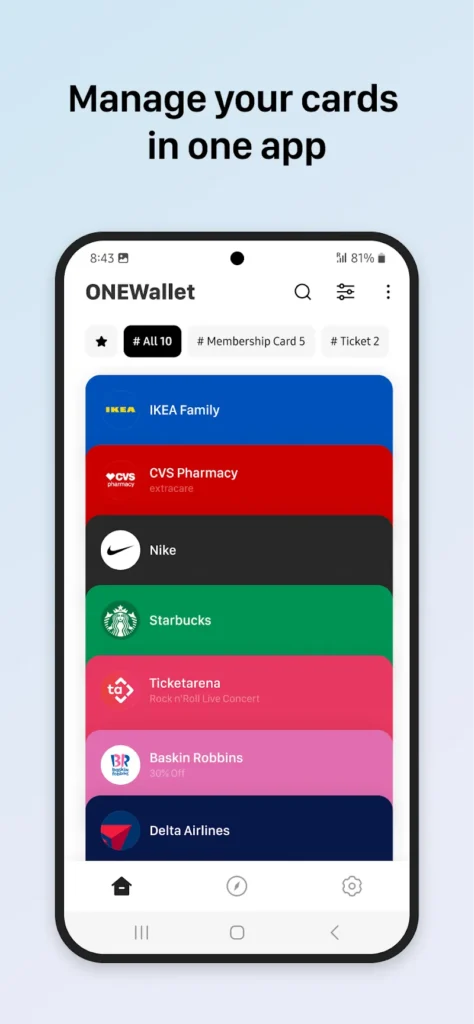
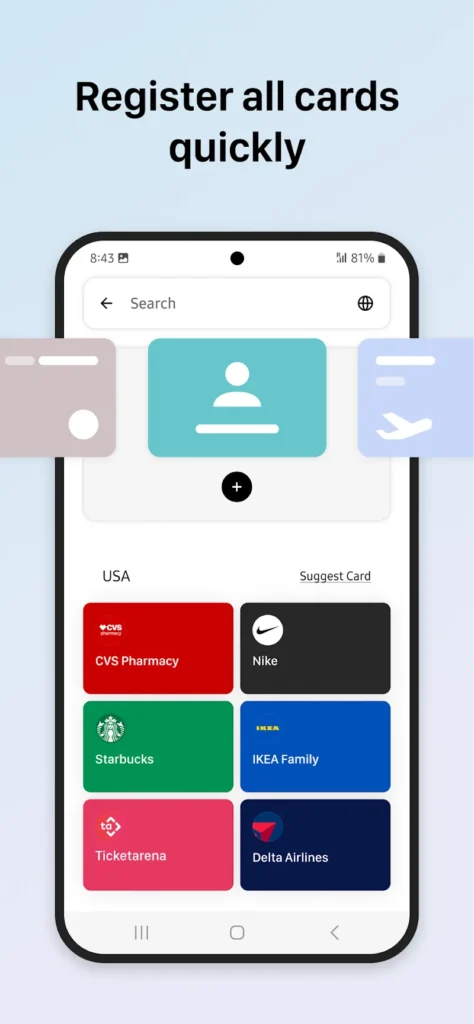
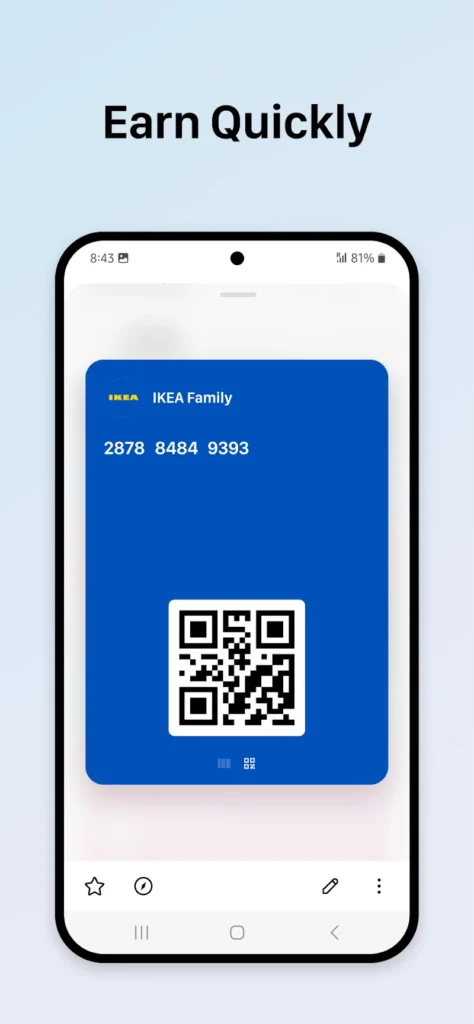
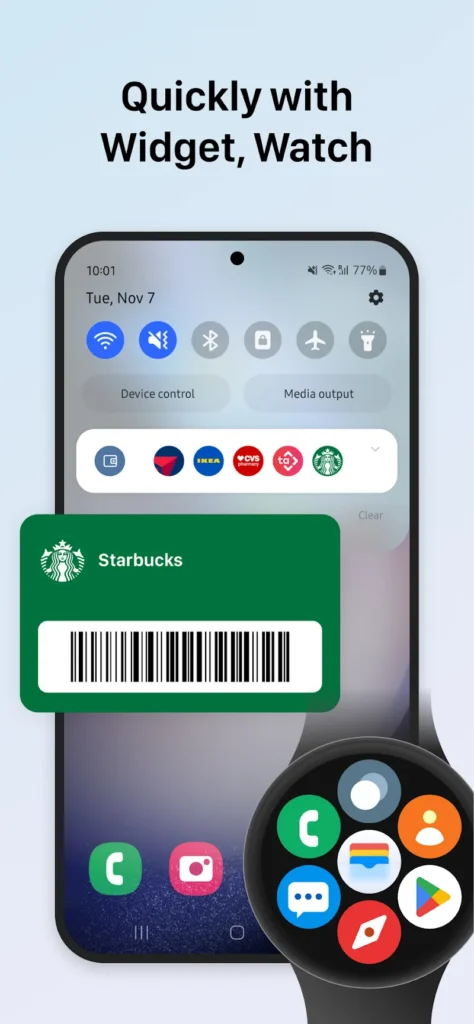
ONEWallet - Cards Wallet Barcode Storage for Android
ONEWallet - Cards Wallet is an Android card holder that replaces plastic loyalty and membership cards with scannable digital copies stored on your phone. You add a card by pointing the camera at its barcode or QR code, or by letting it detect codes in photos, screenshots and PDF files instead of typing them in. Cards are grouped into categories such as Coffee or Gym, and favorite cards can sit in a home screen widget or the notification panel. Full-screen codes make checkout scanning faster than digging through a wallet, and a Wear OS tile puts the same codes on your wrist. Unlike MX Player, it keeps everyday cards ready rather than media.
Key Features
- ✓Barcode and QR Scanner
- ✓Photo and PDF Code Import
- ✓Full-Screen Checkout Code Display
- ✓Home Screen Card Widget
- ✓Wear OS Card Sync
- ✓Fingerprint and PIN Lock
- ✓Google Account Card Backup
Frequently Asked Questions
What is ONEWallet - Cards Wallet used for?
ONEWallet - Cards Wallet keeps loyalty, reward, membership, gift and discount cards on your Android device and shows their barcodes or QR codes when you reach the register. Instead of carrying plastic cards or opening individual store apps, you save each code once and open it full screen at checkout, from a home screen widget, the notification panel, a Quick Settings tile or a paired watch.
How do I add a card to the app?
You point the camera at the barcode or QR code, or import codes that already exist inside photos, screenshots and PDF files, and Smart Scan reads card details from an image. You can also choose from popular card brands organized by country, or type the card number, note and expiration date manually.
Does it work without an internet connection?
Yes. Card data is stored on your device by default and no account is required, so saved barcodes and QR codes stay available offline while you shop, travel or check in. An optional Google Account backup can restore your cards when you move to a new phone.
Does it support Wear OS smartwatches?
Cards can sync to a compatible Wear OS watch, and you can add the ONEWallet Tile or start Quick Scan directly from your wrist. That puts a loyalty or membership code on the watch face level without taking the phone out of your pocket, which is useful at gyms, coffee counters and ticket gates.
Is ONEWallet - Cards Wallet free?
The official Google Play listing is free to download and is supported by ads, with optional in-app purchases for extra features. Modified Premium Unlocked builds also circulate on third-party APK sites; those packages are not published by the developer, so their contents and integrity cannot be verified.
Can it replace a physical wallet or make payments?
No. It stores loyalty cards, membership cards, gift cards, coupons, vouchers, tickets and boarding passes, but the developer states the app does not support payments, NFC tap-to-pay or live reward-balance syncing. It gives you the right barcode at the counter, not the payment itself.
How private is my card data?
Cards stay on your device by default, no account is needed to start, and you can lock the app with a fingerprint or PIN. The Google Play data safety section declares no data sharing with third parties and encryption in transit, and optional Google Account backup lets you restore saved cards on a new device.
You might also like
6





Comments (1)
Share your experience with ONEWallet - Cards Wallet.
One Comment