
FaceApp v11.5.1 Mod APK – Best Download
FaceApp is a photorealistic selfie editor for Android that applies neural-network filters in one tap, covering age changes, gender swap, hairstyles, makeup, and skin retouching.


Screenshots
Take a closer look at FaceApp.
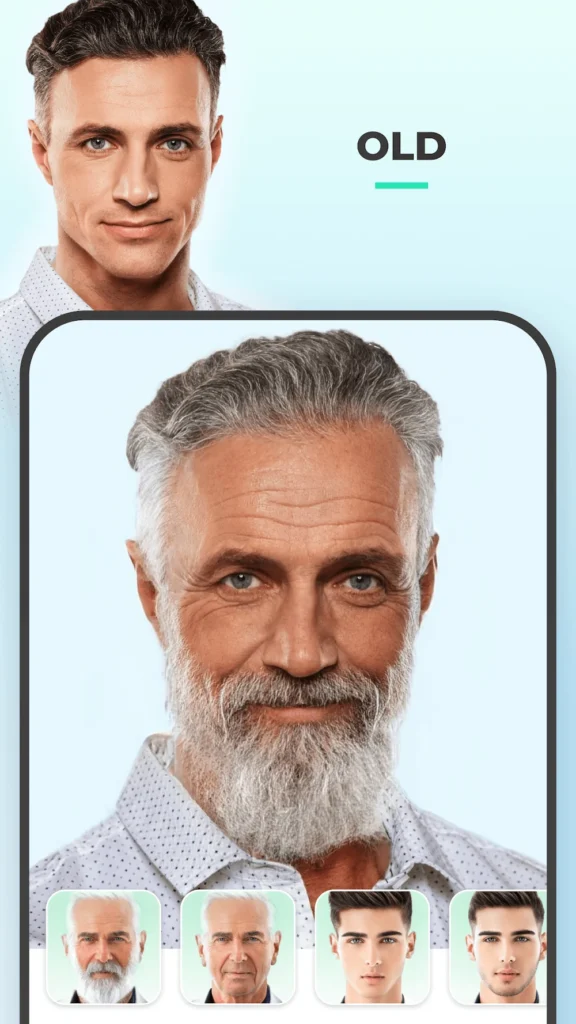
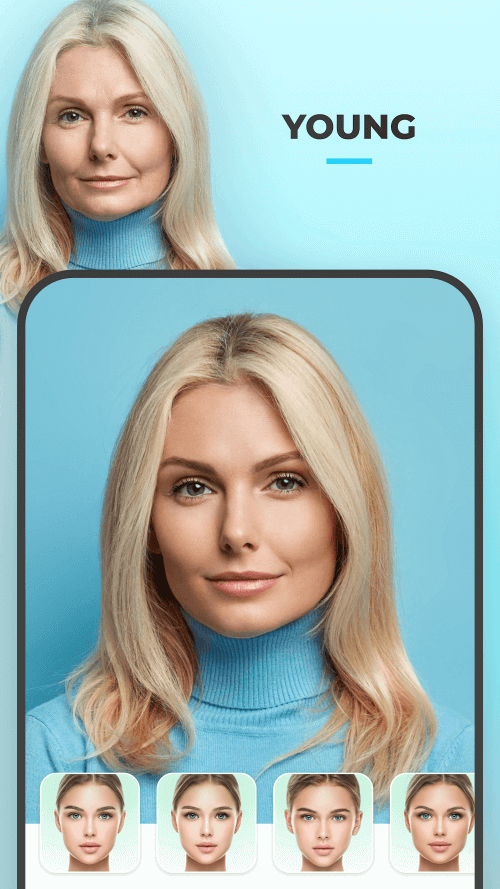
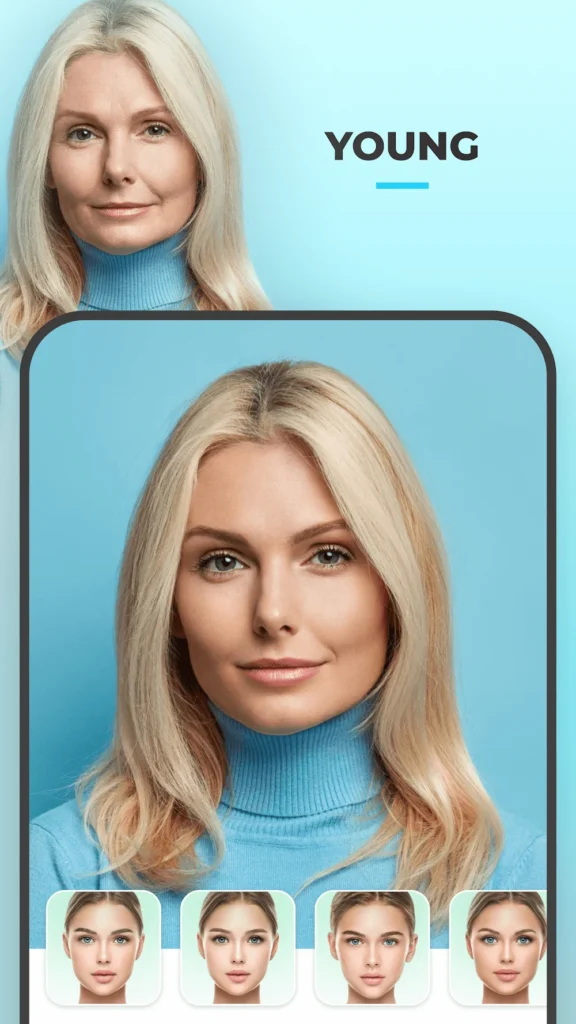
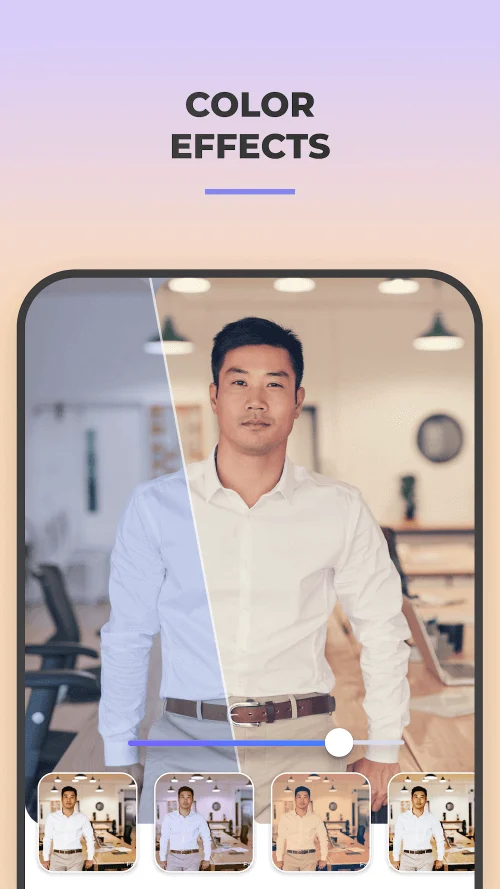
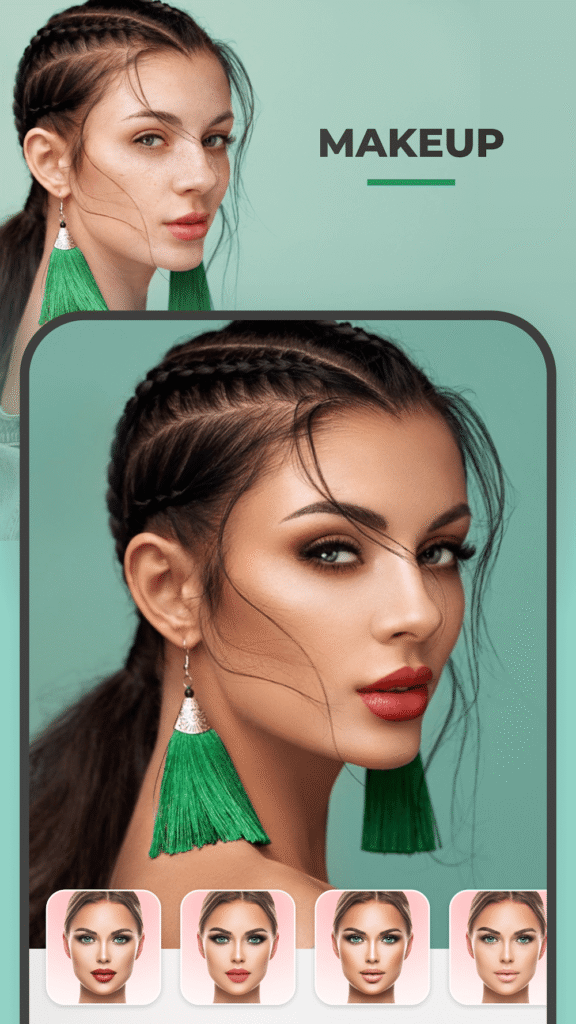
FaceApp: One-Tap Photorealistic Selfie Editing
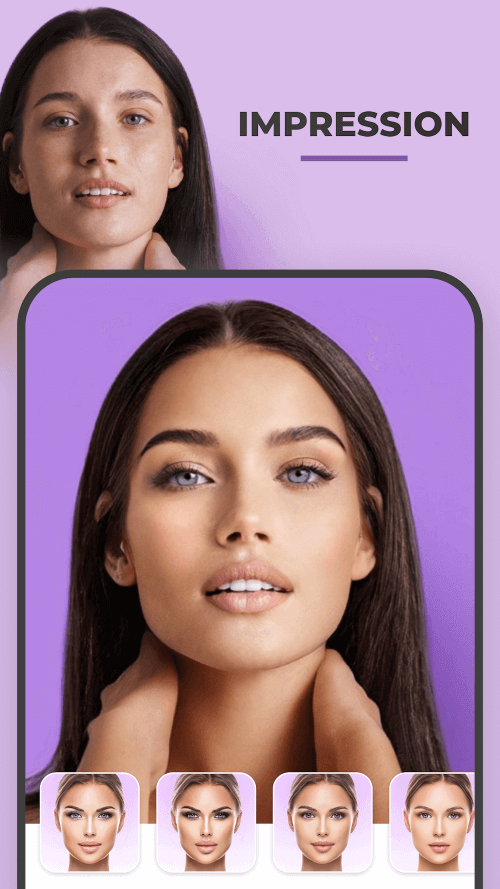
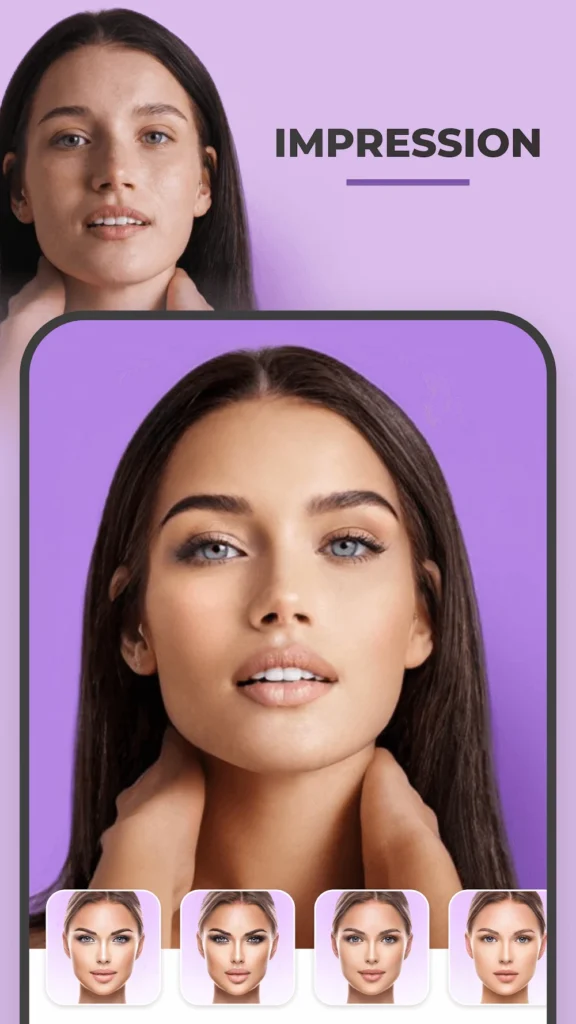
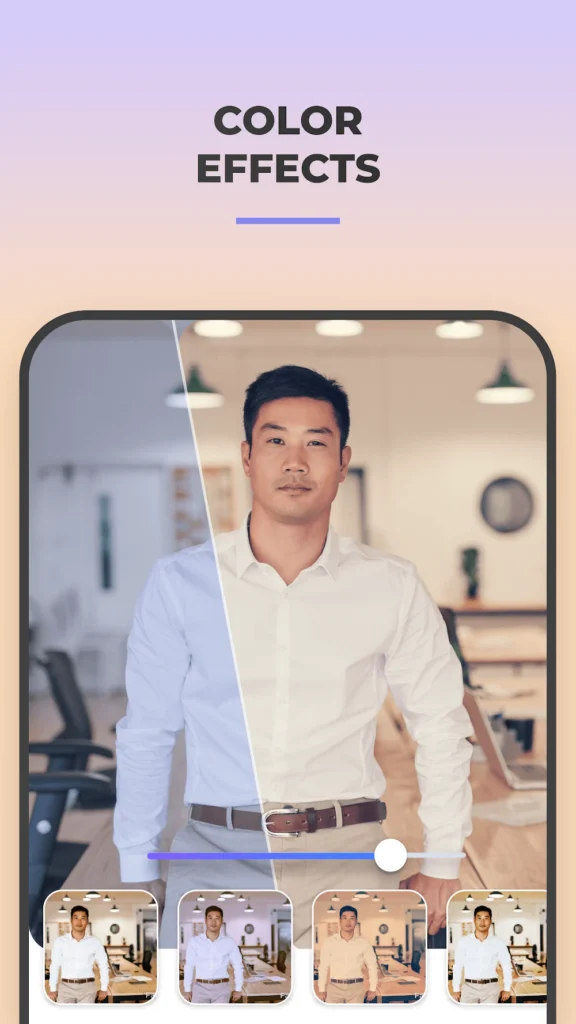
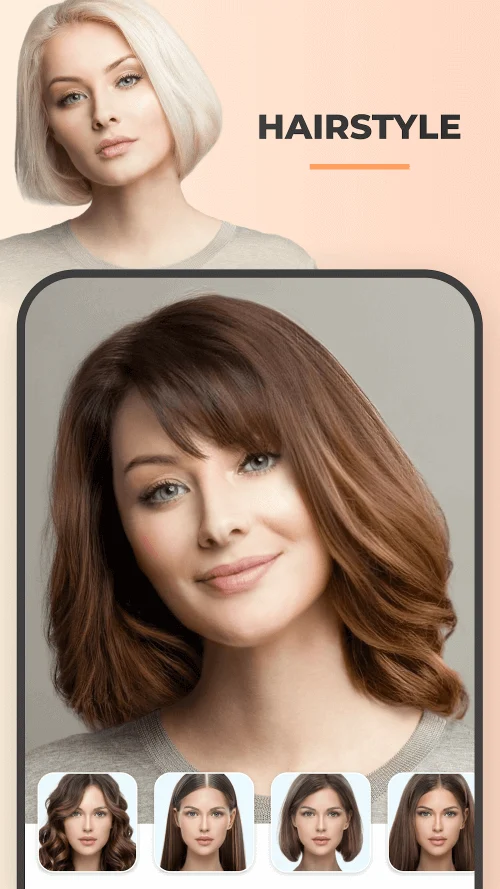
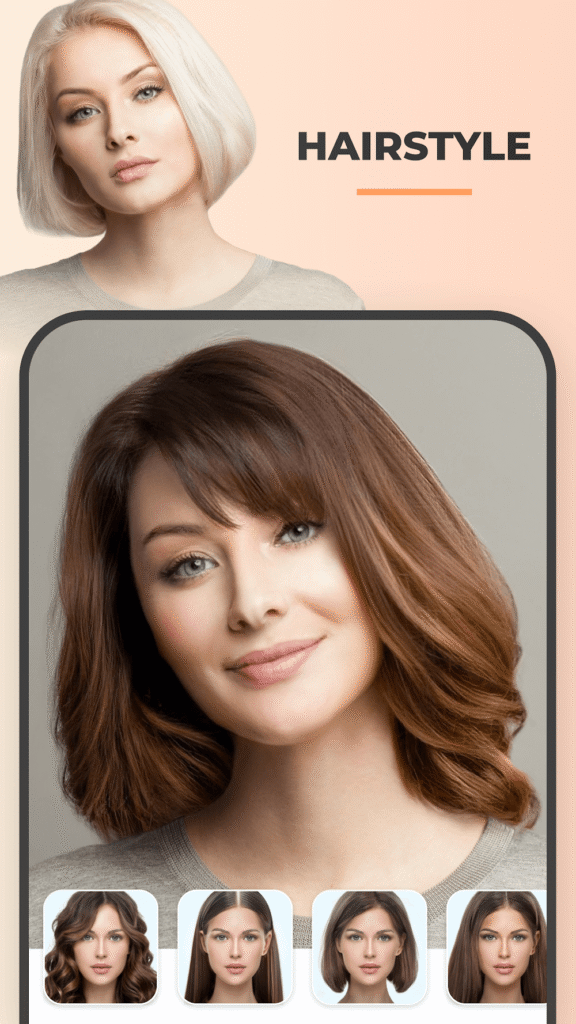
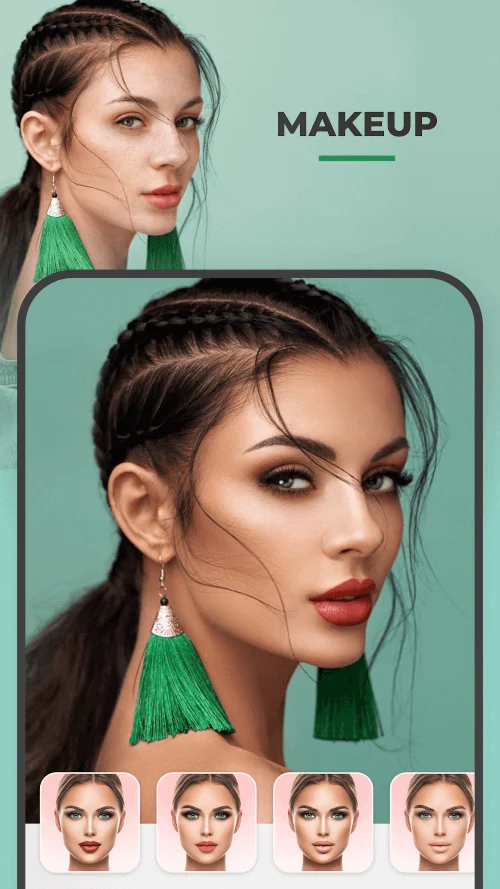
FaceApp is a photo editor built around one-tap transformations of faces rather than manual retouching. Pick a selfie, choose a filter, and the app returns a photorealistic result: an older or younger version of you, a swapped gender, a beard, a different hairstyle, or a smoother complexion. It ships with more than sixty effects arranged by purpose, from serious portrait improvements such as blemish removal and feature adjustment to playful aging and impression filters. A compare control shows the original beside the edit at every step, and finished images export straight to social apps. Like Top War: Battle Game, it is designed to be opened, used in a minute, and closed.
Key Features
- ✓One-Tap Face Filters
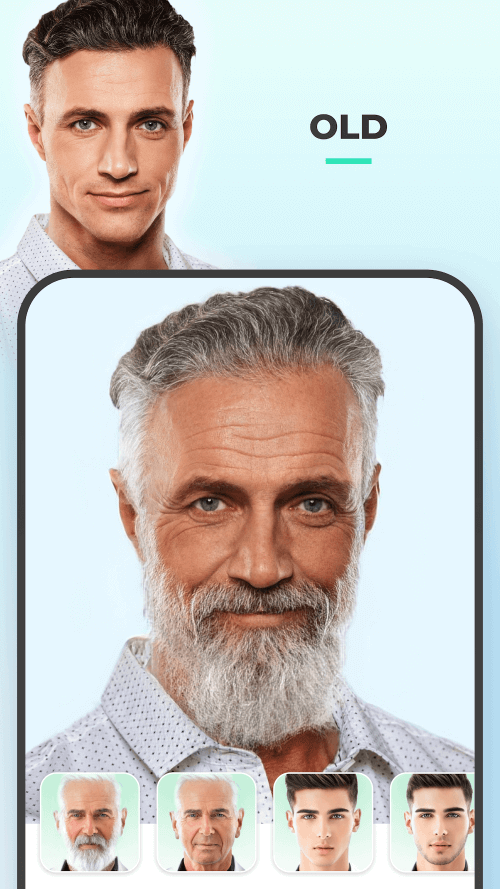
- ✓Old and Young Aging
- ✓Gender Swap Effects
- ✓Hairstyle and Hair Color
- ✓Makeup and Impression Filters
- ✓Skin Retouching Tools
- ✓Before and After Compare
Frequently Asked Questions
What is FaceApp?
It is a photo editing app that specialises in faces, using neural network models to apply dramatic but photorealistic changes in a single tap. Rather than layering brushes and masks, you pick an effect such as Old, Gender Swap, or a hairstyle, and the app produces the edited portrait for you.
Is FaceApp free to use?
The app is free to install and a handful of effects can be tried without paying, but most filters sit behind a subscription or a free trial that renews. The build described on this page is a modified APK in which the paid restrictions are lifted, so it behaves differently from the version distributed by the developer.
Does FaceApp work offline?
No. The filters run on remote servers rather than on the phone, which is why results stay convincing without demanding a powerful device. Every edit needs a working connection, and because processing is remote, the photo is uploaded before the edited version comes back to your gallery.
How realistic are the aging filters?
The Old and Young effects are the app's best known feature and usually produce convincing results, adding or removing wrinkles, adjusting skin texture, and shifting hair colour. They are an artistic estimate rather than a prediction, and the Young effect in particular tends to look softer and less precise than the older-age versions.
What happens to my photos when I upload them?
Images are sent to FaceApp's servers for processing, so the app's privacy policy is worth reading before you edit anything sensitive. The listing indicates data is encrypted in transit and that deletion can be requested, but as with any cloud editor, the safest approach is to avoid uploading pictures you would not want stored elsewhere.
Does editing change my original photo?
No. Edits are saved as separate images, so the picture sitting in your gallery is left alone and you can compare results side by side before deciding whether to keep them. The compare control does exactly that, showing the untouched original next to the processed version at every stage.
Can I undo an effect or try another?
Yes. Because nothing is written over the source file, you can simply apply a different filter to the same photo, or step back and pick another variant of the one you were using. Effects stack in some cases too, so a hairstyle change, makeup, and a skin adjustment can be combined on a single portrait.
You might also like
6





Comments (1)
Share your experience with FaceApp.
One Comment